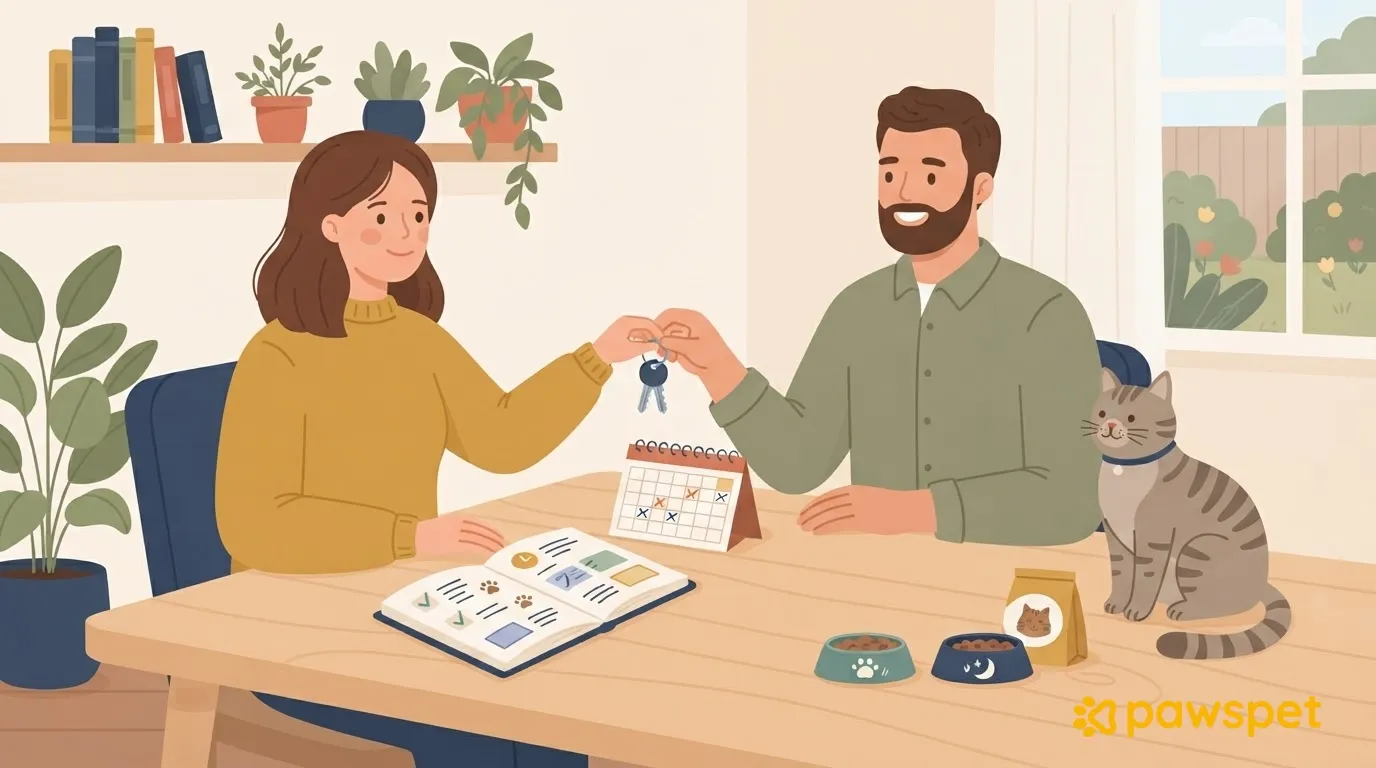
To coordinate cat visits shared among several people, you need one coordinator, a calendar with a primary and a backup for every day, portions prepared in advance, one place for notes, and clear rules for the keys.
Keep visit frequency as already decided for your cat, possibly with your veterinarian: this is about organizing coverage, not deciding how many visits are needed.
One coordinator and a calendar with no gaps
One coordinator keeps the calendar up to date, receives notes, and makes decisions when there is any doubt, consulting the veterinarian when needed. This can be you from afar or the person who lives closest: the important thing is to avoid conflicting decisions.
In the “Who’s visiting” column, enter the primary visitor. Add a row for every planned visit, repeating the day if necessary, and complete the table for your entire time away.
| Day | Who’s visiting | Backup | Approximate time | Who has the keys at the end of the day |
|---|---|---|---|---|
| [Day 1] | Person A | Person B | [Time] | Person A |
| [Day 2] | Person B | Person C | [Time] | Person B |
| [Day 3] | Person C | Person A | [Time] | Person C |
- The primary visitor confirms their turn the day before; without confirmation, the coordinator contacts the backup.
- Any change must be communicated to the coordinator, who updates the table and informs everyone.
- The backup knows in advance that they are on standby and confirms when asked to replace the primary visitor.
- Make sure the last day is covered until you are actually home.
Portions and supplies: no skipped or duplicate meals
Prepare portions using the amounts your cat already eats, dividing them by day into labeled containers or bags. If there are multiple meals, also indicate which visit each portion is for. Alternatively, leave a “Give today…” checklist to tick off immediately after serving the meal.
Before giving food, visitors check the previous note; if it is unclear, they ask the coordinator before deciding.
Keep spare food, litter, and bags in one place. Set a minimum level for each supply: once it reaches that limit, the visitor lets the coordinator know without waiting for it to run out.
If your cat is on a prescribed treatment, have one person at a time administer it, record each dose, and follow the veterinarian’s instructions.
The note for each visit
Leave a notebook near the bowls. Visitors read the latest note before starting, write a new one before leaving, and message the coordinator after each visit. Agree on this template and copy it:
- Day and time: […]
- Food: [all/some/none] of the portion eaten; portion served now […]
- Water: condition and refill […]
- Litter box: cleaned [yes/no]; found […]
- Cat seen: [yes/no]
- Anything unusual: […]
If anything is out of the ordinary, notify the coordinator right away: don’t wait until the next visit.
Keys and the front door
Count the key copies and note who has them. Decide who hands them to whom and when; don’t leave this arrangement until the day of the changeover.
Hand over the keys in person or by the agreed method. Whoever receives them confirms this to the coordinator by message: the final calendar column should show who actually has them.
Don’t hide keys outside or attach them to the address. Share any alarm codes privately.
Agree on the same rule for everyone: enter and lock up again right away; check where the cat is before leaving. Collect all the key copies at the end of your trip.
If you use PawsPet: notes on the cat’s profile
If everyone has an account in the PawsPet app for owners, you can use the cat’s profile as a shared log instead of a notebook. Open it and follow ⋮ » «Collaboratori» » «Aggiungi collaboratore». Search for each person by name or email, entering at least 4 characters: you’ll only find existing PawsPet accounts.
Choose permissions for each area before confirming. The new collaborator starts with «Visualizza» on «Salute» preselected: check whether you want to keep this setting. They’ll find the cat under «Animali» » «Condivisi con me».
With «Modifica» on «Attività», they can record new activities using the + button in the cat’s “Activities” tab. For each visit, they can fill in «Note» using the template, choose the type «Generale» » «Alimentazione e forniture» or «Appuntamenti» » «Pet sitting e passeggiata», and save it. If you aren’t the coordinator, grant them at least “View” access to “Activities.”
Collaborators can’t see documents uploaded to “Registry.” Access doesn’t expire automatically: when you return, remove anyone you invited for the visits from the same “Collaborators” screen. If someone doesn’t use the app, a notebook and a message are enough.
To keep notes from getting scattered across different chats, invite visitors to PawsPet as collaborators with area-specific permissions and collect their notes on the cat’s profile.
The final handoff
Whoever makes the last visit leaves the final note and keeps the keys until you are actually home. Prepare the calendar today and send it to everyone in the group.