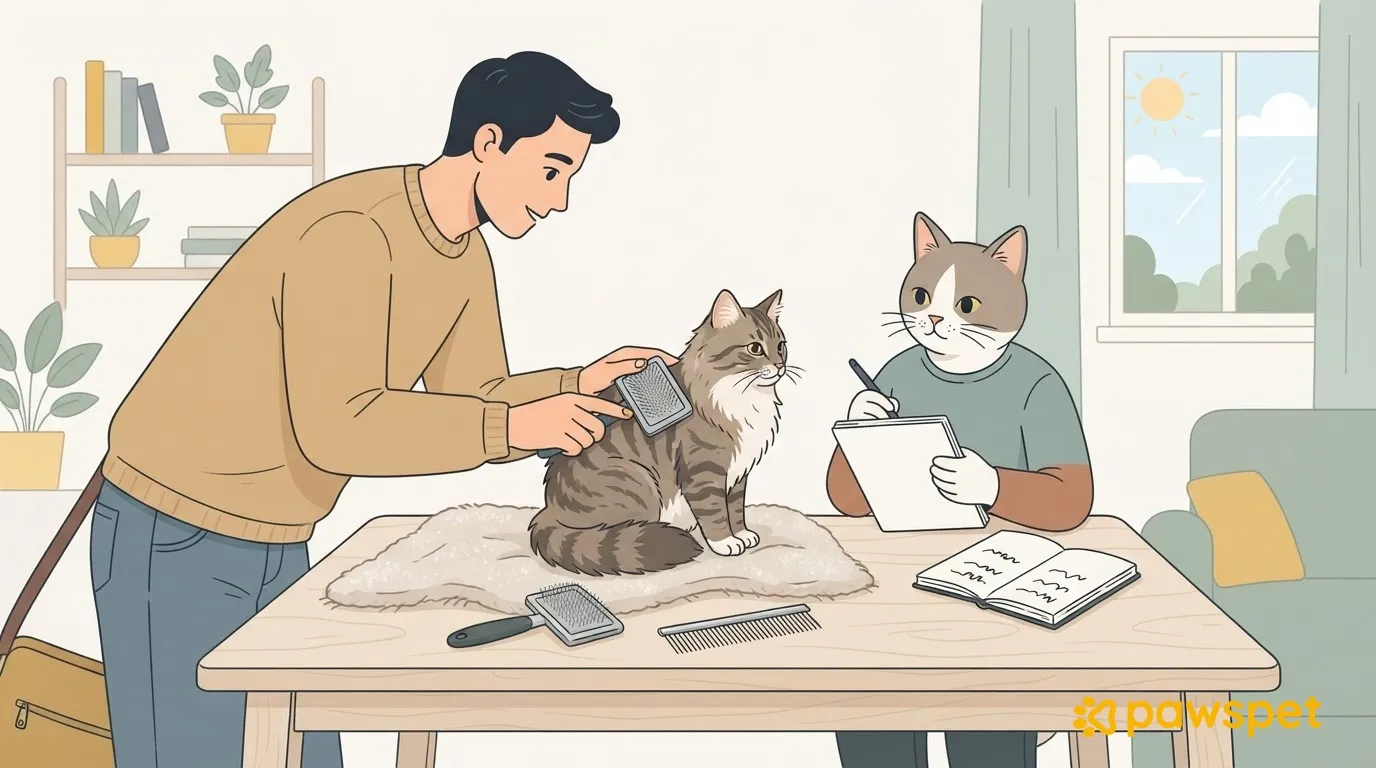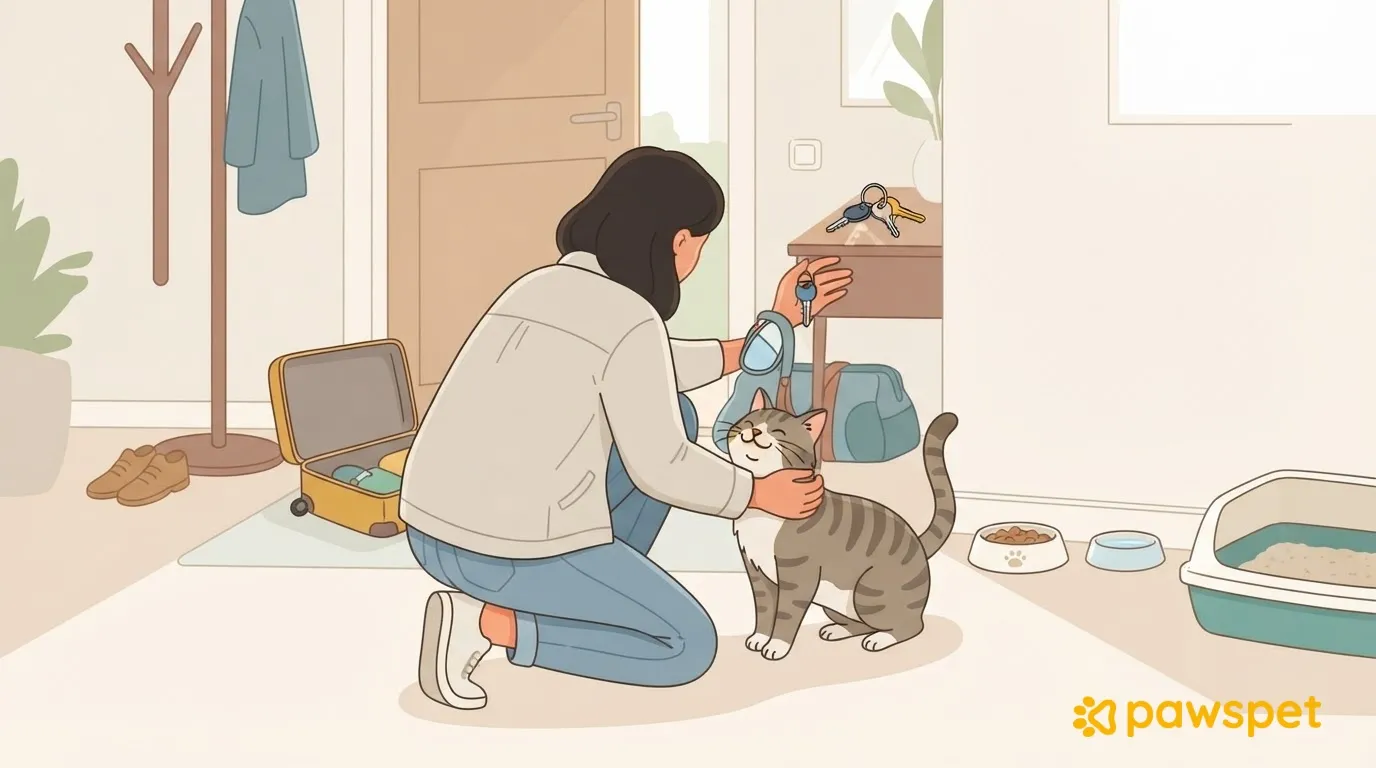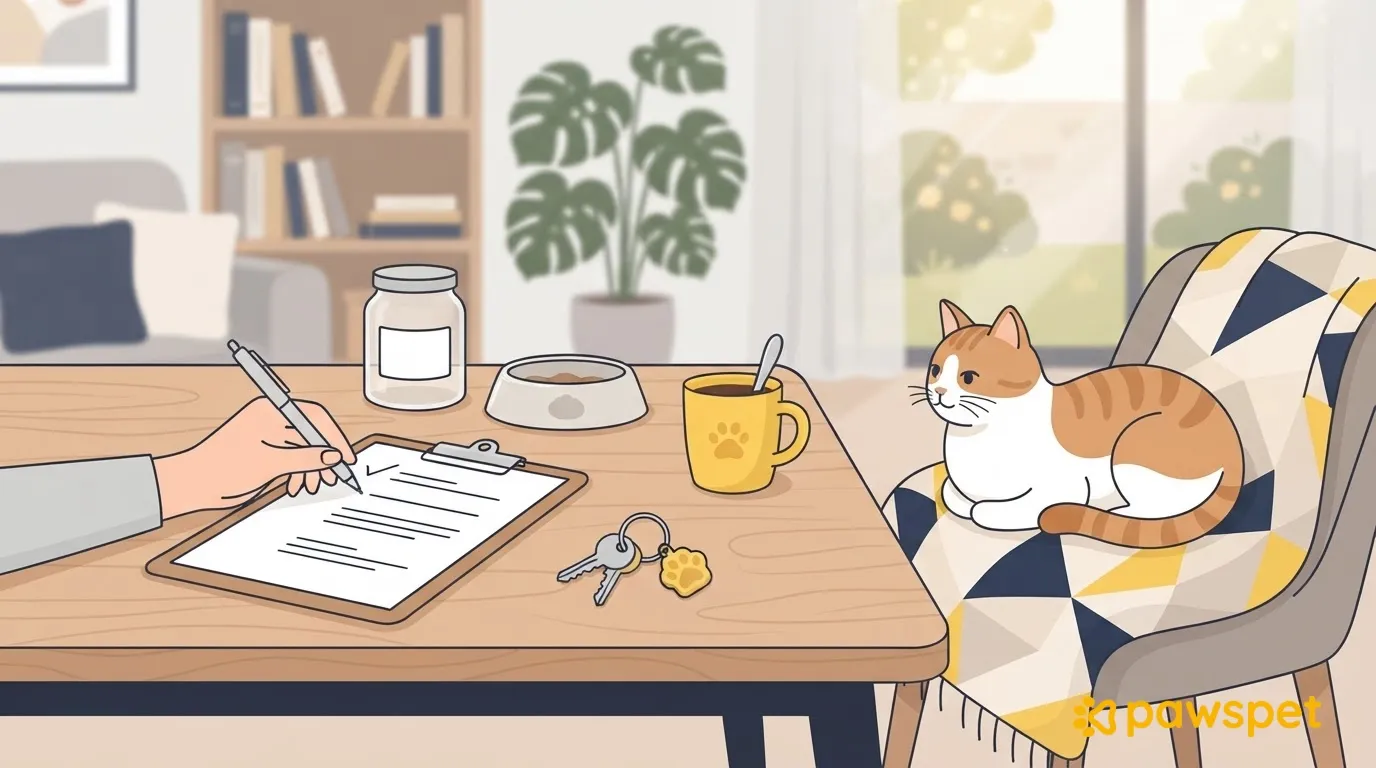
A good care instruction sheet fits on one or two pages and is written for someone who doesn’t know your cat. It describes what’s normal for them, so the person coming into your home can notice when something isn’t. Set aside an hour to organize information about your cat, their routine, your home, their health, and contacts. You don’t need to tell them everything: you need instructions that are easy to find.
Who your cat is: appearance, personality, and hiding places
- Name, recent photo, and distinctive markings: help identify your cat and describe them clearly.
- Microchip, if present: include the number as an identifying reference.
- Reaction to strangers: write whether your cat approaches, hides, or hisses, so the sitter can tell usual behavior from a change.
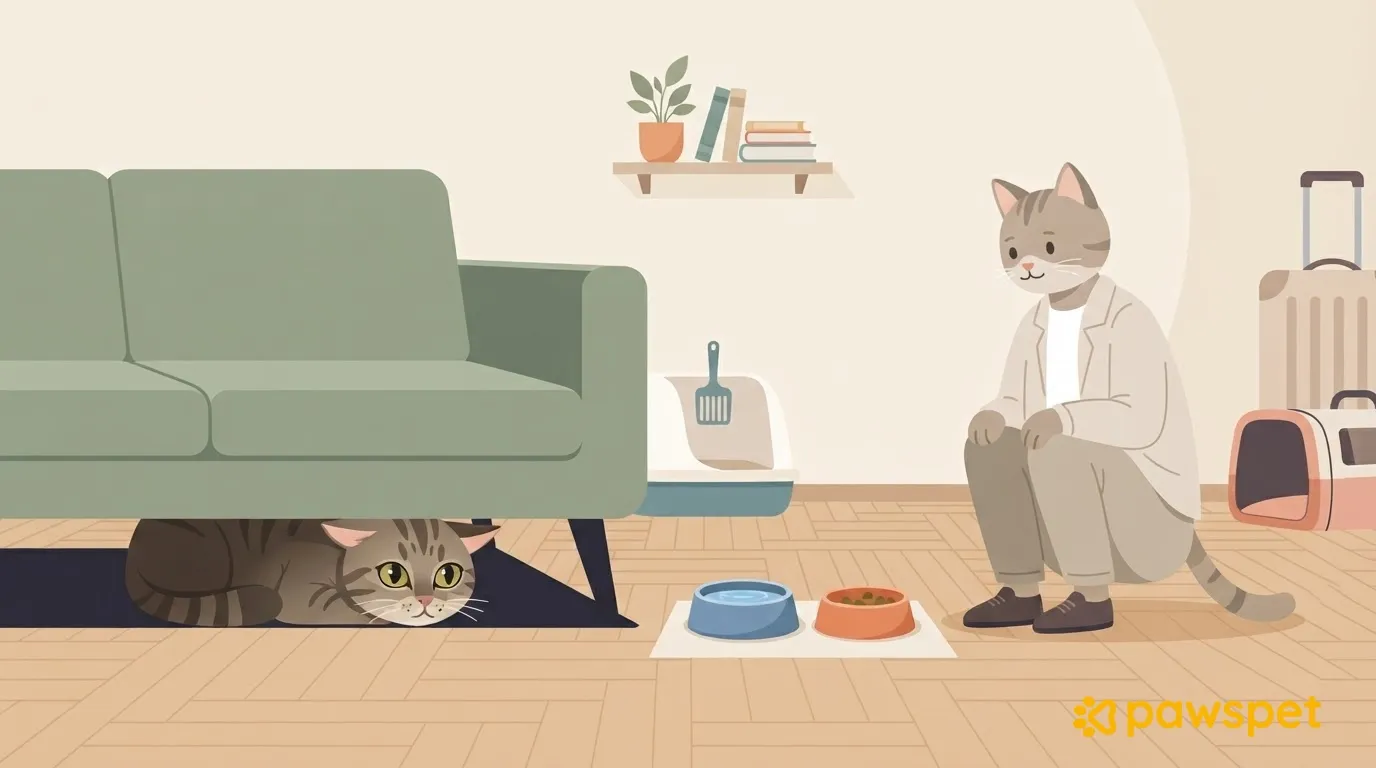
- Usual hiding places: list them by room, so the person coming in knows where to look.
If your cat doesn’t come out, calmly look in the places you listed without forcing them to come out.
The routine to keep unchanged: food, water, and litter
Avoid phrases like “the usual”: write down amounts and steps so someone else can repeat them.
- Food: type or brand, the amount you already give, number of meals, and usual times. Indicate where the bowls, measuring scoop, and supplies are.
- Water: location of the bowls or fountain, and instructions for cleaning and refilling, according to your routine.
- Litter: number and location of litter boxes, what to remove, and how to clean them at each visit. Indicate where the litter, scoop, and bags are.
No new foods, leftovers, or treats that are different from the usual. For amounts and frequency, write down what you already do; if you’re unsure, check with your veterinarian before you leave.
Home: doors, windows, and carrier
Describe how to come in and leave: check where the cat is, open only what’s necessary, and close it again right away. Indicate which rooms should be left open or closed and which windows and balcony access points must stay closed.
Write down where the carrier is and how it opens. In summer, specify which blinds to lower to block the sun, without leaving the specified windows open, and where the extra water bowls are.
Don’t write alarm codes or the location of spare keys on the sheet where they can be seen: share them verbally or privately.
Health and contacts
Copy existing prescriptions exactly as directed by the veterinarian: what to give, when, and how. Add any known allergies or intolerances.
List contacts in this order so they’re easy to find:
- You: the best number to reach you.
- Backup keyholder: name and phone number.
- Regular veterinarian: name, phone number, and hours.
- Nearby emergency veterinary clinic: phone number and address, to be checked before you leave.
Write down what to report right away:
- Not eating or not using the litter box as usual.
- Straining or difficulty urinating.
- Repeated vomiting or labored breathing.
- Injuries or limping.
For health concerns, follow “When in doubt, call the veterinarian first, then me”: the person caring for your cat shouldn’t wait for your reply before asking for help.
Where to keep it and how to share it
Leave a paper copy somewhere visible, for example near the bowls, and send a digital copy to keep on the sitter’s phone.
In the PawsPet app, open your cat’s profile from “Animals” and, under “Health,” update the entries in the “Diet, therapies, and treatments” and “Allergies and intolerances” sections.
From your cat’s profile, go to ⋮ » “Sharing”, enable the public read-only link, and use “Copy” or “Share.” The sitter can open it in any browser, without an app or account. If available, it shows your cat’s photo, name, breed, sex, date of birth, weight, microchip, color, and location; the health summary includes diets and treatments, allergies with severity, vaccines with status, illnesses, and injuries.
Anyone with the link can also see the microchip and location, if entered: send it only to the person caring for your cat. Turning off sharing makes the link stop working; turning it back on restores it with the same code, which you can’t regenerate.
If the sitter already has a PawsPet account, you can instead go to ⋮ » “Collaborators” » “Add collaborator” and search by name or email, typing at least four characters. “View” permission for “Health” is preselected; the collaborator can find your cat under “Animals” » “Shared with me.” Access doesn’t expire: it stays active until you remove them.
Leave paper health records or passports in a known place at home: uploaded documents aren’t visible through the link or to collaborators. To give the sitter up-to-date health information without relying on an outdated copy, use the read-only link or invite a collaborator in PawsPet.
Before you leave: review it together
Arrange to meet at home and review the sheet there: bowls, litter box, carrier, hiding places, and doors. Clarify anything that isn’t clear and check the contact details.
Then print the sheet and send the digital copy by the day before you leave: the sitter will have time to ask you any last questions.