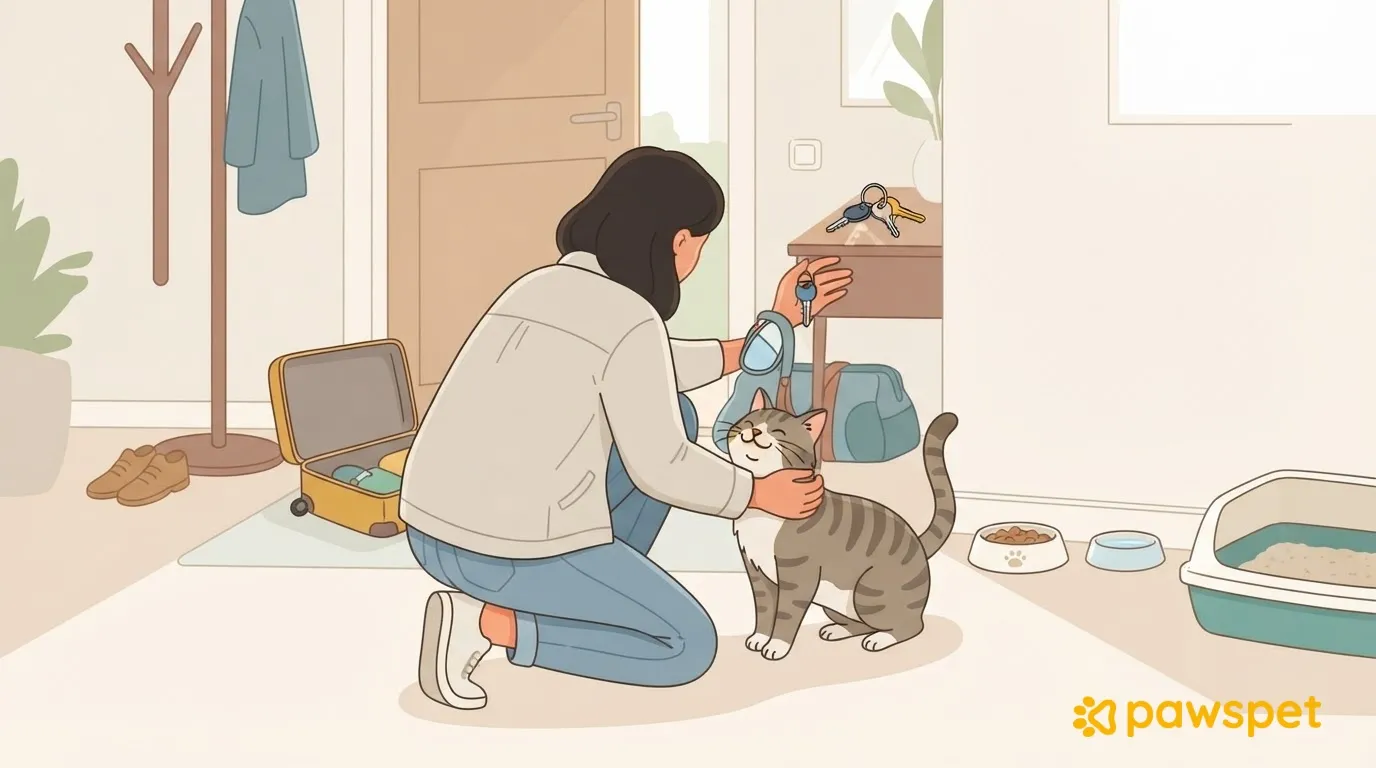
Whether you’re returning from vacation or a work trip, coming home is the final handoff when someone else has been looking after your cat, and it’s best to do it in order. Keep the last visit scheduled until you’re home, and ask for a final update. As soon as you get in, quickly check the home and your cat, then return to the usual schedule. Later, talk with the person who cared for your cat and close out keys and access by the evening you return.
Before you arrive: the last visit and final update
Don’t cancel the last visit until you’re actually home: if your return trip is delayed or you miss a connection, someone will still check on your cat. At the end of the visit, ask for a final update covering food and water, the litter box, whether and when your cat was seen, anything unusual, and remaining supplies. That way, you’ll know what to expect when you open the door. Also ask whether anything happened that should be reported to the vet.
As soon as you get in: what to check
- Door: Close it behind you before looking for your cat, so they can’t get out.
- Litter box: Check for urine and stool, and look for anything unusual.
- Bowls and water: Make sure there’s water, and compare the remaining food with the update.
- Signs around the home: Look for signs of vomit or diarrhea.
- Windows and balconies: Check that they’re as you left them.
- Objects: See if anything has fallen or broken.
- Cat: Observe them without forcing interaction. They may come to greet you right away or keep their distance; every cat is different.
If anything doesn’t match the update, ask the person who visited right away while the details are still fresh.
Contact your vet if your cat isn’t eating or using the litter box as usual, strains to urinate, vomits repeatedly, has labored breathing or any wounds, or seems very lethargic. Don’t wait in these cases; if in doubt, ask your vet anyway.
If the person who cared for your cat reported an incident, such as vomiting or a day with less appetite, note it with the date: on PawsPet, you can add an “Other” entry with notes from your cat’s “Health” profile (the “+” button), or add an update to an existing entry’s details (“Updates” » “New”), so you can find it when you talk with your vet.
Getting back to the routine
After a period away, return to the usual times for meals, play, and litter box cleaning: your cat can get back to their habits, and you’ll quickly notice if anything has changed. If the schedule was different while you were away, for example with fewer meals, go back to the previous one without adding extra portions or treats to make up for it. Offer play at the usual time, but don’t insist if your cat isn’t in the mood. Keep the home calm during the first few days and let your cat seek out contact.
What to ask the person who cared for your cat
A few practical questions are enough, in person or by message:
- What went well?
- Was anything unclear in the handoff notes?
- Were there any unexpected issues?
- How did the cat behave during the visits?
- Which supplies were used?
Update the notes for your next trip right away, while the details are still fresh. If everything went well, ask whether the person is available again in the future. If you agreed on payment outside the app, settle it as agreed.
Closing out keys and access
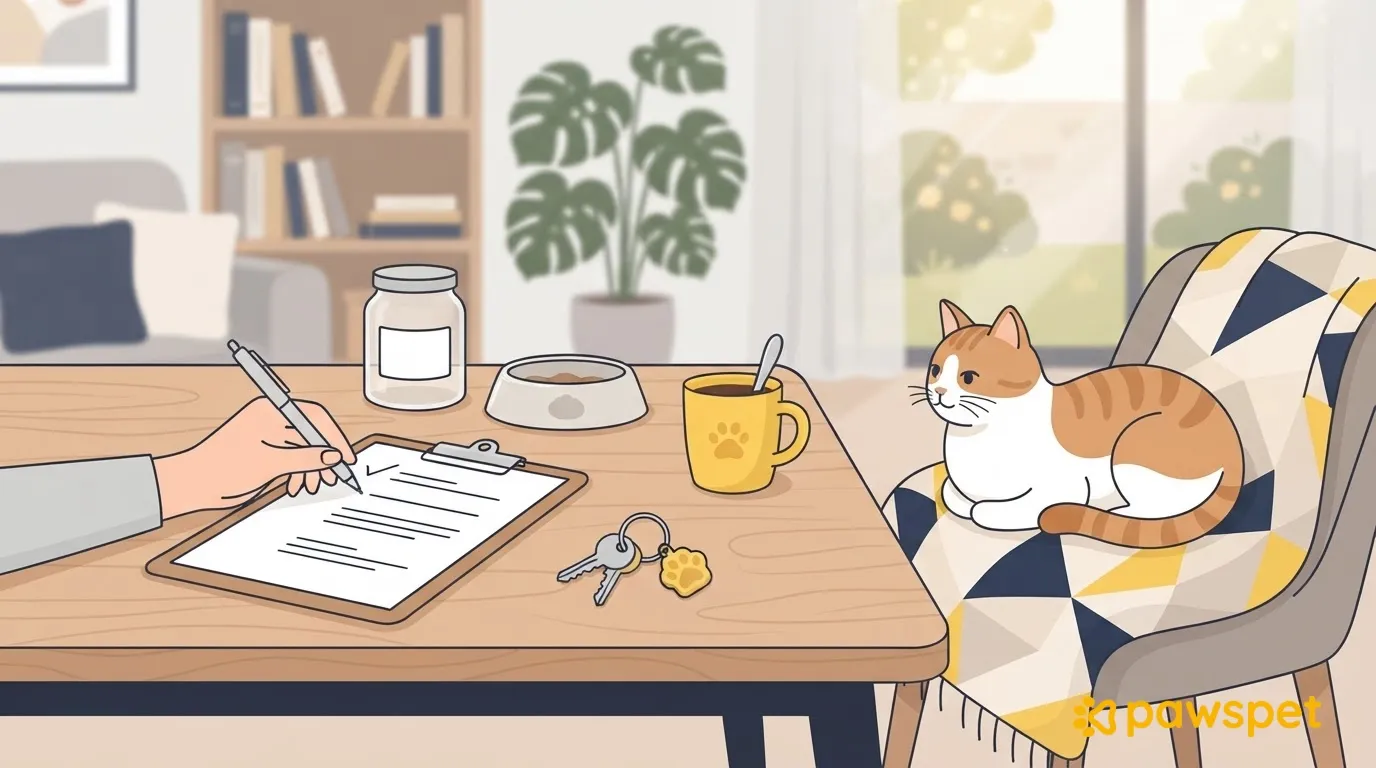
- Retrieve the keys from the cat sitter and anyone else who had a copy, and make a note of who had them.
- Consider changing any shared codes, such as the alarm or lock codes.
Then, if you shared your cat’s profile on PawsPet, revoke any access you no longer need. Collaborators invited via ⋮ » “Collaborators” remain active until you remove them using the removal icon on their row. The public link can be deactivated via ⋮ » “Sharing”: if you reactivate it, old links will work again because the code stays the same and can’t be regenerated, so leave it turned off if you don’t need it. Access a professional receives through an order, however, is time-limited and expires automatically.
If you booked the service on PawsPet, close out the order too: open it from Profile » “Orders placed”. After checking everything on your return, tap “Confirm delivery” (it appears when the order is “In progress” or “Delivered”) and confirm: the order will move to “Completed”. From completion, you have 7 days to “Leave a review”; if you don’t write one before the deadline, the system will add a positive one on your behalf.
By the evening you return, retrieve the keys, close out access, and update the notes. From that point on, the arrangement is truly over.