In a home with two or three dogs and several people on different schedules, three choices help prevent duplicate meals and missed walks: organize by dog rather than by task, assign an owner and a backup to each fixed time of day, and use one shared place to record what’s been done and what you’ve noticed. The rest is about keeping the shared routine simple enough to hold up even when schedules change.
Why duplicate meals and missed walks happen
It’s rarely anyone’s fault: usually, there’s no system. Common causes include:
- Tasks organized for the household, not for each dog. “Who’s taking the dogs out?” doesn’t say which dog has already been out or what each one needs.
- No one assigned. If anyone can take care of it, everyone assumes someone else has already done it.
- Updates scattered around. A spoken “done” or a message in one of several chats doesn’t reach the next person.
- No shared rules for treats and table scraps. Everyone gives a little, and no one keeps track.
- Changing routines. On weekends and holidays, schedules slip and no one updates the plan.
Organize by dog, not by task
Instead of a household task list (“meals,” “walks,” “treats”), write a brief profile for each dog that even someone who doesn’t know them well can understand. Four items are enough:
- Meals: when the dog eats and who prepares the food.
- Walks: what kind they need, with the other dogs or alone.
- Known restrictions: foods to avoid as advised by the vet, and whether a separate meal is needed.
- Signs to report right away: what others need to know without waiting until evening.
Health decisions remain with the vet: write down only their instructions, not assumptions.
If the dogs are already in the PawsPet app, the owner can give family members access to each dog’s profile: open “Collaborators” from the profile’s ⋮ menu, then choose “Add collaborator” to invite someone who already has a PawsPet account.
Permissions are selected by area: the new collaborator starts with “View” access to “Health,” so access to “Activities” must be granted explicitly. Access remains until it is removed.
Shifts with an owner and a backup
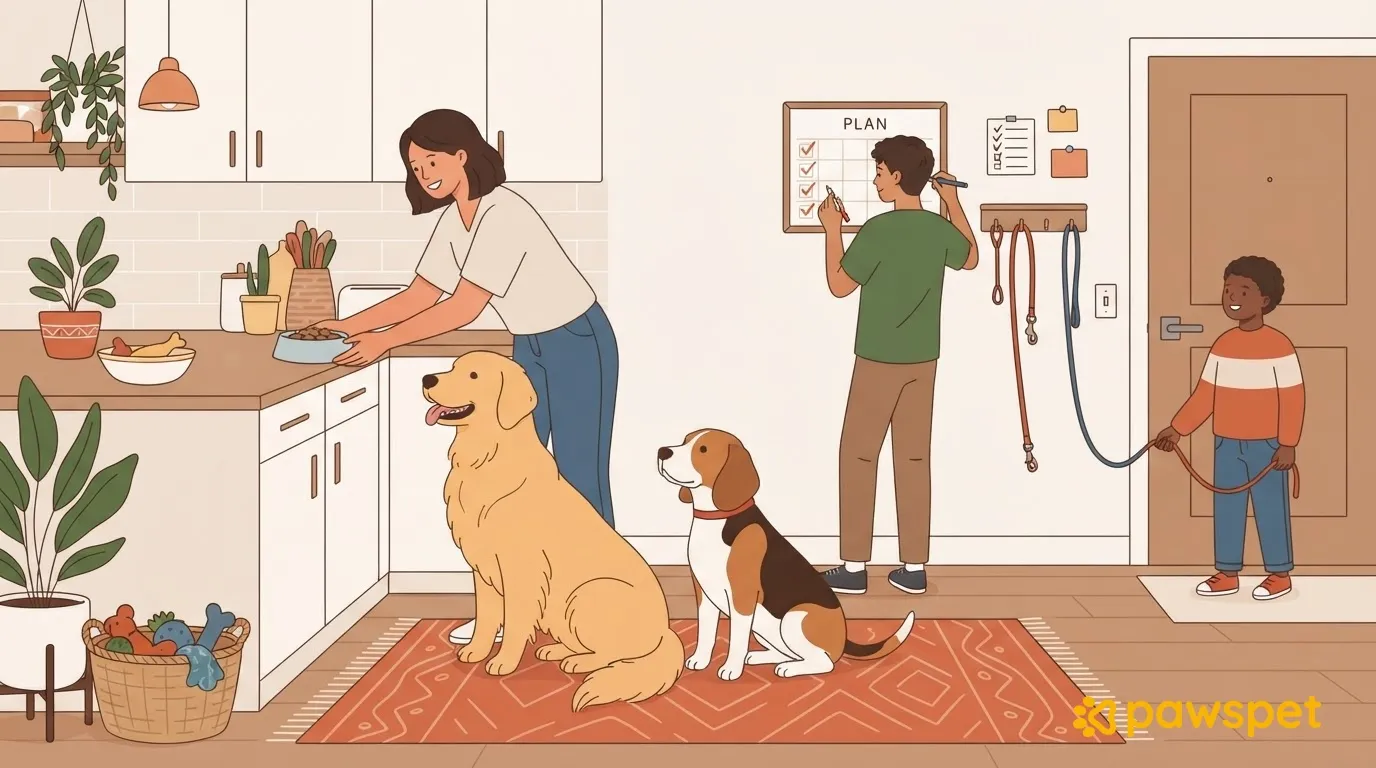
For each fixed time (morning walk, meals, evening walk, individual time with each dog), choose an owner who is responsible for that time and records it, and a backup who takes over if the owner can’t.
Handovers should be announced in advance, not afterward: if the owner knows they can’t make it, they tell the backup before the shift. Follow one rule for treats: only the person on shift gives them, or agree together how to track them for each dog.
Here’s an example to adapt, using made-up names: in your table, each dog should appear at every time that applies to them.
| Dog | What | Owner | Backup |
|---|---|---|---|
| Luna, Birba, and Otto | Morning: walk and meal | Paolo | Giulia |
| Birba | Afternoon: one-on-one time | Giulia | Marta |
| Luna, Birba, and Otto | Evening: dinner and final walk | Marta | Paolo |
Rotate one-on-one time between the dogs so no one is always last.
One place to record what’s been done
Choose one place, as long as it really is just one: a sheet on the fridge or a shared digital tool, not scattered chats.
It works if everyone updates it every time and records two things: what’s been done (meal, walk, treats given) and anything unusual, such as a half-eaten meal, vomiting, limping, or unusual behavior. Write down what you saw without guessing at the cause. If the sign persists or concerns you, tell the vet; if it seems urgent, call them right away.
If your one shared place is the PawsPet app, you can create recurring activities in the “Activities” tab using “Repeat,” for example, an “Feeding and supplies” or “Free play and walks” activity, linked to the dogs and with reminders. Set up one per dog if you want to check them off separately.
Mark each occurrence of a recurring activity as done using the circle, or dismiss it with “Ignore.” The “Pet” and “Status” filters show what remains to be done for each dog, and the Home screen lists today’s activities that still need to be completed under “To do today.” What other family members can do depends on their permissions: check that anyone assigned a shift can mark it complete.
When routines change: holidays, guests, and shift changes
Easter, a long weekend, relatives coming over for lunch, a shift change: routines break down when the house fills up or empties out. Three precautions can help:
- One person responsible for each dog, even during meals and outings: when there are lots of people at home, someone needs to know whether the dog has already eaten and been out.
- A rule for leftovers and sweets: only the person on shift feeds the dogs, and guests are told about the rule.
- An updated plan if someone is away: revise the table beforehand and decide in advance who will stay with the dog that isn’t coming on the outing.
In the PawsPet app, to change just one day of a recurring activity, choose “Only this one” after “Save”: the rest of the series stays the same.
Tonight, write a profile for each dog and the schedule for the week. After seven days, review and adjust them together.