You need one person responsible for each meal, a “meal given” signal everyone checks before filling the bowl, and a portion of treats set aside in the morning, preferably taken from the day’s food allowance. Feeding is a task with a status, to do or done, not an affectionate gesture to repeat.
Why dogs end up eating twice in a family
It happens easily: someone gets home and fills the bowl without asking, while someone else has already done it. Weekend schedules change; the dog begs and gets more food, or each person gives a treat to calm them down.
There’s no need to find someone to blame: you need a visible confirmation. Repeated extra meals can contribute to weight gain and make it hard to tell whether a loss of appetite is real.
A visible system: who serves the meal and how they mark it
Assign one person to each meal and a backup, who steps in only after a handoff. This example is for a routine that already includes meals in the morning and evening:
| Day | Morning meal | Evening meal | Backup |
|---|---|---|---|
| Monday–Friday | Anna | Luca | Grandma |
| Saturday | Luca | Anna | Grandma |
| Sunday | Anna | Luca | Grandma |
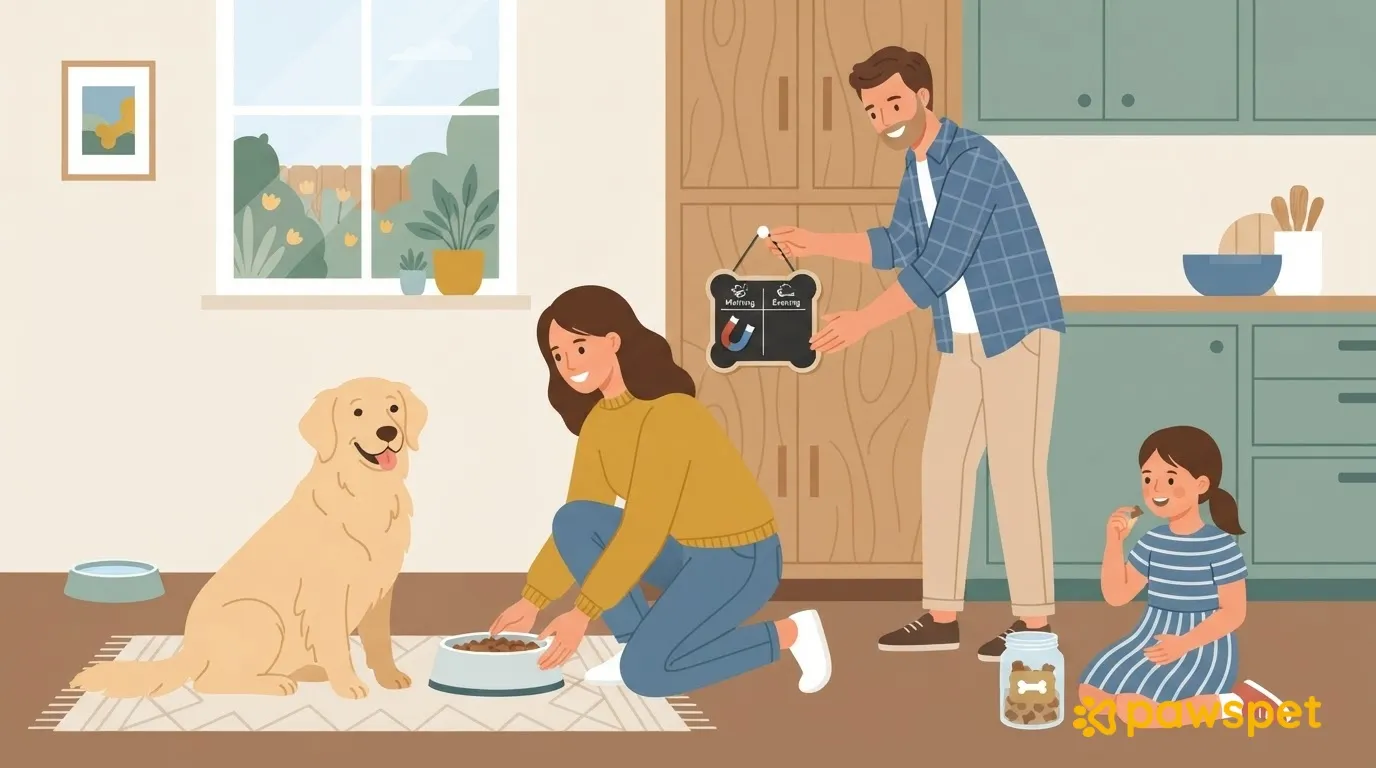
Put a whiteboard on the fridge or near the bowl, with the date and a box for each meal. Whoever serves the meal immediately writes down the time and their initials, or turns the corresponding magnet to “done.”
Wash and put away the food bowl right after the meal: an empty bowl doesn’t tell you whether the dog has eaten. If the signal is unclear, ask the person responsible instead of filling the bowl “just in case.”
Before giving food, check the signal, not the dog.
Treats and leftovers: one allowance for the whole family
In the morning, prepare a single jar with the treats planned for the day, or with some kibble taken from the daily allowance. Everyone takes treats from it, with no personal stashes or refills: what’s left shows how much is still available. When it’s empty, reward the dog with your voice, petting, or play.
Agree on a rule about food from the table, such as not offering any. Explain it to guests when they arrive and, during summer holidays, to children at home too: if they want to reward the dog, give them treats from the shared jar. Some human foods are dangerous for dogs: if in doubt, contact your veterinarian.
When the food allowance changes
If the veterinarian changes the amount or food, or recommends a weight-loss plan, choose one person to receive the instructions. They write them down straight away, with the date, somewhere everyone can read them, replace the old instructions, and update the containers and signal.
If you notice that the dog refuses a meal, eats less, or changes weight, tell the person responsible so they can consult the veterinarian: don’t make adjustments by guesswork. Food changes should also be gradual, following the veterinarian’s instructions.
If your family uses PawsPet
In the PawsPet mobile app for owners, choose one of these two options:
- Recurring activity. In “Activities,” tap “+” to open “New activity.” Choose the type “General” » “Food and supplies” and select the dog. Set “Repeat” » “N times a day” with the meal times, up to 6 times. If needed, add an alert using the bell, then save. After the meal, tap the circle for that occurrence: it becomes a green disc with a checkmark. In the details, you’ll see “Done” with the date.
- Diet prescribed by the veterinarian. On the dog’s profile, go to “Health” » “Diet, therapies and treatments” » “Add.” Enter the name and “Amount,” turn on “Recurring,” set the frequency, and enable “Generate reminders in activities,” then save: each feeding becomes an item to check off.
Add family members with a PawsPet account from the dog’s profile: ⋮ » “Collaborators” » “Add collaborator.” “Edit” in “Activities” is needed to record a meal, and “View” in “Health” to read the diet. For a new collaborator, only the latter is preselected among the optional permissions.
Without the right permission, the checkmark is rejected and reverts. A past diet reminder that was never checked off may appear as “Ignored”: this does not prove the dog hasn’t eaten, so check it off right after the meal.
The physical signal still works for anyone who doesn’t use the app. A shared checkmark in PawsPet, updated right away, helps everyone see at a glance whether the meal has already been served.
Checklist to get started
- Choose who’s responsible and who’s the backup for each meal.
- Set up the “to do/done” signal.
- Fill the jar with the day’s treat allowance.
- Explain the table-food rule to everyone.
- Write down the veterinarian’s instructions and date them.
- At the end of the week, check what needs adjusting.