If your regular dog walker goes on vacation, gets sick or sends a replacement, or if you entrust your dog to someone else for a few weeks over the summer, the process is the same. Prepare one up-to-date handover pack, take at least one trial walk with the replacement dog walker, and put the start and end dates in writing; when the arrangement ends, collect the keys and codes and remove any access that is no longer needed. These are the two weak points in a handover: the dog’s routines at the start and access control at the end.
The handover pack: one up-to-date document
Instructions for the replacement should be in one short document, not scattered across multiple chats. Include:
- Routine: times, duration and usual routes.
- Signals and rules: words, gestures and recall cues the dog knows, and what the dog is not allowed to do.
- Treats and food: permitted treats and foods to avoid because of allergies.
- Health: conditions and treatments, with the veterinarian’s instructions recorded as you received them.
- Triggers: what upsets the dog and how to manage it.
- Home instructions: entry, elevator, where the leash and poop bags are kept.
- Contacts: yours, a second person’s and the regular veterinarian’s.
Before you finalize it, ask the regular dog walker what they would add: they know the dog on walks and notice things you might not see at home. Then write the date of the last update at the top and delete previous versions. The terms of the arrangement and key handling should be agreed separately in writing.
Introductions and a trial walk
Have the dog meet the replacement before the first day, with the person who usually walks the dog or you present. Then take at least one guided trial walk, so the replacement can see the equipment, tricky moments (the door, elevator and crossings) and how the dog reacts in person—not just on paper.
Clarify who is responsible for what and who to call if something unexpected happens, then update the handover pack with anything that came up during the walk. If the replacement comes through a professional or an agency, have them confirm the person’s name and how you’ll be notified if there are further changes.
Temporary access: only what’s needed, with an end date
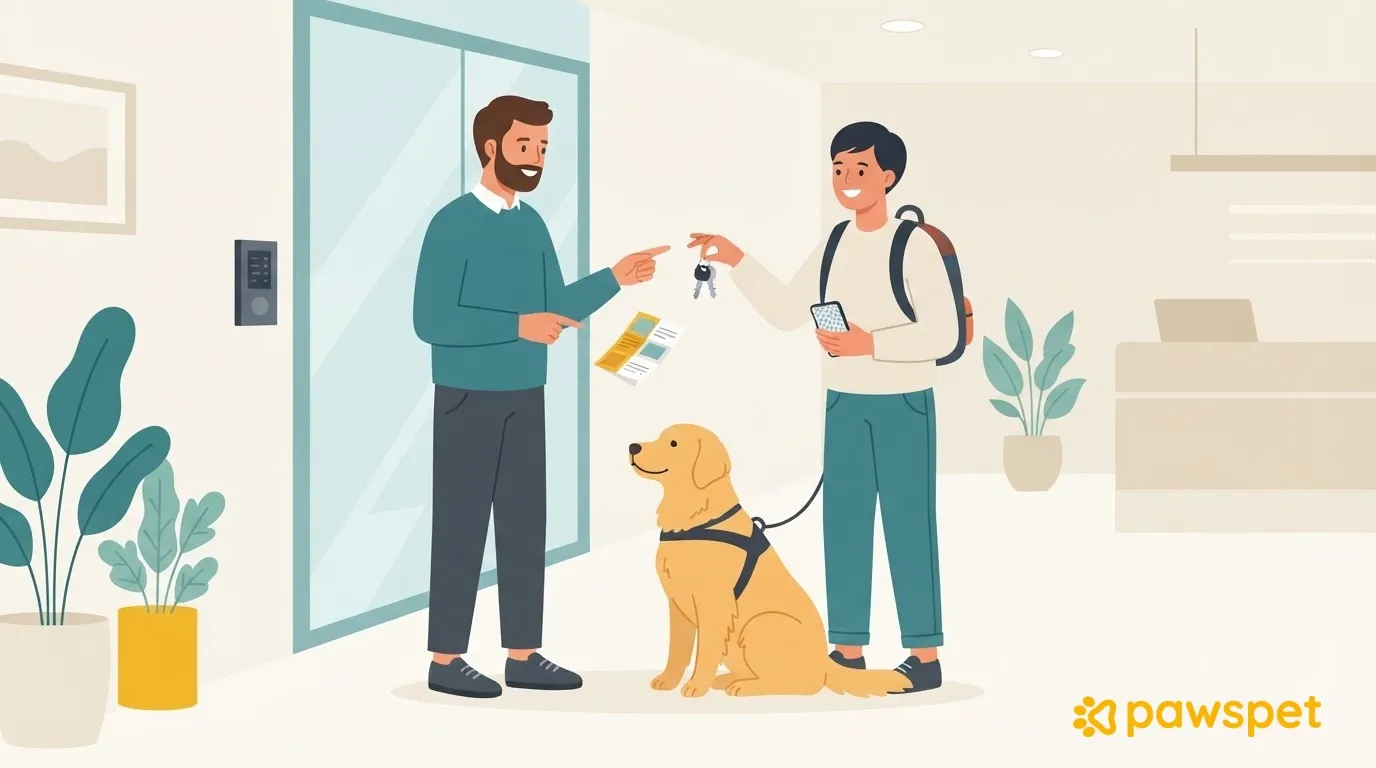
Keys, building or alarm codes, message groups and access to the dog’s profile should be provided only for the duration of the arrangement, with an end date written in the handover pack. Keep a reminder of what you hand over (how many keys, which codes, groups and access): at the end, you can simply check everything off. For keys, avoid passing around the regular dog walker’s key; it’s better to make a separate copy for the replacement and collect it at the end of the arrangement.
If the replacement has a PawsPet account, you can add them as a collaborator from the dog’s profile in the app: three dots ⋮ at the top right » «Collaborators» » «Add collaborator». Search by name or email, choose the permissions and confirm. If they don’t have an account, you can’t invite them from here.
Permissions are selected by area, with «View» and «Edit»: for example, view-only access to Health and editing access to Activities. General information always remains visible, and Health viewing is preselected: check it before confirming. Two limitations: a collaborator added manually has no expiration date and remains until you remove them; documents and the passport aren’t visible to collaborators.
Alternatively, there’s «Sharing», also from the three dots ⋮ on the profile: it generates a read-only link that anyone who receives it can open, even without an account, and that shows basic information, the health summary and, if you’ve filled it in, the location. Turning it off immediately blocks the link, but turning it back on makes the same code valid again: you can’t generate a new one.
Booking the replacement as a service in the marketplace is another option and is not the same as either of the other two: if you select the dog when booking, the professional can see the dog through the order, with time-limited, read-only access, and a chat with them is created with the order. You still need the handover pack.
To give the replacement access only to the areas they need and be able to remove them at the end of the arrangement from the same screen, you can manage collaborators from the dog’s profile in PawsPet.
At the end of the arrangement: the five-minute checklist
On the day the arrangement ends, go through this list:
- Keys returned and copies accounted for.
- Shared codes (building entry, alarm) changed, if necessary.
- Collaborator access revoked: dog’s profile » ⋮ » «Collaborators», removal icon on their row and confirm.
- «Sharing» link deactivated, if you no longer need it.
- Message groups created for the occasion: the replacement leaves them or you close them.
- Photos showing the address or other information that is no longer needed: ask the replacement to delete them.
- Brief update for the regular dog walker when they return: incidents and changes in the dog’s habits.
Anyone who no longer has access sees a page explaining why when they open the profile, rather than a generic error.
Prepare the handover pack today and mark the date to revoke access in your calendar.