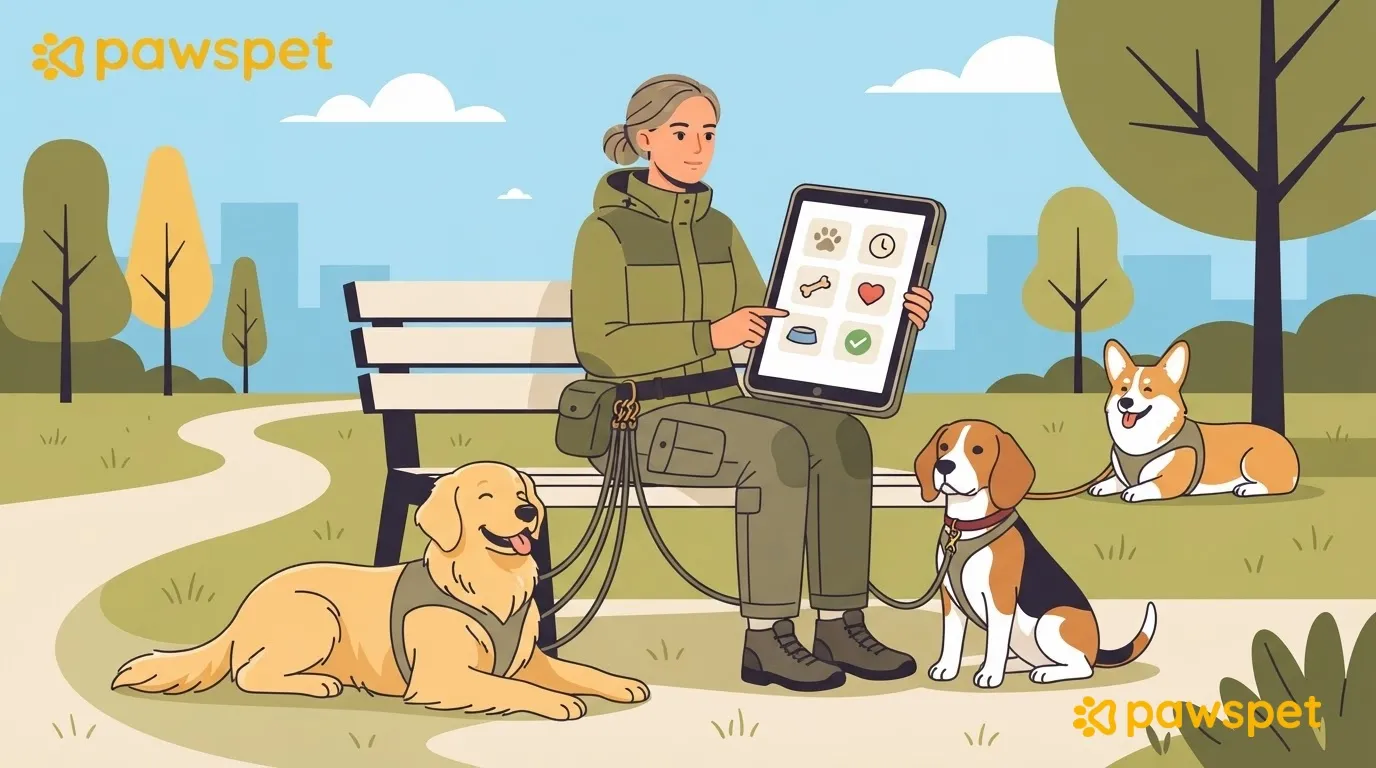
A good dog walker’s report after a walk takes a minute to read: it always follows the same six items, describes facts rather than judgments, and doesn’t replace a phone call when something needs to be communicated right away. Using the same items after every walk makes changes in the dog, from bathroom habits to energy levels, easier to spot and helps clients know where to find each detail.
The six items in the report
Copy this outline and fill it in the same order every time:
- Time and duration: start and end times.
- Bathroom breaks: whether the dog went, how many times, and what it looked like if anything was unusual.
- Water: whether the dog drank and when.
- Energy and pace: what the dog was like at the start, halfway through, and at the end.
- Behavior and encounters: dogs, people, noises, and how the dog reacted.
- Unusual events or incidents: limping, coughing, picking something up off the ground, scratches. If there’s nothing to report, write “none.”
“All good” doesn’t say anything. Describe what you see, not what you think it means:
| Item | Vague | Useful |
|---|---|---|
| Energy and pace | “The dog was tired” | “In the last ten minutes, the dog slowed down and sat down twice” |
| Behavior and encounters | “A little nervous” | “The dog barked at a dog approaching from the opposite direction; after thirty meters, the leash was loose again” |
| Unusual events or incidents | “The dog limped a little” | “During the last stretch, the dog put less weight on its left hind leg; at home, it was walking as usual” |
“The dog probably has a stomachache” is a guess; “the dog stopped to eat grass three times” is an observation. The client and their veterinarian should make the assessment.
What to call about right away and how to document an incident
Some situations can’t wait for the report:
- difficulty breathing or collapse
- suspected ingestion of something found on the ground
- wounds or bites
- sudden limping with obvious pain
- repeated vomiting
- running away or getting lost
In these cases, call the client right away and, if agreed, their regular veterinarian or a veterinary emergency clinic. The order is: secure the dog, call, then write. Agree on this list with the client in advance and, when in doubt, call. Don’t diagnose or suggest treatment: report what you saw and what you did.
For an incident (a fight between dogs, a scare, a bite given or received), add a brief incident report, sticking to the facts and assigning no blame: what happened, where, when (the time and minutes since the walk started), who was present, what you did, and any photos.
Photos and information: what to send and what not to send
A photo on its own isn’t a report. Attach one when it adds information, such as a scratch or a spot along the route, if the client asks for it. Avoid photos that show their house number or entrance. Good practice to agree on: don’t post photos of the dog on social media without the client’s explicit written consent.
Format, channel, and frequency: decide with the client
Before you start, agree on three things:
- Channel: where the report will be sent.
- Frequency and timing: after every walk, and how soon; choose a deadline you can always meet.
- Level of detail: what they want to read every time and what they only need to know if something changes. Include all six items, even when the answer is brief.
To introduce the template, you could say:
Keep a history in PawsPet Business
A report in a chat can get lost among other messages. In the PawsPet Business app, you can save each walk as a record on the dog. You’ll need a business profile (the app asks you to create one the first time you log in) and the client and their dog in your contacts: in the “Clients” tab, tap “+” and, after entering the client’s details, “Next: add a pet.”
After each walk:
- Open the “Clients” tab, then the client and their dog.
- In the “Activity” tab, tap the yellow “+”: “Record” opens with the “Activity” type selected.
- Enter a name (for example, “Morning walk”), set the date, and paste the six items into “Notes”; attach a photo only if needed.
- Tap “Save.”
For an incident, choose the “Note” type and use the brief incident report; choose “Weight” only if the client asks you to record it. Each record is also added to the “History” in the client’s profile, if the feature is active on the server.
Recording a report doesn’t send it: you send the report yourself. If the client came through an order on PawsPet, messages about that service stay in the order chat, when available.
If the client isn’t on PawsPet yet, you can invite them from their profile using “Invite”: the app prepares the message, but you share it yourself. If they accept and connect their dog, your records may appear in the “Recorded by professionals” section of the dog’s profile in the PawsPet app, where the client can add notes but can’t edit your information. The invitation and section depend on the server and may not be active yet; until the client accepts, don’t assume they can see them.
To keep an organized history by client and pet, you can manage clients, dogs, and records in PawsPet Business’s client management area.
Try the template with two clients
Use it for a week with two clients and ask each of them what’s missing and what’s unnecessary. Then adjust it: it should still be readable in a minute.