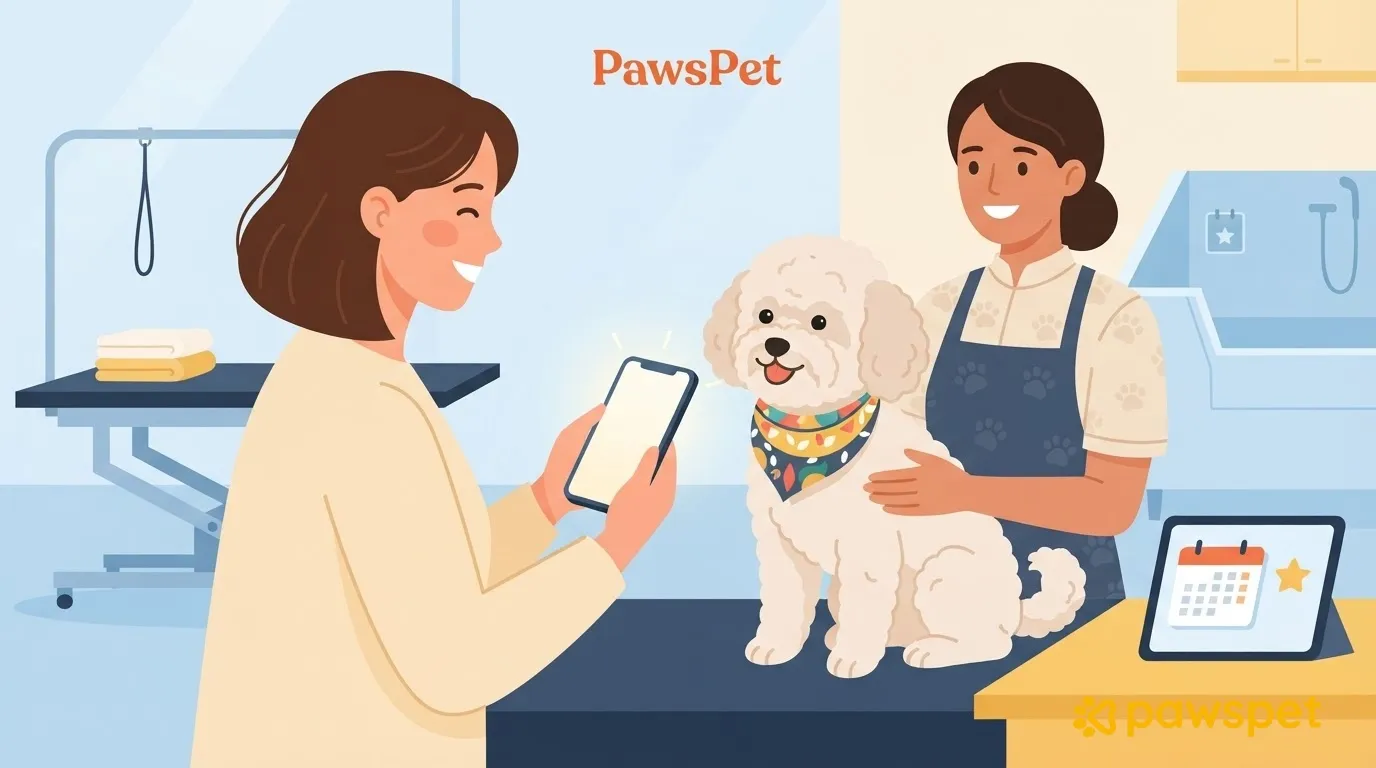
Before leaving the salon, check your pet and compare the work with what you agreed on; if something doesn’t seem right, write about it in the order chat. Tap “Confirm delivery” only once you’ve actually received the service, because this completes the order. Then you have 7 days to leave a review.
At pickup: what to check in a few minutes
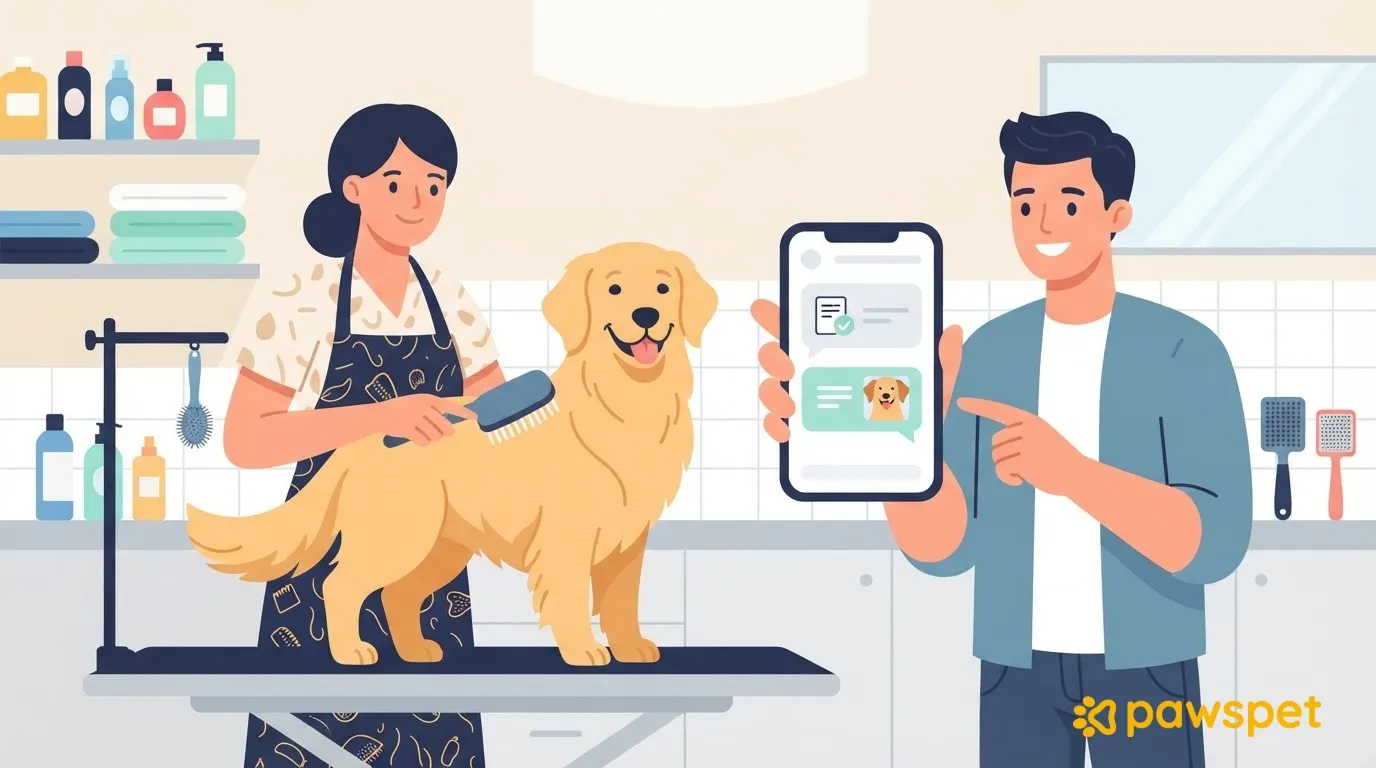
With your pet still next to the groomer, check the following:
- Coat: the length and style match what you agreed on.
- Included services: everything that was included, such as nail or ear care, has been done.
- Skin, ears, and paws: as far as you can see, there are no obvious cuts or redness.
- Behavior: your pet is acting as usual, with no unusual agitation or signs of fear.
Ask the groomer what they noticed during the appointment and how to maintain the results at home.
If you notice any wounds, bleeding, or signs of pain, let the salon know immediately and contact your veterinarian before tapping anything in the app: the app does not replace this step.
Where to find your booking and what its status means
In the PawsPet app for owners, go to the “Profile” tab » “Placed orders” and tap the grooming order. While it’s in progress, you can also find it on Home: “Active orders” panel » “See all” (the panel appears only if you have orders in progress). Tapping an order notification opens its details directly.
The status label appears at the top of the details. Two statuses matter at pickup:
- “In progress”: the service is underway.
- “Delivered”: the salon has marked the service as delivered, and it’s your turn to confirm.
The appointment also appears in the “Activity” tab calendar as “Order: …”: this is view-only, but “Open” takes you to the order details.
If something is wrong: the order chat
In the order details, open the “Chat” tab next to “Details”: it’s there when the order has a linked conversation. While you’re in “Chat,” the button bar at the bottom isn’t visible; go back to “Details” to use it.
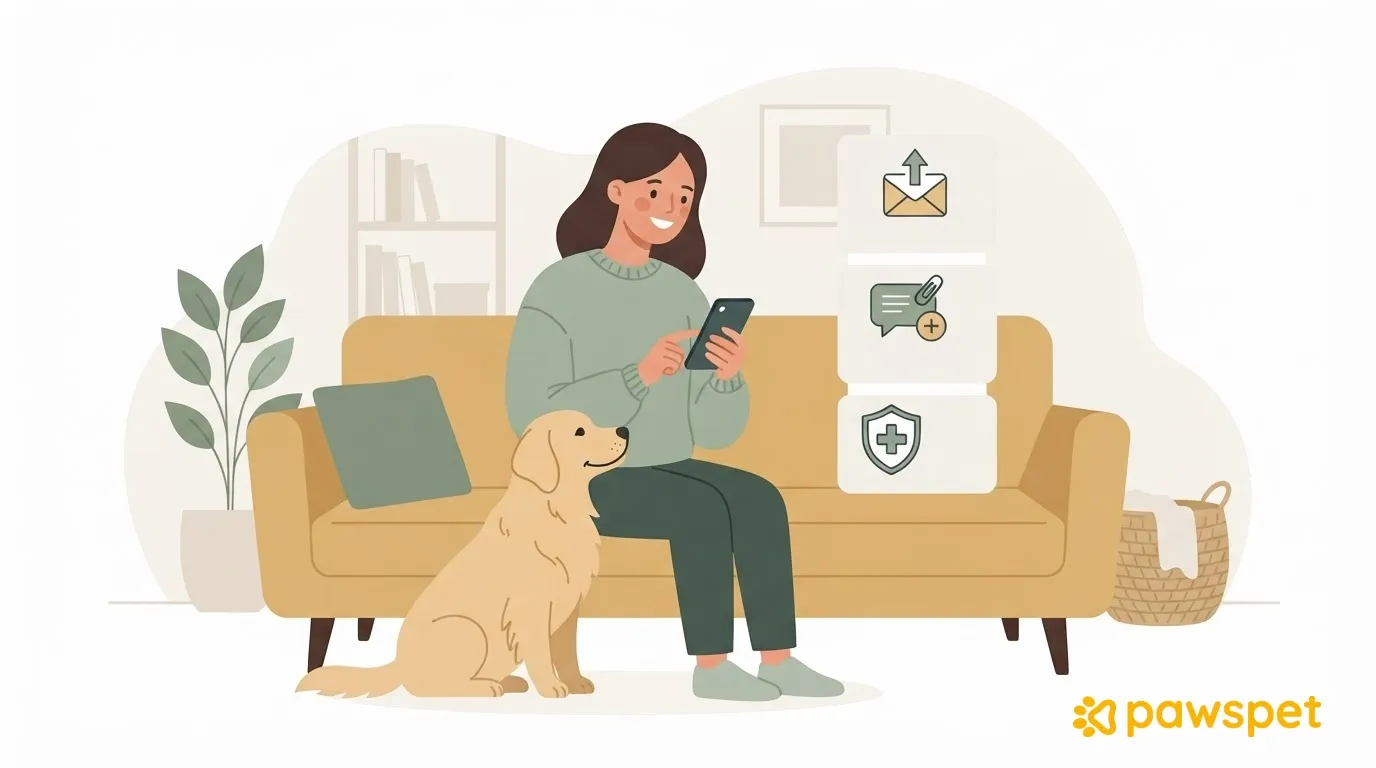
Describe the problem precisely (what was agreed on and what you found) and attach a photo: tap the paperclip, then “Camera” or “Gallery.” Attachments require a connection; a text-only message, however, stays queued if you’re offline and sends when you’re back online.
Keep in mind that once an order is “In progress,” “Cancel order” is no longer available: the chat is the channel for sorting things out with the salon.
For PawsPet support, go to the “Profile” tab » “About us” to find the email address, phone number, and “Chat with us” button, which opens WhatsApp. You can view support requests you’ve already opened under “Profile” » “Support.”
“Confirm delivery”: what happens when you tap it
The button appears in the bar at the bottom of the details only when the order is “In progress,” “Delivered,” “Partially delivered,” or “Unable to deliver.” So it may already be there while the order is “In progress,” but that doesn’t mean you should tap it right away; if you don’t see it, check whether the order is in one of these statuses.
Tapping it opens the prompt “Do you confirm that you have received the service? The order will be completed.” with “No” and “Yes.” If you tap “Yes”:
- the order changes to “Completed” (it may appear as “Closed” in the list);
- if you paid through PawsPet, the salon’s share, which had been held until then, is transferred to them;
- the review window opens.
After you confirm, the app may prompt you to review PawsPet in the app store: that is separate from reviewing the service.
If you don’t confirm, the order is still completed automatically 7 days after the salon marked it as delivered. Confirm after checking the service; if you have any doubts, message the salon in the chat first.
The review: timing, rules, and what to write
Once the order is completed, “Leave a review” appears in the bar at the bottom of the details and is available for 7 days:
- Tap “Leave a review.”
- Give it 1 to 5 stars.
- Write a “Title”: this is required and must be at least 5 characters long.
- If you like, add a “Comment”: this is optional, but must be at least 30 characters if you write one.
- Tap “Submit”: “Review submitted!” appears, and you can find it in the order’s “Status history.”
Your review and the one the salon can write about you stay hidden until both of you have written one. If you don’t write anything by the deadline shown in the order’s “Deadline” panel, the system automatically posts a positive review on your behalf: if your experience wasn’t positive, write your own review.
A helpful review sticks to the facts: whether agreements were honored, communication, punctuality, and how your pet looked afterward. No insults or personal information.
Frequently asked questions
Can the groomer add a note to my pet’s profile?
Yes, if the salon keeps a customer record linked to your account and has recorded something about that pet (one of the data types is “Grooming”). In that case, you’ll find it in your pet’s profile, under the “Profile” tab, in the “Recorded by professionals” section: you can add your own note, visible to the salon, but you can’t edit its entry. The section may not yet be available for all accounts. One way to link your account to the salon is to accept its invitation link: access to the health record remains disabled until you grant it, for each pet individually.
Can I change my review after submitting it?
Yes, within 7 days: the button becomes “Edit review,” and the form reopens with what you wrote already filled in. After the deadline, the button is no longer there, but reviews that have already been written remain visible.