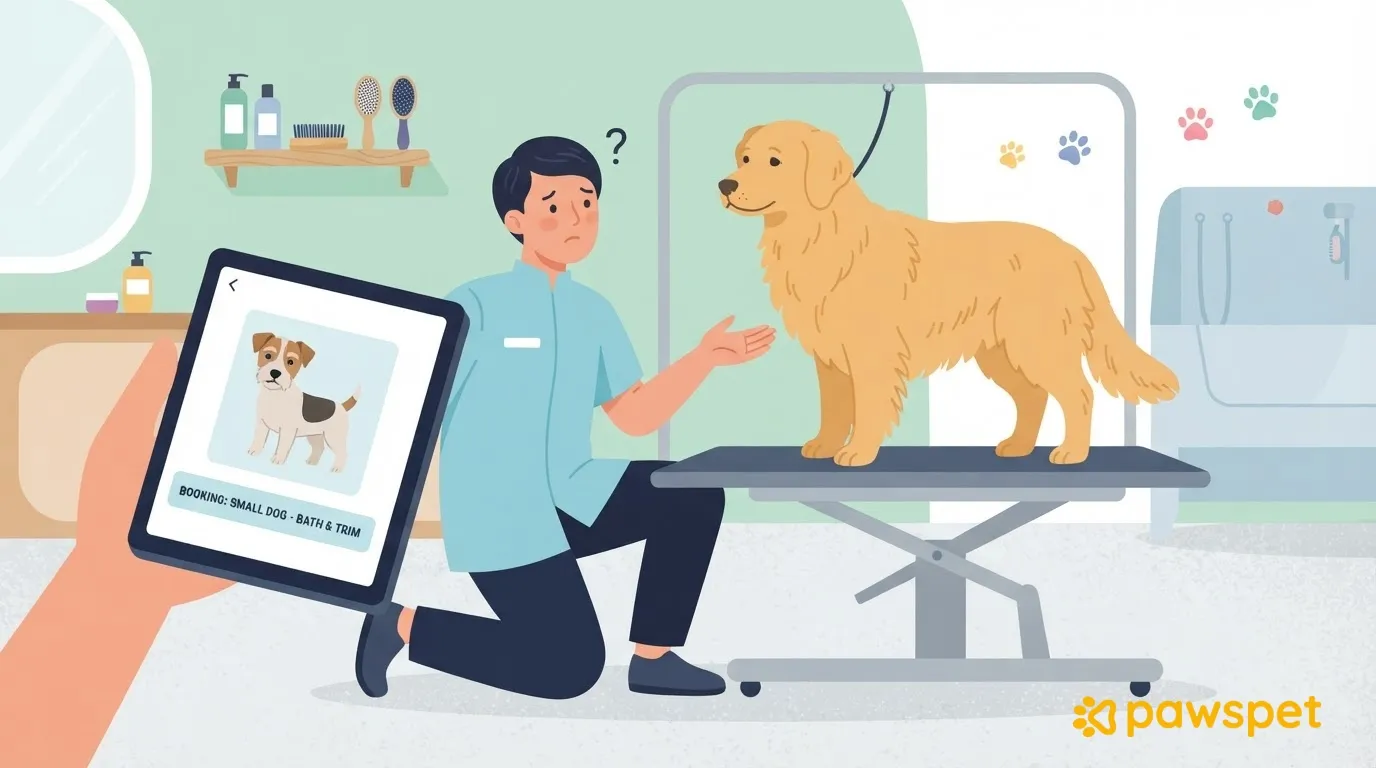
When the pet’s size, coat, or temperament doesn’t match what was booked, the right time to address it is before accepting the booking or starting the session—not when the pet is already on the table. Ask for photos and any missing information, explain what will change in terms of time and price, and proceed only with explicit consent; if the service isn’t feasible for the pet or the salon, decline and explain why. There are three possible outcomes: confirm, adjust with the customer’s agreement, or respectfully decline.
The most common differences between the booking and reality
- Different size or weight: affects the duration, suitable equipment, and the safety of handling the pet.
- Coat differs from what was booked, with matting or much greater density: it takes longer to detangle and dry, may require different tools, and the result may differ from the service description.
- Difficulty with the dryer or handling: breaks and extra time may be needed, and the safety of the pet and the person working matters.
- Style not achievable with that coat: the expected result can’t be achieved, so this needs to be clarified before starting.
- Additional pets: they require more time and stations, and the booked time slot may not be enough.
Check before confirming
Before saying yes, ask the customer for:
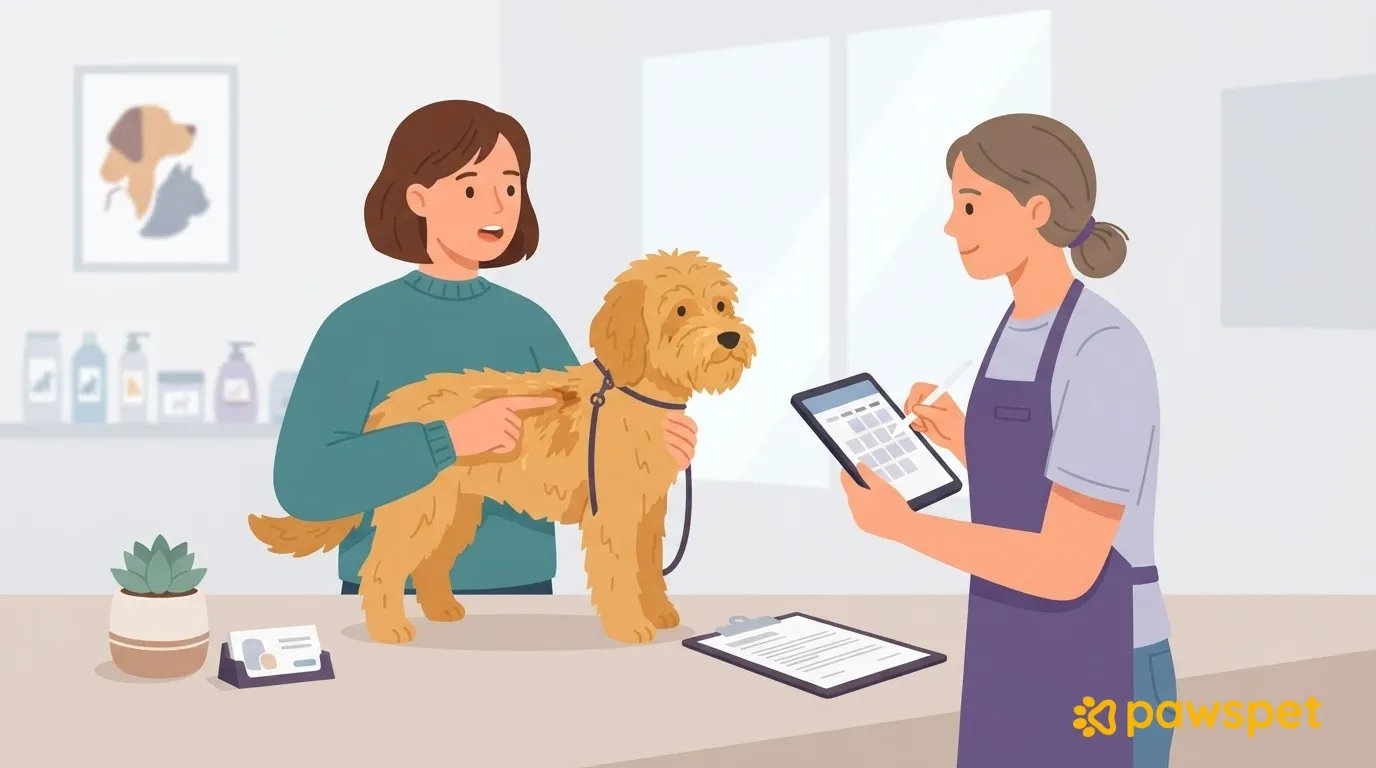
- two or three photos in natural light showing the back, paws, and area behind the ears;
- the date of the last grooming appointment;
- how the pet behaves during grooming, for example with the dryer or when being handled;
- any known health conditions or ongoing treatments, to note without making medical comments.
Then compare the answers with the description of the booked service and the criteria the salon has set in advance, without making up thresholds on the spot. If everything matches, confirm; if the difference can be managed, adjust the service; if it can’t, decline the booking.
Suggesting an adjustment clearly
For a grooming booking that needs changing, a good message has four parts: what you saw or understood; what you propose, with no more than two alternatives; what will change in terms of duration and price; and what you can’t guarantee about the result. Ask for a written response before starting and use simple, non-blaming language: describe the coat, not the customer’s care. Example to adapt, not a real case:
On PawsPet Business: proposing a change before accepting
If the request comes in as an order on PawsPet, use the PawsPet Business app (iOS and Android, with an active business profile) to suggest changes to the customer as follows:
- Go to the «Orders» tab » open the «Awaiting business» order and read the «Summary» and, if available, the «Customer’s additional note».
- If there’s a linked conversation, use the «Chat» tab to ask for photos (attachments are sent using the paperclip and require an internet connection).
- In the «Details» tab, tap «Propose changes»: change the «Line price», mark any lines you can’t fulfill as «Unavailable», or use «Add item» (description required, line price, optional notes). Explain why in «Notes for the customer» (optional but recommended) and tap «Send proposal».
The order moves to «Awaiting customer»: the customer sees a comparison of the old and new prices and can accept or decline. If the total increases, accepting means paying the difference by card; if it decreases, the difference is automatically refunded upon acceptance. A new proposal, including one sent while the previous proposal is pending, replaces the pending proposal.
The app blocks proposals with no changes, doesn’t allow you to mark every line as «Unavailable» without adding new ones (if you can’t offer anything, decline the order), requires a description for every added item, and rejects negative prices. The displayed subtotal is an estimate: discounts, minimum order amounts, and fees are recalculated by the server, which returns the final total.
The «Expiry» panel shows the countdown: if you don’t accept or decline before the deadline, the order is canceled due to inactivity; the customer also has a deadline to respond to the proposal. If you can’t offer the service, tap «Decline» and enter a reason of at least 30 characters.
«Propose changes» is only available while the order is awaiting confirmation; for an order that has already been accepted, no documented way to change the price is available, so check before tapping «Accept». To manage pending orders, chats, and the salon’s customer profiles in one place, you can use PawsPet Business.
At the salon: the final check and when to say no
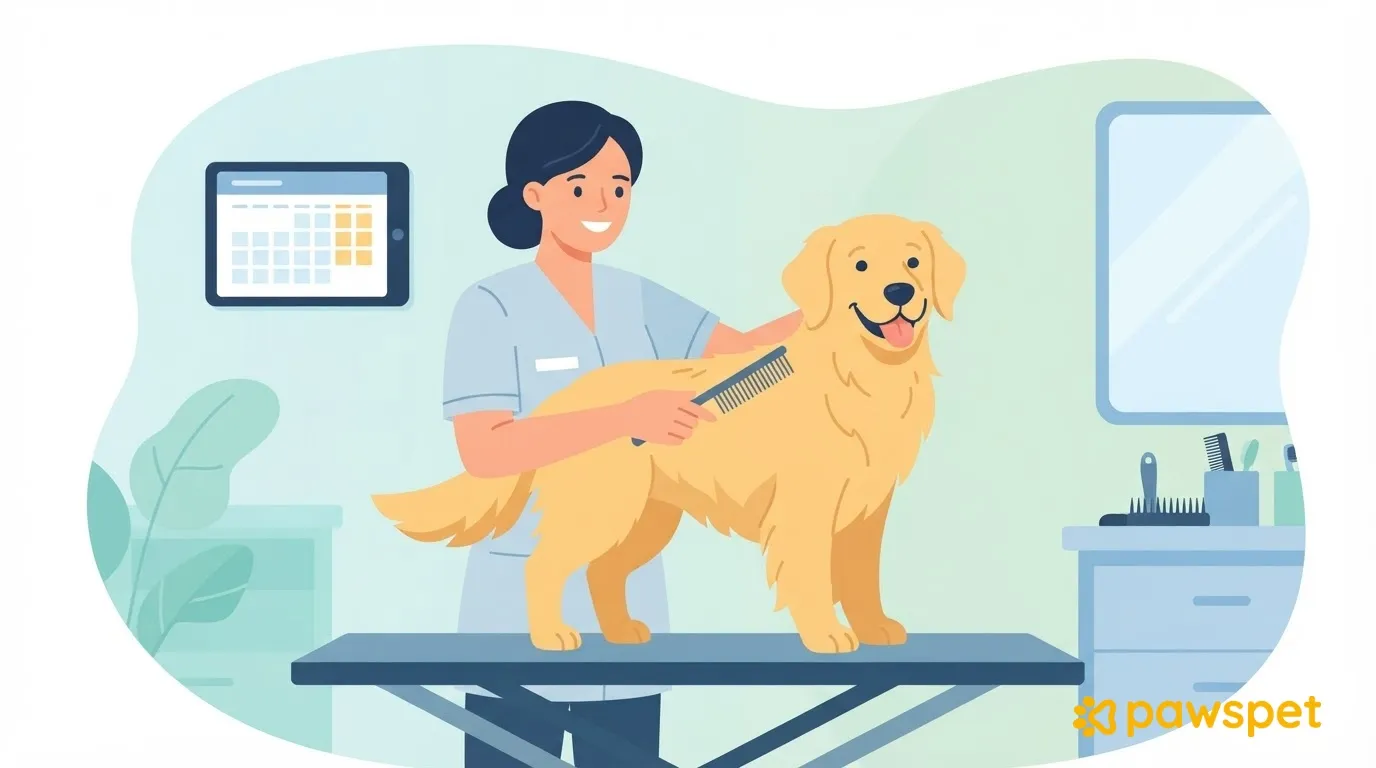
When the pet arrives, compare what you see with what you agreed and repeat the plan to the owner: service, duration, price, and limits on the result. Note any differences you notice before starting. If you find conditions that make the session risky for the pet or the person working, stop and explain why; for signs of skin problems or pain, suggest a veterinarian without making a diagnosis.
To keep a record of agreements, such as the alternative chosen by the customer, you can write private notes in the customer’s profile in PawsPet Business: «Customers» tab » open the customer » ⋮ menu » «Edit» » «Notes» » «Save». The customer can’t see them. If the customer came through an order and doesn’t have a profile yet, the app creates one when you open them from the «Customers» list.
To get started, write down three salon criteria (when you confirm, when you adjust, and when you decline) and include them in your service descriptions so customers know them before booking.