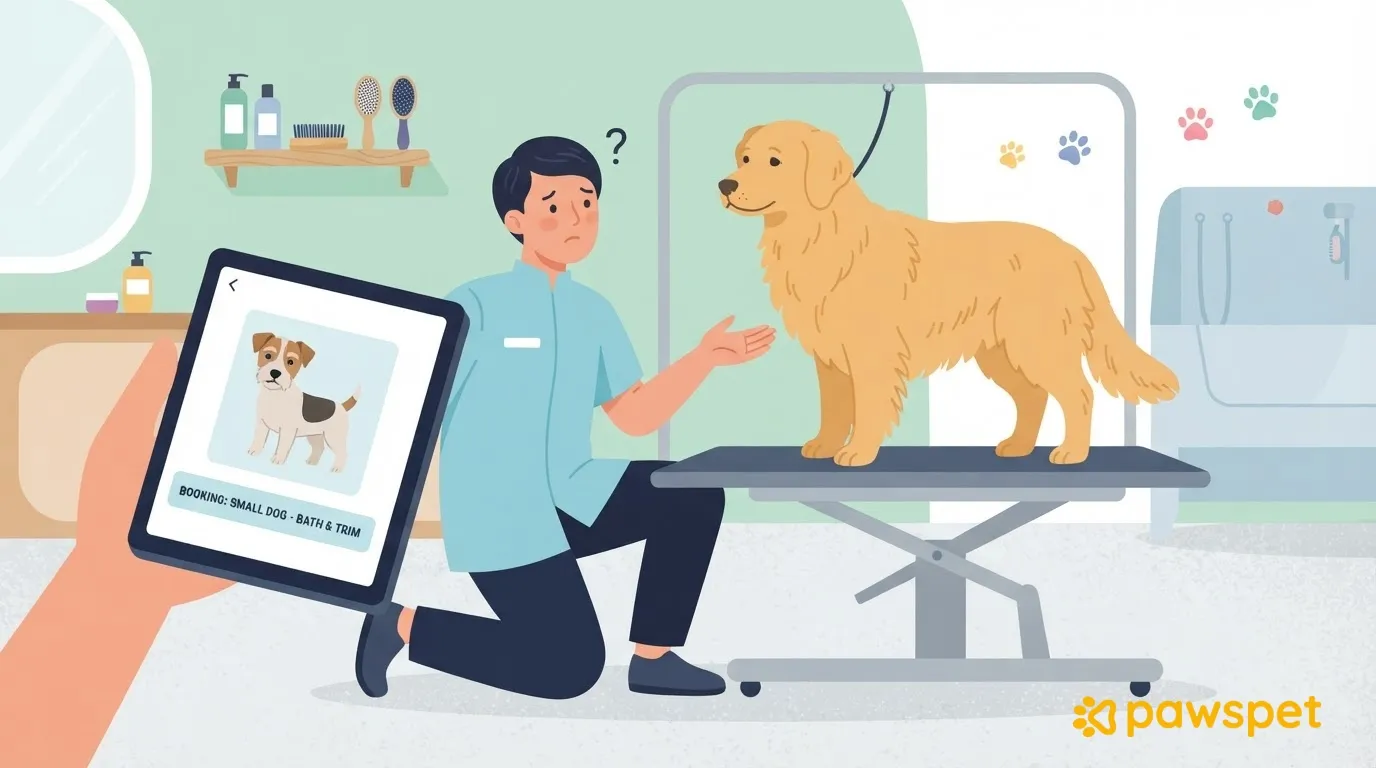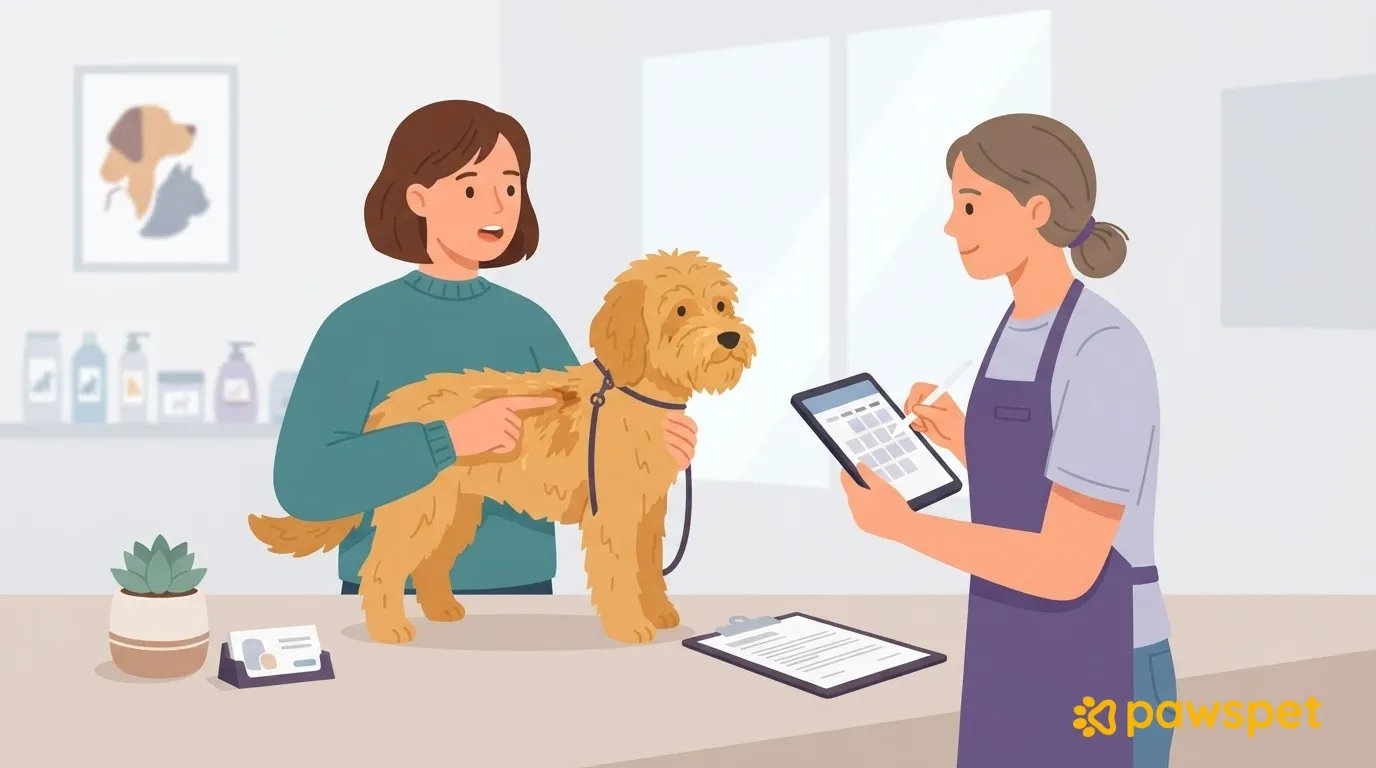
When booking a grooming appointment, tell the salon your pet’s species, size, and age; the condition of their coat, with a few photos; how they react to handling; any health conditions or ongoing treatments; and the result you want. Then ask what the service includes and what could affect the time and price. The salon uses this information to plan its time, workspace, and tools. If details are missing, there’s a greater risk of inaccurate timing, price changes at the counter, results that differ from your expectations, and stress for your pet.
Information the salon needs
The salon doesn’t know your pet before their first visit. Here’s what it needs to know.
| Information | Why it matters | How to describe it |
|---|---|---|
| Species, breed or coat type, approximate size or weight, age | Helps the salon choose tools and a workspace and estimate how much time to allow | “Long-haired cat, about 4 kg, 6 years old” |
| Last grooming appointment and any mats | Helps estimate the work involved and time to set aside | Approximate date, where the mats are, and 2–3 photos in natural light of the back, paws, and area behind the ears |
| Reactions to brushes, dryers, clippers, nail trims, and other animals | Helps the salon choose a pace and approach and reduce stress | “Tolerates the brush, afraid of the dryer, gets agitated near other dogs” |
| Difficult experiences in the past | Helps avoid repeating anything that made your pet uncomfortable | What happened and what helped |
| The result you want | Helps determine the cut and tools to use and align expectations | Reference photo and how flexible you are: “Short cut but not shaved; if the mats are too tight, please let me know before cutting it shorter” |
| Pickup time and phone number | Helps the salon plan the day and reach you if it needs a decision | When you can pick up your pet and a number where you can be reached during the appointment |
Health and behavior: what to always mention
Knowing how your pet is doing and how they react to handling helps the salon choose products and tools, avoid sore areas, and work at the right pace. Always mention:
- known allergies or reactions to products;
- ongoing treatments;
- recent procedures or wounds;
- sore areas;
- known skin problems;
- fears and reactivity, such as stiffening up or trying to bite during handling.
If there’s nothing to report, say so: the salon will know you haven’t simply forgotten. The groomer does not diagnose conditions. If you’re unsure whether an appointment is appropriate at that time, for example after a procedure, ask your veterinarian first.
Questions to ask before confirming
Ask the salon:
- what the service actually includes: check whether bathing, drying, trimming, nail care, and ear care are included; never assume they are;
- approximately how long it takes and when to come back to pick up your pet;
- what happens if they find tight mats, parasites, or a very agitated pet;
- how and when they’ll let you know if the timing or price changes;
- whether you can stay during the appointment.
Write down the answers for next time so you can quickly check what was included and agreed. For food before the appointment, follow the salon’s instructions.
Booking with PawsPet: notes, chat, and proposed changes
Before booking, there’s no chat with the salon, and its direct contact details, such as phone number and email, aren’t shown: communication stays in the app. In the service details, check the description and options under “Price list,” including the price and any estimated duration. Tap the salon name to open its storefront, where you can see services and business hours.
When booking, you can add optional notes in the “Book now” summary or fill in “Notes for the merchant” during checkout. The salon can find them in the order details as “Additional customer note.” Don’t assume it already has the information from your pet’s profile: include the essentials anyway.
After booking, an order chat becomes available in the “Chat” tab in the order details. There, you can ask any remaining questions and send photos using the paperclip (an internet connection is required).
If the salon needs to change the price or items before accepting the order, “The shop proposes a change” appears in the order details. With “Accept,” you can add an optional message and, if the total increases, pay only the difference. With “Decline,” you must enter a reason of at least 30 characters, and the order status changes to “Declined by customer.”
The appointment also appears in the “Activity” tab calendar as “Order: …”. If you still need to find a salon and check its services and availability, you can search for groomers on PawsPet.
A message you can adapt
Here’s an example you can adapt. Text in square brackets is placeholder text, not real information.
Fill in the template, attach the photos, and save the salon’s answers for your next booking.