A good description tells readers about the animal’s day in foster care, the kind of home they need, and what is known—or not yet known—about their health. Use specific facts and accurate photos: the goal is not to appeal to everyone, but to help people assess whether living together could be a good fit.
What readers need to understand
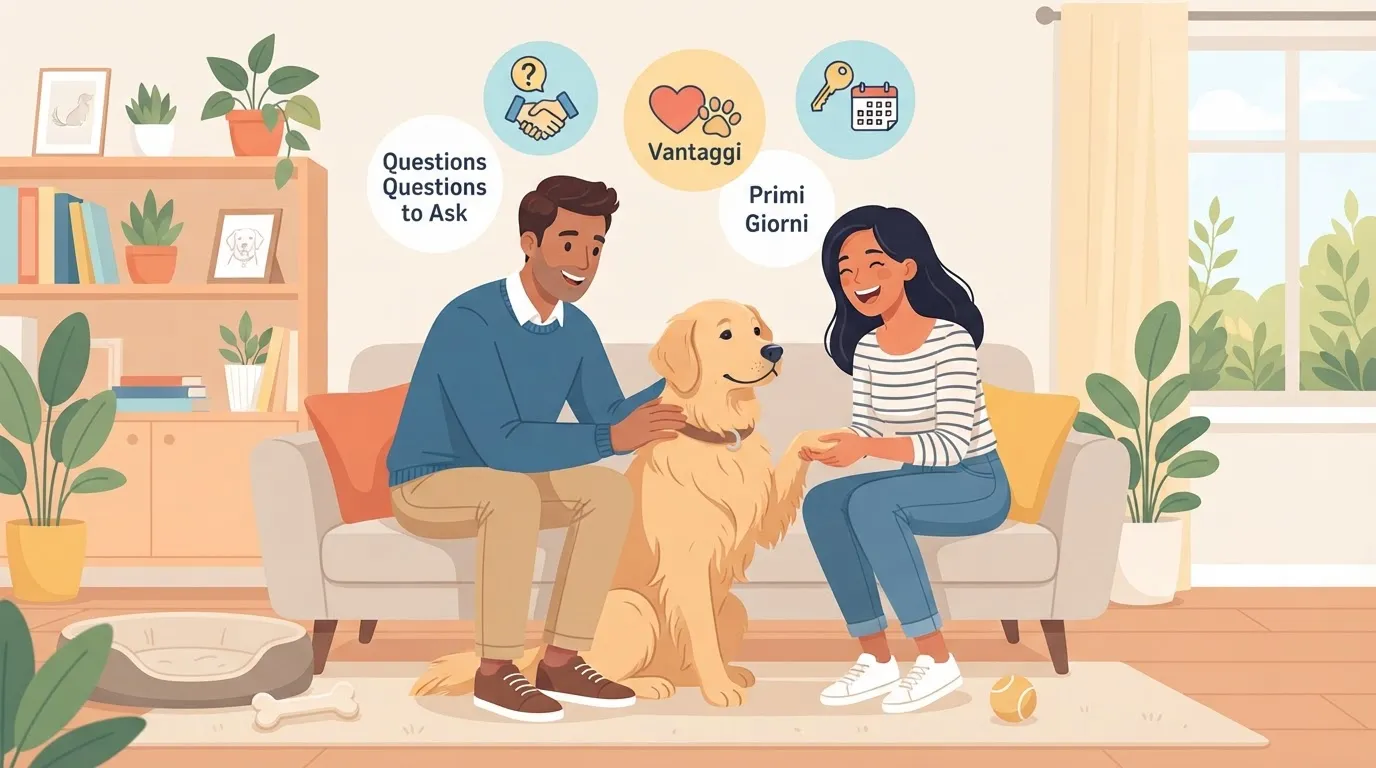
Before an initial conversation, readers should be able to compare their daily routine with the animal’s needs. Ask the foster family for answers to these questions:
- observed interactions with children, dogs, cats, and other animals;
- how the animal handles being left alone, specifying the length of time already observed;
- activity level and times when they rest;
- habits at home and in the car;
- daily care and known treatments.
If information is missing, say so. The listing does not replace the conversation: it gives it a practical starting point instead of relying on the idea of an animal who is “right for everyone.”
A four-part structure
Start with a title that includes the animal’s name, species, and one specific trait, then organize the description into four parts:
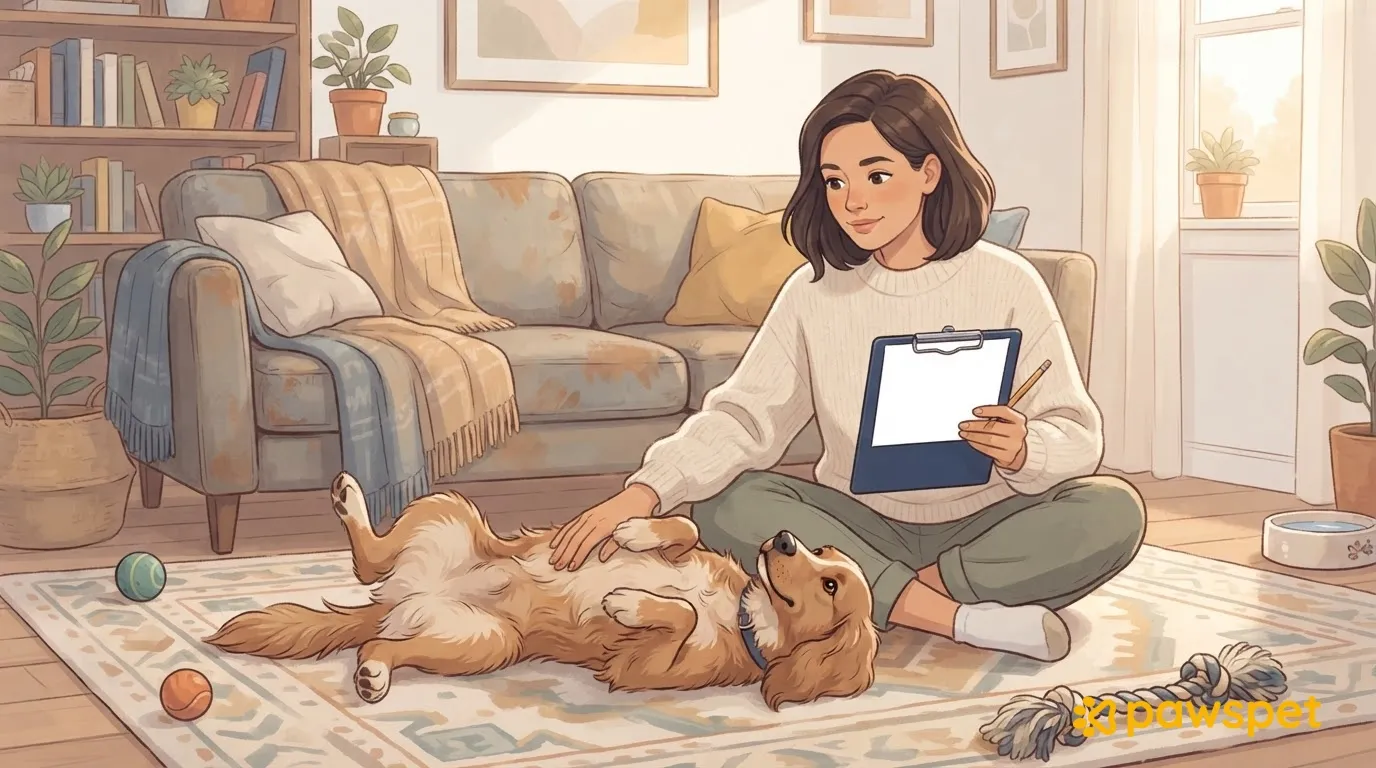
- A day in foster care. Begin with an observed scene, not an adjective.
- The right home. Describe what the animal needs: regular outings, a calm environment, or a manageable approach to time alone.
- What we know and what we don’t know yet. Distinguish observations, documented health information, and situations the animal has never encountered, such as “never observed with cats.”
- How to proceed. Explain what the organization asks for before an initial conversation, adapting this to its own rules.
Example made up for this article: Nilo is a fictional dog, not an animal actually available for adoption.
From labels to facts
The rewrites below are examples: use them only if they match the observations you have gathered.
| Instead of… | Write… |
|---|---|
| He is energetic | During an outing, he sniffs and often changes direction; when he gets back, he carries his ball. |
| He is shy | When a visitor arrives, he keeps his distance; he approaches if no one tries to engage him. |
| He doesn’t get along with dogs | On leash, he barks at nearby dogs; he has not been observed living with other dogs. |
| He is right for everyone | He lives with adults in foster care; he has not been observed with children. |
| He needs a patient family | When the harness appears, he moves away; he needs plenty of time, without being forced. |
| He had a difficult past | His previous history is undocumented; he moves away when there are sudden noises. |
Sharing limitations and difficulties helps people assess compatibility: there is no need to soften them with euphemisms. Avoid phrases like “love will change him” and accounts of his past that are not documented.
For health information, include only details confirmed by the veterinarian or in the records, and explain how they affect the daily routine: medication, checkups, and planned care. Do not make diagnoses or predictions.
Photos and videos from the foster home
Choose natural light and frame shots at the animal’s level. Include one photo of the animal resting and another while active, without filters that change their appearance. A short clip can show play or a leashed walk: choose a typical behavior, without creating stressful situations to film it. Update the images if the animal’s appearance changes.
Check every background: no house numbers, intercoms, license plates, recognizable views from windows, or people’s faces without their consent. The listing should introduce the animal, not make the foster home identifiable.
If the listing is on PawsPet
In the PawsPet app, a listing starts from an animal registered to the account; listings can also be managed in PawsPet Business. The form includes a required “Listing title” and an optional “Description,” plus an optional “Documents and records” section. The “Health declaration” includes four switches—“Rabies vaccination,” “Deworming,” “Veterinary certificate,” and “Eligible for transfer”—and the veterinarian’s name: use only information that can be documented.
The microchip number and date of birth are copied from the animal’s profile when the listing is published and cannot be changed in the listing. “Save draft” keeps the listing private: ask the organization’s contact person to review the text before selecting “Publish.”
Visitors see only the last four digits of the microchip number and a location that may be approximate to within about 1 km. The text can be edited using “Edit” in the “Draft,” “Published,” “Paused,” and “Rejected” statuses. If listings are not yet active on the server, “Coming in the next update” appears.
To limit corrections after publication, check and complete the animal’s identifying information in their PawsPet profile first.
Before publishing: three checks
- Faithful to foster care. Review the listing with the foster family: does every statement describe something they have observed?
- Health information verified. Check with the organization’s contact person that the text matches the veterinary records.
- Updates assigned. Decide who will edit the listing when new observations come up, and note when they were made.
An honest description can say, “We don’t know yet”: that is useful information, not a weakness.