The foster family needs a single written sheet, reviewed together at handover. Divide it into six sections: contacts and decision-making, health, feeding and routine, known behavior, association rules, and supplies and documents. Add the animal’s name, the date of the last update, and who completed the sheet.
Contacts and who decides what
Make contacts and responsibilities immediately visible, without referring people to earlier messages:
- Main contact and backup: name, phone number, hours of availability, and what to do outside those hours.
- Association veterinarian: contact details and agreed instructions for when they cannot be reached.
- Approvals: who approves visits, medication, expenses, and special outings, and what the family can handle without asking for confirmation.
- Expenses: which receipts to keep and whom to send them to, according to internal rules.
- Missing animal and injury: prepare two separate contact sequences, specifying whom to notify first and whom to call if they do not answer.
For routine approvals, also explain how to request them and where to keep the written response. Check contact details before handover.
In a medical emergency, contact the veterinarian first: waiting for internal approval must not delay seeking help.
Health: what is known, with dates, and what is not
Write “unknown” instead of leaving fields blank: it does not mean “none.” Note the source of the information and when you verified it. Copy treatment instructions exactly from the prescription; ask the veterinarian to clarify anything ambiguous.
| Item | Example entry |
|---|---|
| Vaccinations and parasite prevention | [Vaccine or treatment], given on [date or unknown]. |
| Spay/neuter and microchip | Spay/neuter: [status and date or unknown]; microchip: [number or unknown]. |
| Allergies and intolerances | [Confirmed information or unknown]. |
| Current treatment | [Prescribed product], [prescribed amount], [time of day and time]; prescribed by [veterinarian]. |
| Last dose and expected end date | Last dose: [date and time]; expected end: [date or prescription instructions]. |
| Upcoming checkups | [Checkup], [date], arranged by [contact]. |
For multiple treatments, repeat the relevant lines for each one without combining different instructions. Assign someone to follow up on missing information: the family should not have to piece together the animal’s medical history from different chats.
Feeding and routine for the first few days
Record the food currently being used, the agreed amounts, and the supply being handed over to avoid sudden changes. Any changes to the diet should be agreed with the association. If there is a prescribed diet, copy it without changes and attach the veterinarian’s instructions.
Complete this section with:
- Meal times; water availability and when to check and refresh it.
- Litter type, or walks, including usual duration and times.
- Where the animal sleeps and which familiar item to bring, such as a blanket it has already used.
- What you have seen work to calm the animal, describing the specific situation.
Note what has already been done that day: last meal, litter-box cleaning, or last walk.
Observed behavior and precautions
For children, dogs, cats, noises, handling, cars, and time alone, use three labels:
- Observed: behavior seen directly, with date and context.
- Reported: information received, specifying from whom and when.
- Not tested: a situation that has never been checked, without presenting it as safe.
For each item, note what the animal does and which precautions you have already used, avoiding general labels such as “good” or “difficult.” A single observation should not be presented as a guarantee of compatibility in every situation.
For the first few days, write clear precautions to prevent escapes: check doors and windows, use a properly adjusted leash and equipment for planned outings, and do not allow the animal off leash without approval. Follow the association’s instructions for introductions to household pets.
The association’s rules, in writing
These are not universal rules: they are questions the association must answer for this foster placement.
- Who arranges visits from prospective adopters, and where do they take place?
- Which photos or content may be posted on social media? Do not publish the foster home’s address.
- Can the animal be left with other people or professionals during absences and vacations? What approval is required?
- How often should updates be sent, to whom, and through which channel?
- If the foster placement has to end, whom should you contact, how much notice should you give, and how should the animal’s return be arranged?
What to hand over in person and what to share
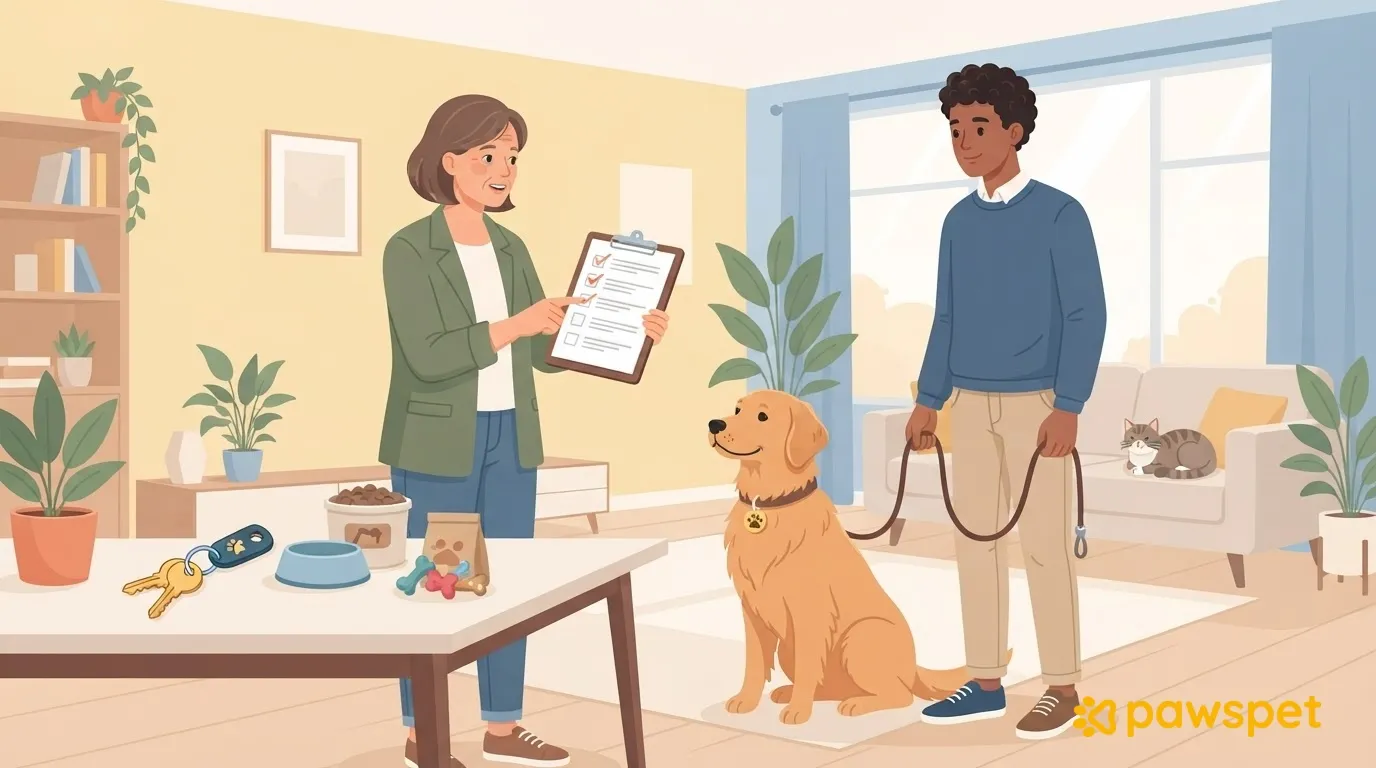
Check off together with the family what you are handing over:
- Food and supplies.
- Carrier, leash, and harness, as needed for the animal.
- Medication with written instructions that match the prescription.
- Copies of documents and printed contact details.
Also note what still needs to be collected and who will take care of it.
If you register the animal in the PawsPet app for pet owners, you can add the caregiver as a collaborator with specific permissions, to share up-to-date information without piecing together chats.
The profile owner opens the animal’s details, then the ⋮ » «Collaborators» » «Add collaborator» menu: search for the person by name or email and choose permissions by section. General access is always enabled; for Health, Activity, and Collaborators, choose “View” or “Edit” as well. These are data permissions, not authorization to make decisions about the animal.
Keep these limits in mind:
- The person must already have a PawsPet account.
- Documents and the passport in the Profile section are not visible to collaborators: hand over copies separately.
- “Edit” for Health also allows entries to be deleted: grant it only if the foster caregiver needs to record weight or health notes; “View” is enough for reference.
- Access does not expire automatically: remove it when the foster placement ends.
The read-only link from ⋮ » «Sharing» is a public alternative: anyone who has it, even without an account, can see the microchip and location if those fields are filled in. Do not enter the foster home’s address in the “Location” field. If you turn sharing off and then back on, the same code becomes valid again, so the old link works too.
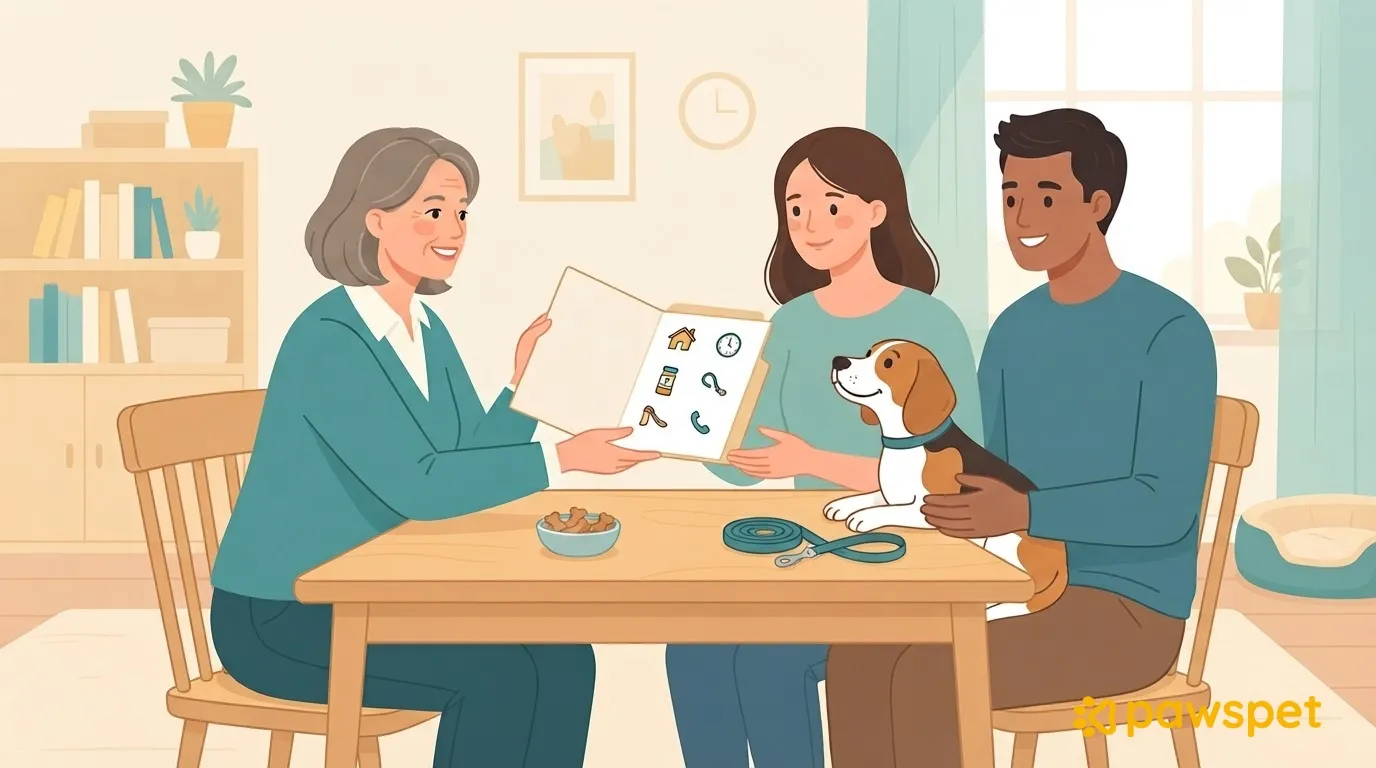
At handover: review it together
Before saying goodbye:
- Review the sheet and clarify any questions, especially about treatments and contacts; if you correct anything, update both copies.
- Ask the family to confirm they received the sheet, prescriptions, and copies of the documents.
- Set the first update: day, time, and channel.
- Keep a copy with the association and update it whenever anything changes, including the new date on the version shared with the foster family.