A fever, a family emergency, a car that won’t start: when you suddenly become unavailable with bookings already underway, a backup plan only works if you’ve agreed on it with the owner in advance and have an up-to-date handover pack for every client. When it happens, message the owner first, not your colleague.
Agree on a backup plan before you need one
At the first meeting, or when you confirm the booking, ask the owner whether they would accept a replacement: “If something unexpected stopped me from coming, could I send a colleague?” There are three possible answers:
- A replacement named in advance: the owner gives prior consent for a specific person.
- Approval on a case-by-case basis: you suggest someone at the time and wait for the owner’s approval.
- No replacement: you don’t send anyone in your place; you agree to notify the owner right away so they can make other arrangements.
Write down what you agreed in the booking confirmation, in two simple lines without legal language. For example: “If I can’t come, I’ll let you know before the visit; no one else will enter your home without your approval.”
Who can replace you
Choose based on skills, not just proximity or personal rapport. Here are three practical criteria:
- Relevant experience: a shy cat, a reactive dog, or several pets in the same home require different skills; ideally, the replacement has handled similar situations before.
- Location and availability: they can get to the home at the scheduled times and, if your absence lasts longer, cover the following days too.
- The same standard of care: they update the owner just as often and with the same level of detail you promised.
When possible, make a visit together before you need a replacement so the pet won’t meet a stranger on the day of the handover.
Agree on two points with your colleague in advance: who will respond to the owner during the coverage period and how the replacement will be paid for their work. Decide beforehand, not after the fact. If you have an insurance policy, check with your insurer whether and how it covers replacements; don’t assume it does.
The handover pack for each client
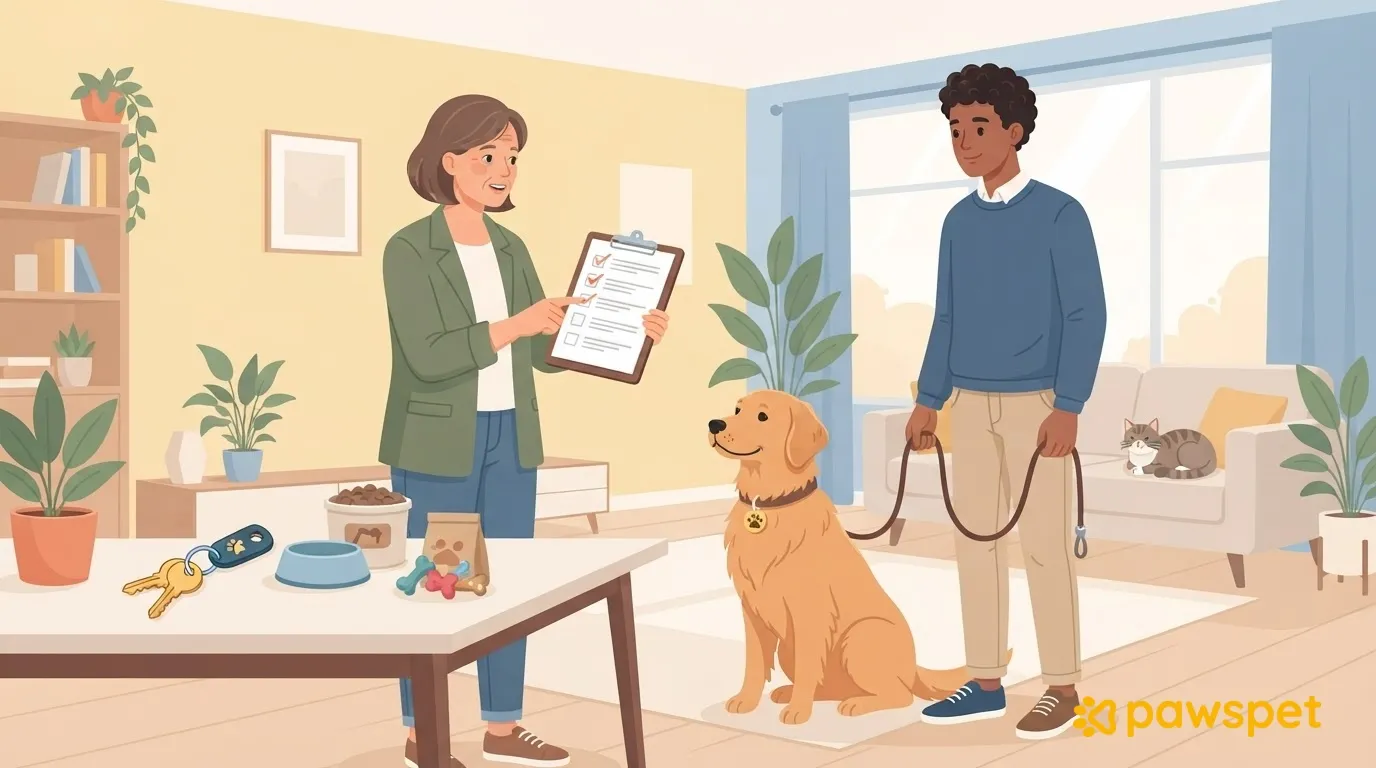
To hand over without improvising, prepare a short document for each client that the replacement can understand without you:
| Item | What to include |
|---|---|
| Routine and schedule | Visit times, the order of tasks, and established habits. |
| Feeding | Amounts and foods as specified by the owner, and where they’re kept; changes only if agreed with the owner. |
| Toileting and litter | Dog walks; litter box location and cleaning for cats. |
| Temperament and signals | Hiding places, things the pet avoids, how to approach them, and what makes them uncomfortable. |
| Home | Doors and windows to keep closed, and things not to touch. |
| Access | The method agreed with the owner, in one line. |
| Contacts | Contact details for the owner, a backup contact, and the veterinarian named by the owner. |
| Updates | The channel and format agreed with the owner, such as a message with a photo after each visit. |
Use short, specific sentences: the pack should be quick to read, not something to study. Include only the information needed and that the owner has authorized you to share. Update it after each booking while the details are fresh.
When it happens: the order of messages
As soon as something unexpected comes up, follow this order:
- Notify the owner right away, before the scheduled visit: “I can’t make it today because something unexpected came up.” Even if you don’t have a replacement yet, message them anyway so they have time to find an alternative.
- Name the replacement and the visits they’ll cover: “I can send Giulia, who already knows Birba, to do today’s and tomorrow’s visits. Can you confirm?”
- Wait for confirmation, even if the person was already agreed on: the replacement starts only after the owner gives the go-ahead. If they take a while to reply, try calling.
- Brief the replacement with a phone call and the written handover pack: talking explains the details, while the document remains as a reference.
- Decide who will send updates and through which single channel: messages from multiple people across multiple chats make it hard to keep track of what’s been done.
- Pause new requests for the days you can’t work so you don’t accept bookings you can’t fulfill.
In PawsPet Business, each client’s profile in the “Clienti” Tab collects contacts, pets, private notes, upcoming appointments and, where available, history: it’s a ready-made starting point for preparing the handover pack. For step 6, in the “Agenda” Tab, open ☰ » “Orari di chiusura” » “Blocca orario”, select the days you’ll be away, and confirm with “Blocca”: you won’t receive marketplace bookings during that time.
When you return: close out the coverage
A brief debrief makes the next handover easier:
- Review the updates sent by the replacement and ask what went differently than expected.
- Update your notes and handover pack with anything you learned.
- Check access to the home: it should be back to the arrangement agreed with the owner.
- Send the owner a brief closing message: confirm that you’re taking over the visits again and tell them how they went.
This week, prepare a handover pack for your three most complex clients: if you need a replacement tomorrow, the trickiest cases will already be covered.