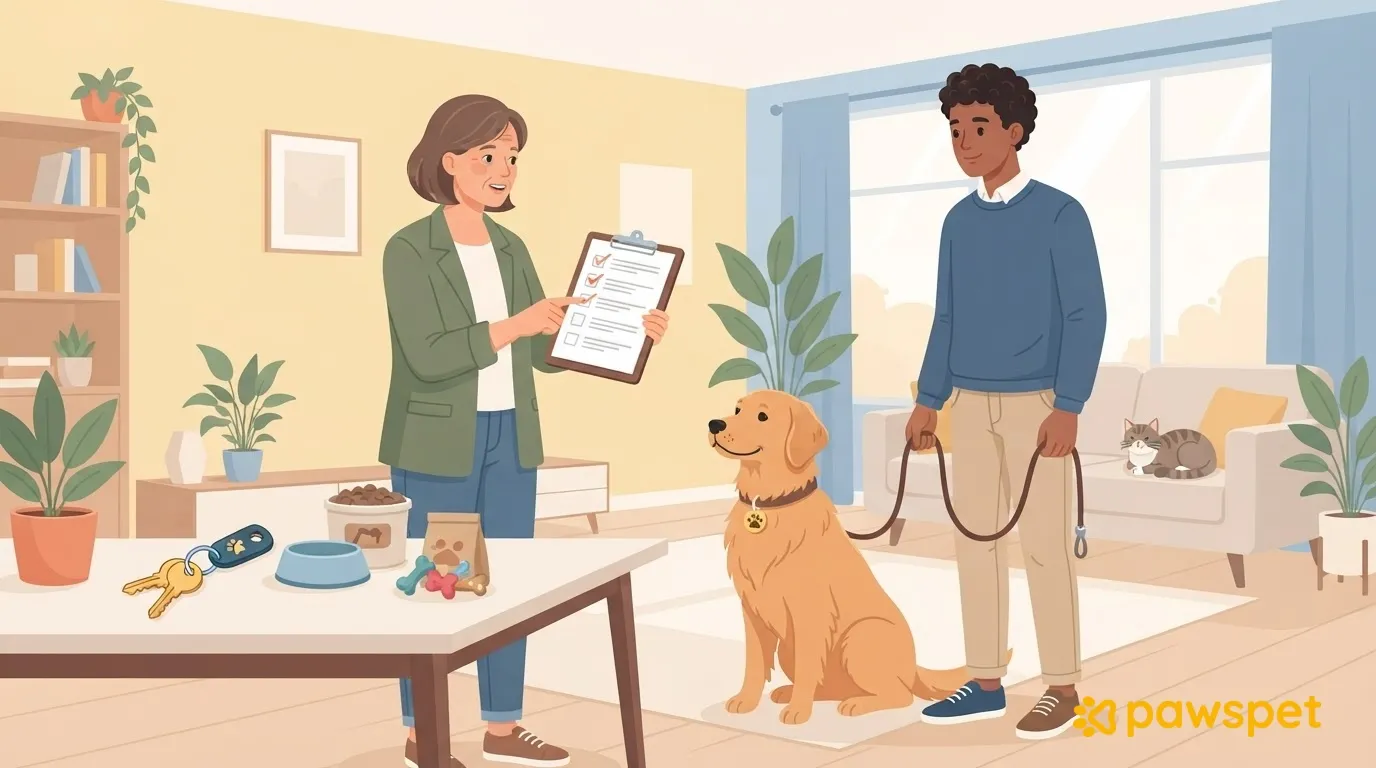
To manage schedule changes in pet sitting, agree on three things before the booking: how changes should be requested, what happens if the owner’s return is delayed and they don’t respond, and how additional visits are counted. Then confirm every change in writing, after checking your calendar. Visits should stop only once it’s confirmed that someone is with the animal.
Before the booking: rules for changes
Include these rules in the booking confirmation so the client knows what to do while traveling:
- Written requests: Changes must be requested by message; a phone call or voice note must be followed by a written summary.
- Notice and billing: Specify the desired notice for extra visits and how they will be counted according to your price list, distinguishing them from changes to the time of an already scheduled visit.
- Delayed return: Agree, for example, that you will continue the scheduled visits until you receive confirmation that the owner or the agreed-upon person is with the animal.
- No response: Set how long to wait before calling the backup contact named by the owner.
- Return message: Ask for explicit confirmation once the owner is actually home.
Confirm every change in writing
A phone call or voice note can explain the issue, but it should not be the only record of the agreement. After checking your availability, send a written summary through the same channel used for the request; if you spoke by phone, use the agreed written channel. Ask for explicit confirmation.
Write out the date and specify the exact time, avoiding “tomorrow” and “tonight.” Wait for confirmation before treating the new schedule as final.
Before saying yes, check your calendar
Check visit durations, travel time, and the buffer between clients. The change is manageable only if it doesn’t force you to shorten already agreed visits or rely on travel with no unexpected delays.
If you don’t have room, suggest a different time window or, for a task that can wait, another day. If you need to move another client’s time window, contact them and get their agreement before confirming the change. Record an additional visit as a separate commitment, not simply as a rescheduled visit.
In the PawsPet Business app, if you have a provider profile and Calendar is available, tap the manual appointment marked “Scheduled,” choose “Edit,” change “Start” or “Duration,” and tap “Save.” If the “Overlaps” notice appears, the appointment is still saved: it’s up to you to decide whether to move it. For a manually recorded visit you no longer need, use “Cancel appt” instead of “Delete” so you keep a record of it.
For marketplace orders, which must be managed in the order details under “Orders,” “Propose changes” applies to prices and line items and is available only in the “Awaiting provider” or “Awaiting customer” status.
Early or delayed return: no gaps in care
Early return. Before stopping visits, get confirmation that the owner or another agreed-upon person is already with the animal: having landed doesn’t mean they’re home. Send a brief final summary of the tasks completed and return access as agreed.
Delayed return. Follow the agreed rule, continue the visits, and update your calendar. If the owner doesn’t respond within the agreed time, call the backup contact. If you can’t personally extend the booking, check with that person who can take care of the animal and when, without assuming coverage is in place.
An ambiguous message does not authorize you to stop care. The handoff must be confirmed, not inferred from the expected travel time.
Extra requests: what’s included in the service
Picking up the mail or watering plants may fit into the visit, but that doesn’t mean it’s automatically included. Cleaning, bathing the dog, or adding another visit per day changes the time and scope of the booking.
Clarify the task, assess whether you can do it without reducing the time spent with the animal, and decide whether to accept and under what conditions. Confirm in writing what you’ll do, when, and how it will be counted.
For anything involving health or medication, proceed only with clear written instructions from the owner or veterinarian. If instructions are missing, ask for clarification: don’t improvise or change the instructions you’ve been given on your own.
Before your next booking, add a “Changes” section to the confirmation with the rules for requests, delays, the backup contact, and counting extra visits.