If your dog or cat needs to see the vet while you're on vacation, take four steps before you leave: call the clinic, give your pet sitter or family member a one-page sheet, explain what to watch for and when to call you, and leave them the questions to ask at the appointment. That way, the person taking your pet won't have to improvise, and you'll get a clear update. In an emergency, though, the person with your pet should call the vet or emergency veterinary service right away: everything else can wait.
Call the clinic before you leave
Every clinic has its own rules, so don't assume anything: ask and write down the answers. Useful questions include:
- Does the person taking my pet need written authorization?
- How will you contact me for consent to tests or treatment, and what happens if I don't answer?
- Can I set a maximum amount for emergency treatment in advance?
- How can the person taking my pet pay?
- Who should they contact outside regular hours?
Give the clinic the name and phone number of the person taking your pet so they know who to expect. If you'll often be unreachable on vacation, say so right away and leave a second contact number too.
The one-page sheet to leave behind
What should you leave for the pet sitter or family member taking your pet to the clinic? Just one page: a printed copy and a photo on the other person's phone. You don't need to plan for every scenario; four sections are enough.
Details and contacts
- Name, species, breed, date of birth, microchip number, most recent known weight, and a recent photo.
- Your phone number and an alternate contact.
- Regular clinic, arrangements you've made, and the after-hours contact details.
Health and treatment
- Known conditions, copied exactly as they appear in the records.
- Known allergies.
- Current treatments, copied from the prescription, including the times.
- Vaccination and parasite treatment dates.
Only add what's written down: no instructions of your own, even if they seem obvious. If anything is unclear, the person taking your pet should ask the clinic.
Helpful things to know at the clinic
A few lines are enough: how your pet reacts to the carrier and being handled, whether they bite or scratch when scared, and what helps calm them.
Documents
Write down where the health record or pet passport is kept so the person taking your pet can find it if the clinic asks, and make sure they have photos or copies on their phone. If there's an insurance policy, add the policy number and contact details.
What to watch for and when to call you
Ask the person staying with your pet to record facts, not interpretations, with the date and time: appetite, water, urination and bowel movements, vomiting, energy, and behavior. If anything unusual happens, a short video clip may help the clinic, as long as it's filmed without provoking your pet. To notice what changes, they need to know what a normal day looks like: write down a typical day on the sheet, such as meal times and daily routines.
Also agree on when you want to be called, for example before an unplanned appointment or if your pet skips a meal. These are your organizational preferences, not clinical thresholds: they're meant to keep you informed, not determine how serious a situation is. If your pet is clearly unwell, though, nobody should wait for you: call the vet right away and let you know afterward.
At the appointment: questions to ask on your behalf
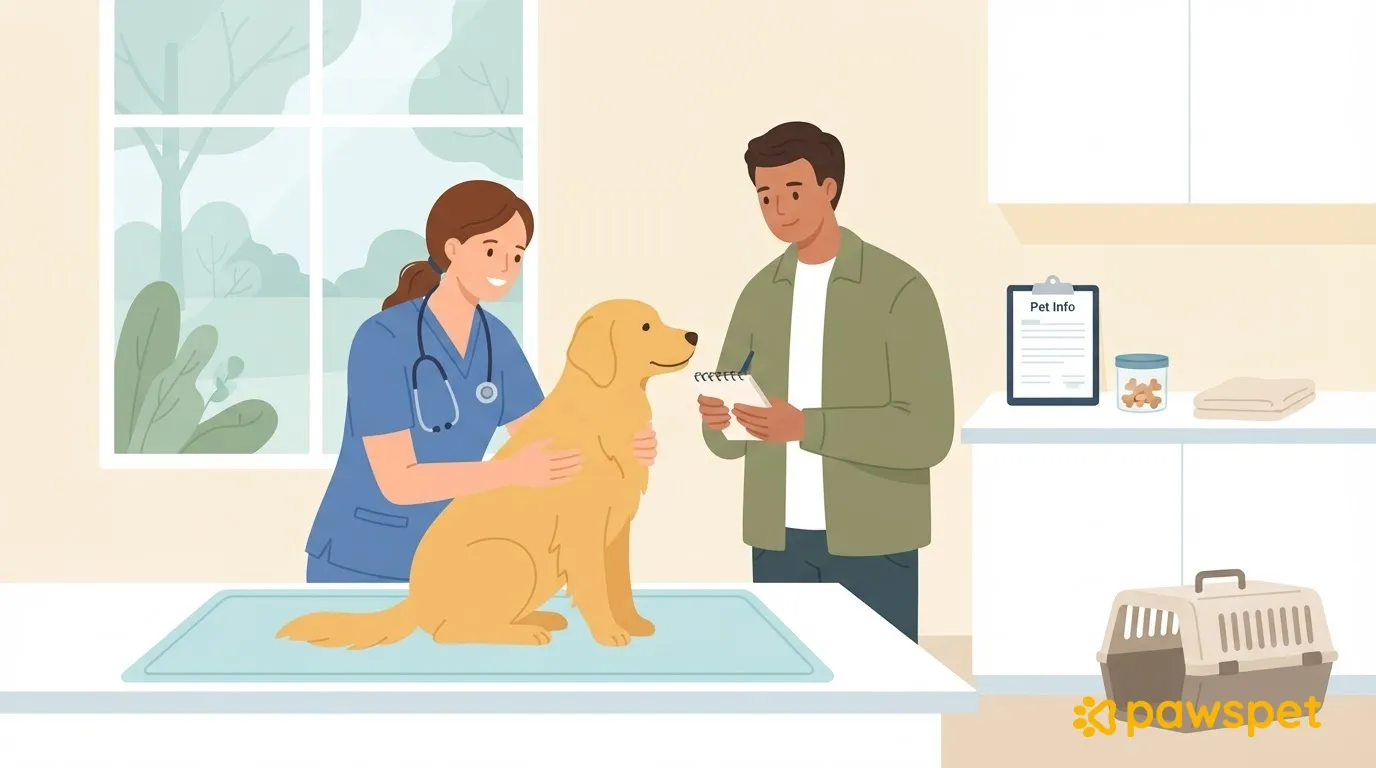
When your pet sees the vet without you, the person accompanying them will ask the questions. Give them this list, printed or on their phone:
- What did the vet observe?
- What should be done at home, and how?
- What should we watch for, and when should we call the clinic again?
- Is a follow-up needed, and when?
Ask the person accompanying your pet to get the instructions in writing and, right after the appointment, send you a photo of any prescription and the receipt, along with a short summary. That way, you have everything in writing even from a distance.
If you use PawsPet: read-only or editing access
If your pet is already in PawsPet, check that their profile and health information are up to date, and pair the sheet with access to the app, choosing the option that suits the person taking your pet.
If the person taking your pet has a PawsPet account, tap the animal in the "Animals" tab, then tap the ⋮ menu in the top right and choose "Collaborators" followed by "Add collaborator": search for the person by name or email (at least 4 characters are required), select them, set their permissions, and confirm. With "View" enabled for "Health," they can only view health information and measurements. With "Edit," they can also record the visit and prescriptions, but they'll have full access to the health section, including editing and deleting information: grant this only if it's really needed.
In the app, collaborators can't see documents or the pet passport, whatever permissions you give them, so provide the copies described on the sheet. Access also doesn't expire automatically: when you return, remove it from the same "Collaborators" screen using the remove icon on the person's row.
If the person taking your pet doesn't have an account, choose "Sharing" from the same ⋮ menu and turn it on: you'll get a read-only link that you can send using "Share" or copy using "Copy." It shows the pet's profile (including the microchip number and location if you've filled it in) and health summary, but no documents or pet passport. It opens on any device, with no app or account needed, and is visible to anyone who receives it: send it only to someone who needs it. When you return, turn it off: the link stops working immediately, but if you turn it on again in the future, the same link will work again.
Before you leave: a ten-minute check
With bags to pack and last-minute preparations, it's easy to put this off, but ten minutes is enough. Go over these points with the person taking your pet:
- The sheet has been handed over and read together.
- The clinic and after-hours numbers are saved in their phone.
- Photos or copies of the documents are on their phone.
- Access or the link has been tested on their phone: your pet appears under "Animals," in "Shared with me," or the link opens and displays the information.
- The carrier is within easy reach.
- There's a reminder to remove access or turn off the link when you return.
If everything checks out, you can leave: the person staying behind knows whom to call, what to ask, and what to tell you.