A vacation backup plan has just a few parts: a backup person who has already met your pet, a spare key that isn't dependent on the primary pet sitter, written instructions shared with both of them, and arrangements for any extra days. Set it up during the week before you leave; with a few adjustments, the same plan works for boarding and daycare too. A check-in at every visit ties everything together, such as a message or photo. If it doesn't arrive, you can spot a problem before it becomes one for your pet.
Common disruptions and what to do about them
Here are five possible disruptions and what you should have ready for each before you leave.
| Disruption | What you should have ready |
|---|---|
| The pet sitter gets sick or cancels | A backup person who has already met your pet, with keys and the same written instructions |
| A visit is missed and there's no reply | A check-in for every visit, with a cutoff time: if it doesn't arrive, the backup steps in |
| The boarding facility doesn't confirm or can no longer take your pet | Dates and times confirmed in writing and a backup option already identified, with the same instructions |
| You return one or more days late | Written arrangements for extra days and extra supplies |
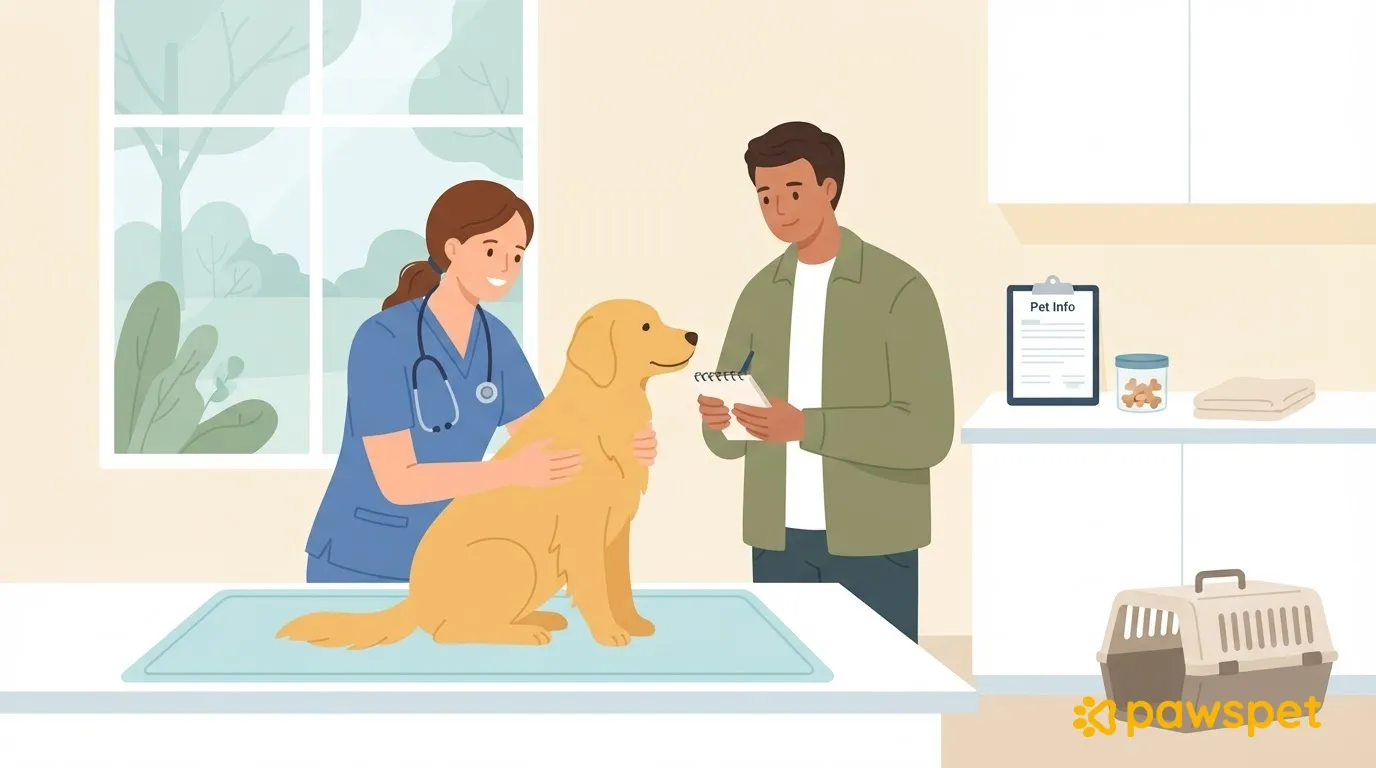
| Your pet gets sick while you're away | The vet's contact details and written instructions on who can take your pet to an appointment |
One week before: line up your backup
Your backup could be a neighbor, family member, friend, or a second professional. The important thing is that they can be reached and your pet doesn't meet them for the first time on the day of an emergency.
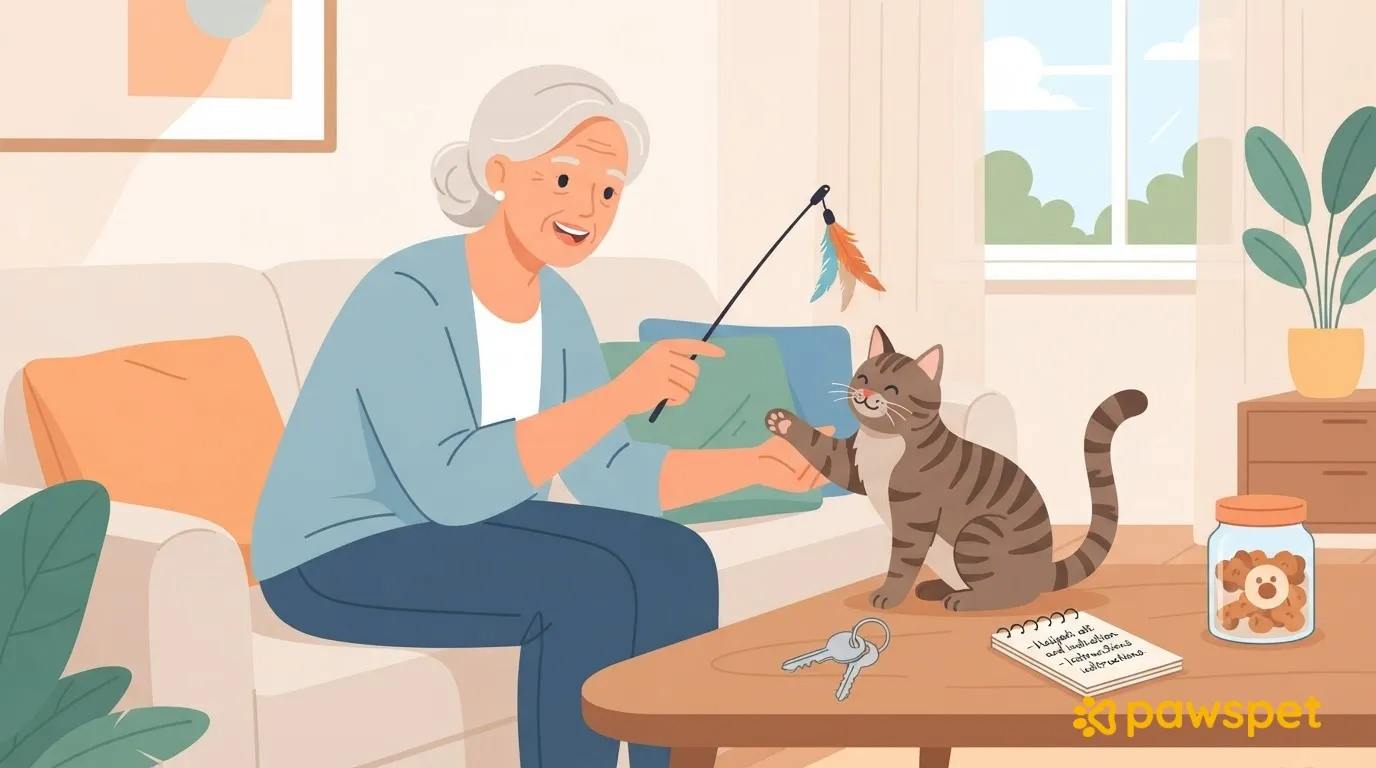
- Introduce them to your pet with a visit before you leave.
- Give them a spare key or agree on where to find one. They shouldn't have to rely on the pet sitter, who may be the very person you can't reach.
- Share the same written instructions with your backup as with the pet sitter. You'll find what to include below.
- Put your backup and pet sitter in touch so the pet sitter can contact them right away if there's a problem.
If they have a PawsPet account, you can add your backup and pet sitter as collaborators on your pet's profile (from the ⋮ menu in the top right, select «Collaborators») with view-only access to Health, so they can see vaccinations, treatments, and allergies. Access doesn't expire automatically, so remove it from the same screen when you return.
If you don't have anyone among your friends and neighbors, a professional is still an option, but there are two limitations: you can't message them in the marketplace before placing an order, and finding a service doesn't guarantee availability near you. That's why it's worth planning ahead: in the «Services» section of PawsPet, you can find a second professional and check the service's «Availability» tab to see whether they have open time slots on your dates.
What to put in writing for the pet sitter or boarding facility
One page is enough. Send it to the person caring for your pet and to your backup; if your pet is staying at home, print it out and leave it somewhere visible. Include:
- dates and times for visits (or drop-off and pickup times for boarding);
- the check-in for every visit, such as a message or photo, and the deadline for receiving it: if it doesn't arrive, the backup steps in;
- who contacts whom and how, by phone call or message;
- whether and how they can cover extra days: ask instead of assuming a booking can be extended;
- how and when they will update you;
- what to do if your pet won't eat or gets sick: which vet to contact and when to let you know.
If you booked through the PawsPet app, you'll find the order in Profile » «Completed orders»: the chat with the professional is in their «Chat» tab, and you can use it to agree on these arrangements. If the professional cancels, the order will show as «Canceled by the provider». To be notified when the status changes, keep «Orders» notifications turned on in Profile » «Notifications» and make sure they aren't blocked in your phone settings. Notifications help, but they don't replace a check-in for every visit.
If you return late
Whether it's because of a canceled flight or another disruption, a delay is less stressful if you've left enough supplies to last a few days beyond your expected return. If your pet is on medication, check with your vet that you have enough for those extra days too. If you are delayed:
- Let the person caring for your pet and your backup know right away, even before you know your new return date.
- Confirm who can cover each extra day, asking about their availability rather than assuming; if any day is uncovered, find an alternative right away.
- Ask them to check that there is enough food, litter, and medication, and to tell you what's missing.
- As soon as you know your new return date, update the person caring for your pet.
Checklist before you close the door
Every item should be done, not just planned:
- the backup has met your pet;
- they have a spare key independent of the pet sitter, or know where to find one;
- the instructions are printed at home and sent to the pet sitter and backup;
- the check-in for every visit is agreed, with a cutoff time;
- there are enough supplies for a few days beyond your expected return and, if needed, medication checked with the vet;
- you, the pet sitter, and the backup have exchanged contact details, including the vet's number;
- arrangements for extra days are clear: who will cover them and how you will ask;
- «Orders» notifications are turned on if you booked through the PawsPet app.
Message the person who could be your backup today: two lines are enough to ask whether they could step in if needed.