Sometimes a symptom is visible at home but disappears at the clinic, and trying to describe it from memory is not enough. A short clip, filmed from the start of the episode with the whole animal in frame and the date and time noted, shows the vet what they cannot see during the appointment. Video does not replace a vet visit, and you should not film if your pet needs immediate help. Here’s how to safely record videos and take photos in different situations, so you can arrive with a few carefully chosen files.
Safety first
If your pet is struggling to breathe, cannot stand, loses consciousness, or has movements they cannot control, the priority is to call your vet or an emergency veterinary service. Film only if someone else can do so without delaying help. If in doubt, call before filming.
In all cases:
- Do not put your hands near the muzzle of an animal that cannot control its movements.
- Do not deliberately provoke the symptom, for example by making your dog run to see whether they cough or limp.
Video: rules that always apply
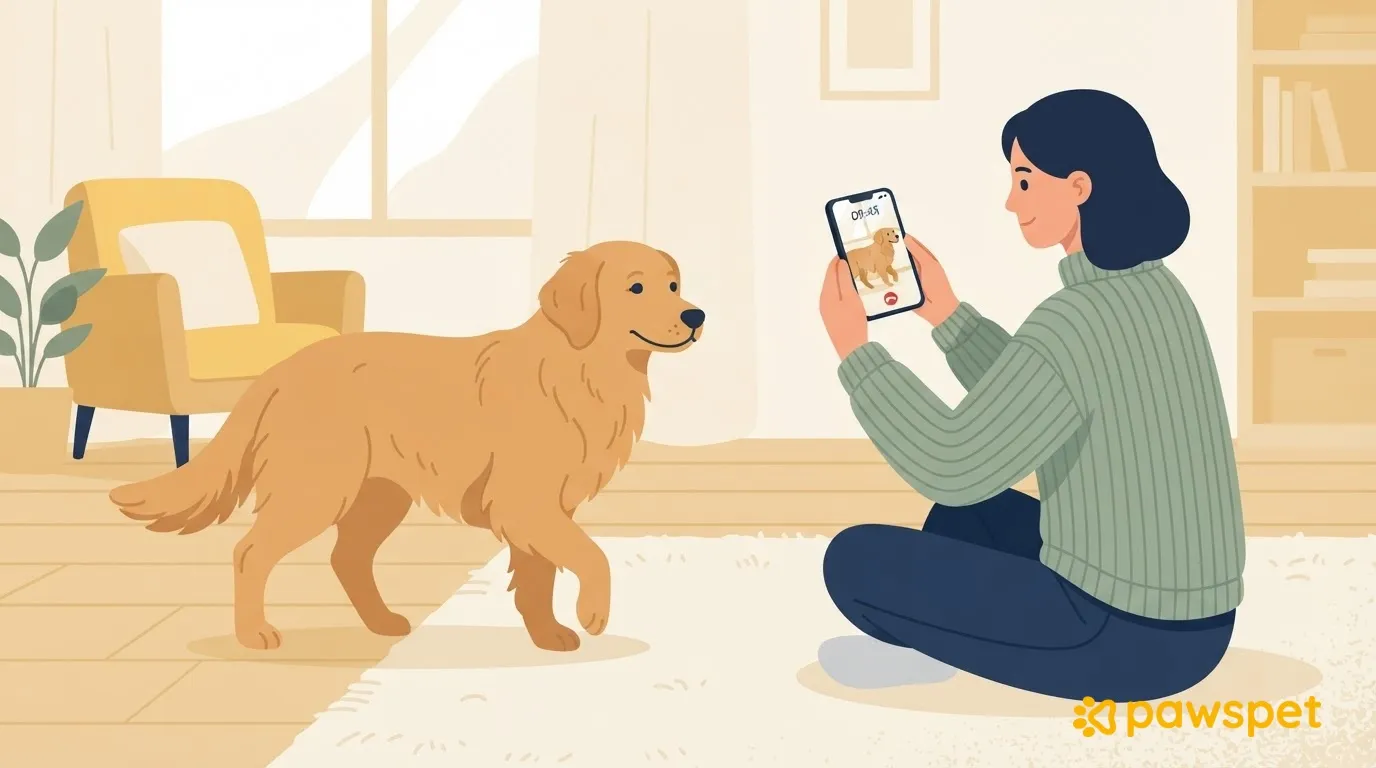
- Hold your phone horizontally with both hands.
- First frame the whole animal, then the detail: move closer calmly instead of using zoom.
- Use natural light, without filters or music.
- Record with audio on in a quiet room: turn off the TV and radio.
- Start as soon as the episode begins and keep recording until your pet is back to normal; if it lasts a long time, record several short clips.
- Say the date and time at the start of the clip, or note them down right away.
If the episode ends before you can film it, write down what you saw right away and record any later phase, without trying to make it happen again.
What to film in different situations
Gait and limping
Choose a flat, non-slip surface. Film your pet walking a few meters, without making them run, in three directions: toward you, away from you, and from the side. Have another person hold the leash loosely, so you can use both hands to hold the phone. If you notice the problem mostly after rest, also film the first few steps as your pet gets up. For a cat or small animal, instead of a leash, use a clear room where they can move around on their own, without chasing them.
Coughing, sneezing, and noises
Audio matters here. Bring the phone closer without touching your pet and frame their muzzle and chest, so the movement is visible while the noise can be heard. Note what happened in the minutes beforehand.
Breathing at rest
Film your pet’s breathing only if your vet has asked you to monitor it. In that case, film their side while they sleep, following the instructions you were given and without waking them. If their breathing seems labored, do not film: call your vet right away.
Sudden episodes or unusual behavior
Widen the frame: include the surroundings and what happens immediately after the episode. How long it takes your pet to return to normal is useful information to share, so do not stop the clip too soon. If your pet cannot control their movements, call the vet first; film only if someone else can do it.
Photos of skin, eyes, ears, and visible areas
Take two photos: one from farther away showing where the mark is on the body, and one close-up. To get them right:
- Use natural light near a window, without flash.
- If you can, place a ruler or coin next to the area as a size reference, without putting it on irritated skin.
- To track changes, take another photo each day from the same position, distance, and lighting.
- Do not clean or treat the area before photographing it, unless your vet tells you otherwise.
If your pet becomes restless or shows signs of discomfort, stop: there is no need to insist.
Organizing photos and videos
Create an album on your phone for each pet and label every file with the date, time, and what happened beforehand: a note with one line per file is enough.
To keep photos with your pet’s health information, you can also attach them in PawsPet. In the smartphone app, open your pet’s profile from the «Pets» tab, go to «Health» and tap the «+» at the bottom right. Choose the type «Other», give it a descriptive name (for example, Mark on side) and write in the notes what happened beforehand. Continue to the «Photos» step, tap «Upload attachment» and select the files: PDF, JPG, JPEG, PNG, and HEIC are accepted. Wait for the upload to finish and tap «Save».
At the appointment, find them by opening the entry from the «History» in «Health», in the «Photos and attachments» section, where they open in preview. Videos, which are not among these formats, stay in your phone’s gallery, in the album you created.
On the day of the appointment: what to bring and how to show it
Choose the two or three clearest clips and the photos that are genuinely useful: a few easy-to-view files are better than a gallery to scroll through at the clinic. If they are stored only in the cloud, download them to your phone and make sure the battery is charged. When you book, ask the clinic whether they would prefer to view them on your phone or receive them another way. Show the most representative clip first; show the others only if the vet asks.
Set up your pet’s album and notes for the files today: if the sign appears again, you’ll already have everything ready to document it.