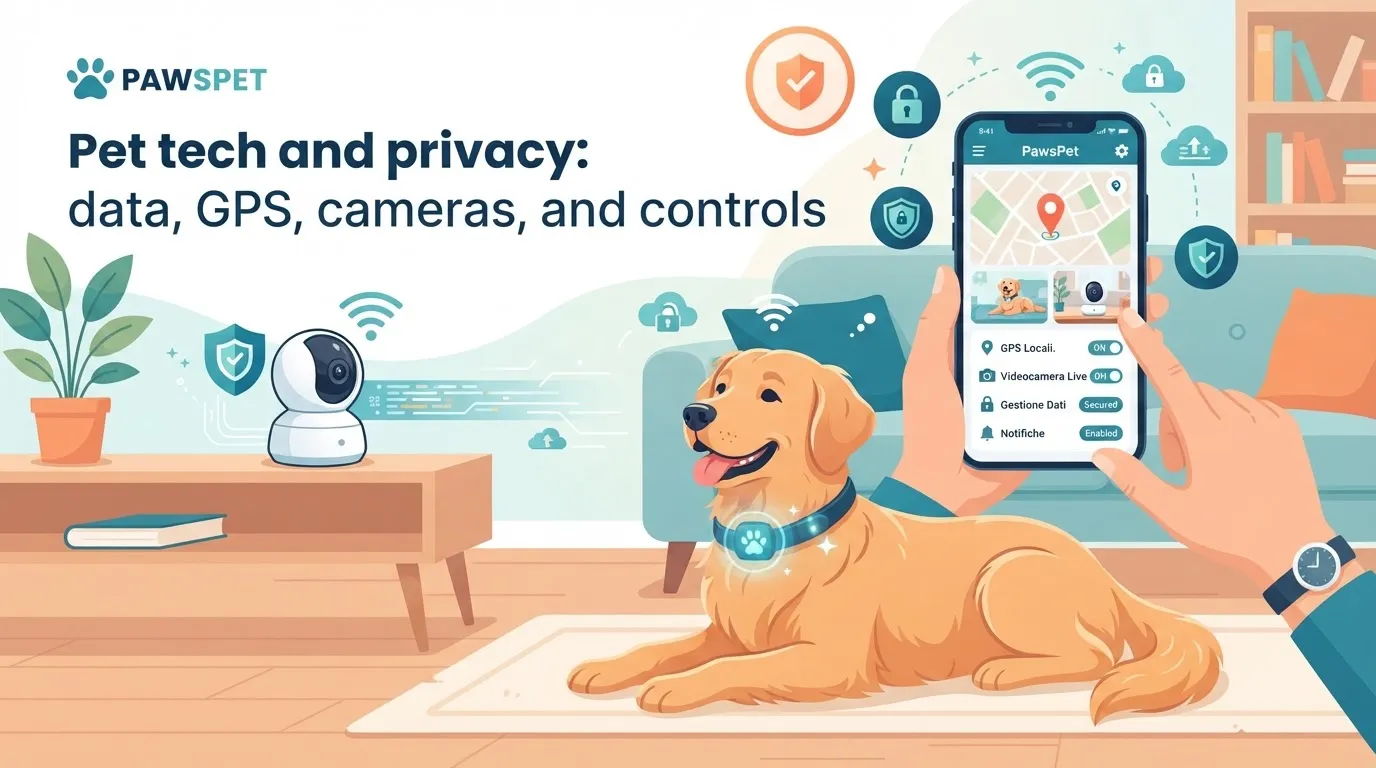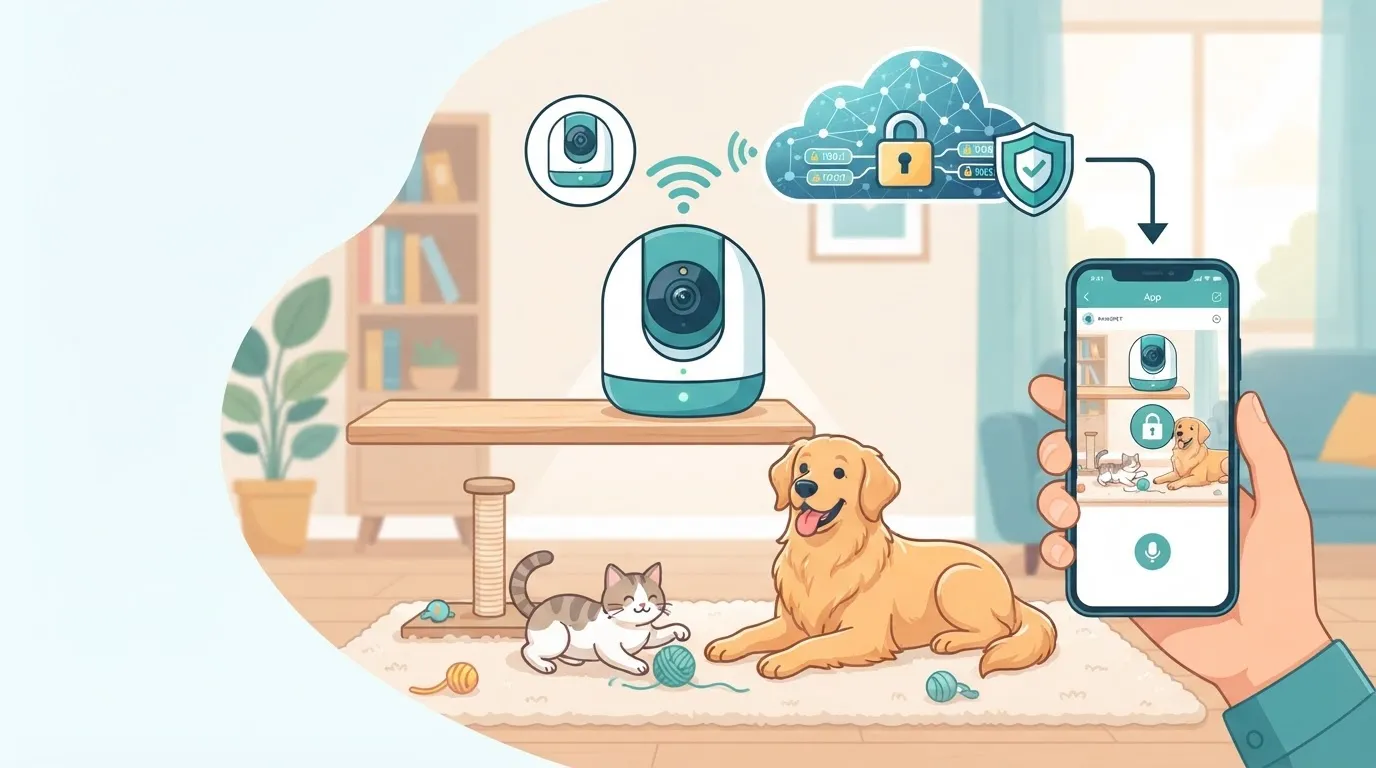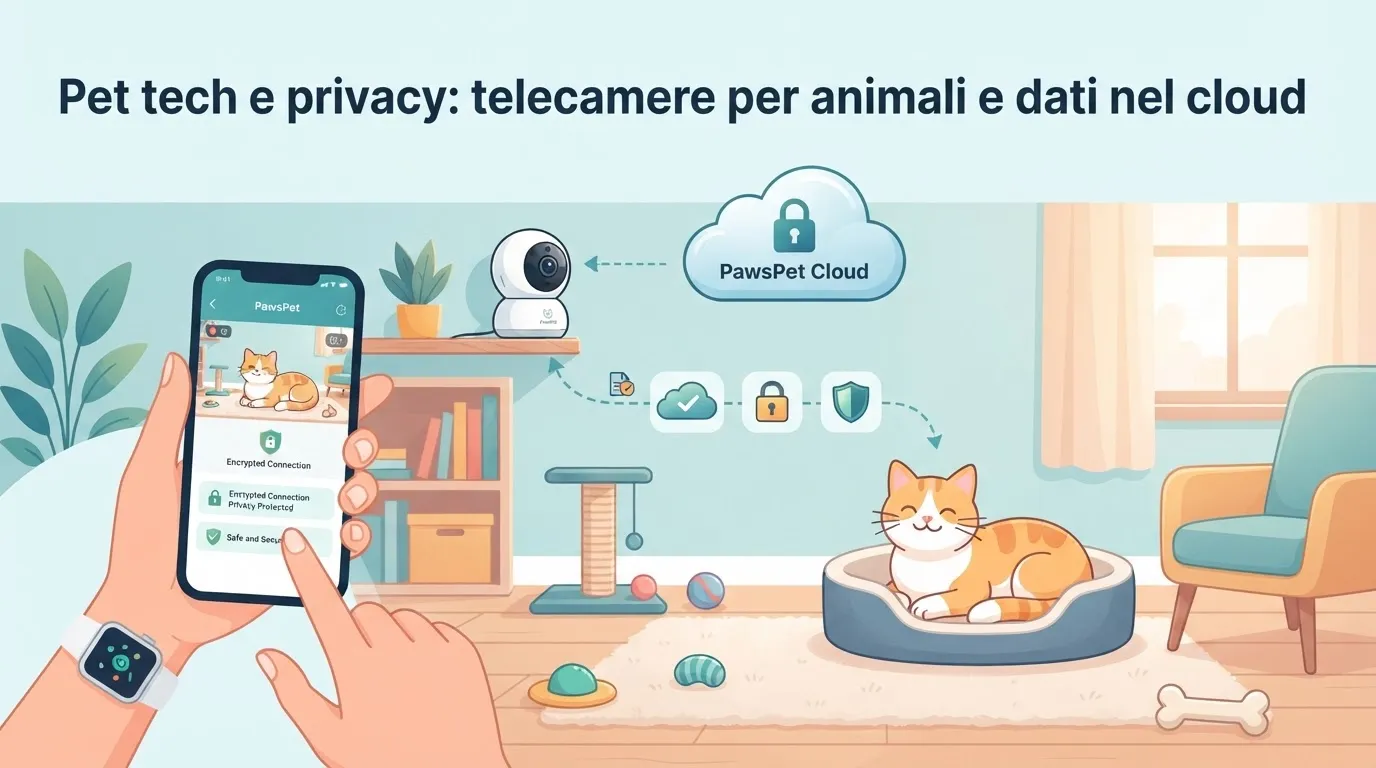
Pet cameras can help you check on your dog or cat while you are away, monitor a routine, or receive useful notifications. However, when images, audio, and other information travel from your Wi-Fi network to the cloud, privacy becomes part of everyday pet care and home security.
Managing pet camera privacy does not mean giving up technology. It means choosing settings and habits that reduce unnecessary access to your data.
What data does a pet camera collect?
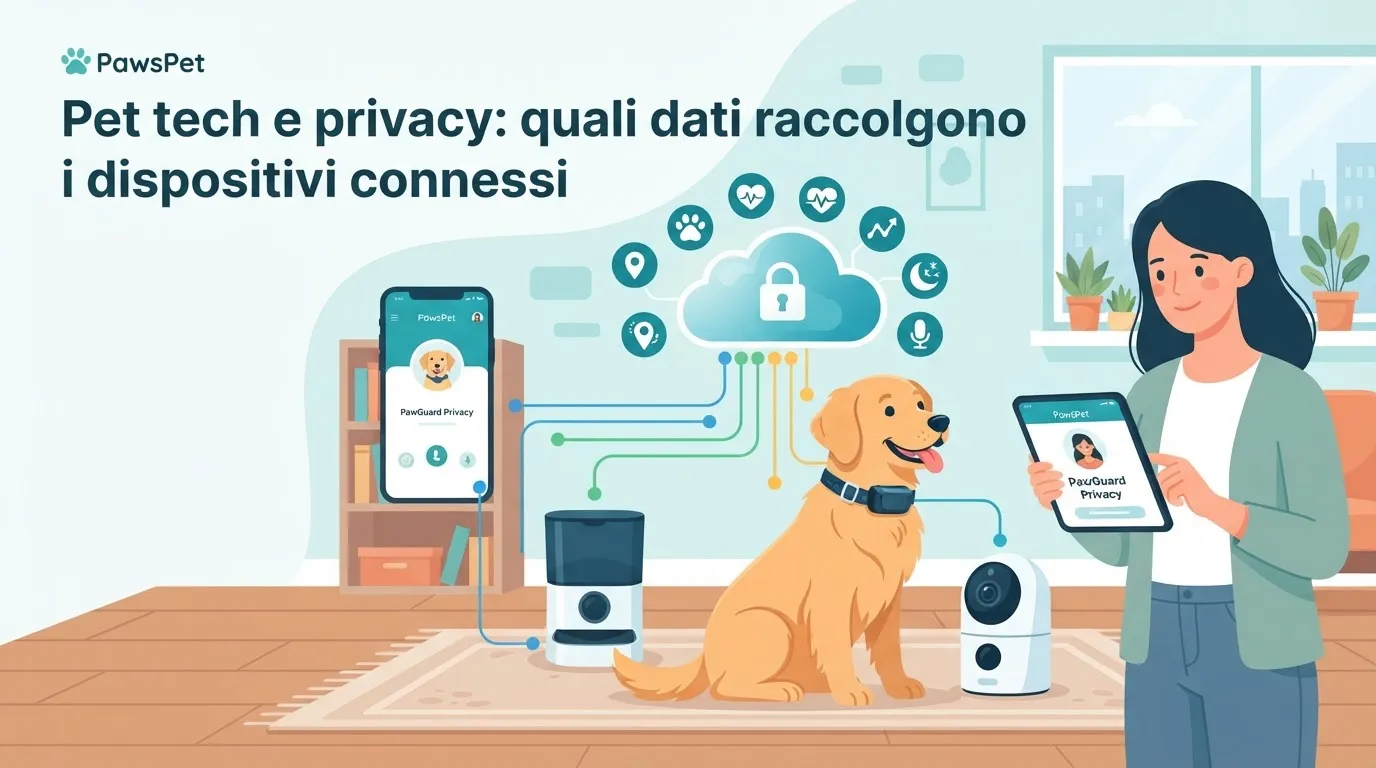
A connected camera does not record only images of your pet. Depending on the device and the features you activate, it may collect or transmit:
- video and audio from rooms in your home;
- times when your home is empty or occupied;
- movement, sound, or activity notifications;
- account details, such as your email address and login credentials;
- technical information about your network and the device being used;
- recordings stored locally or on cloud services.
If you use a dog camera with cloud services, check where recordings are stored, how long they are retained, and under what access conditions. Options may vary between manufacturers, models, and service plans. Reading the video-retention settings is more useful than relying only on the product description.
Audio also deserves attention. It can help you understand whether your pet is vocalizing or interact with them, but it may also capture conversations and sounds from people in the home.
Before buying: what to check
Security starts before you connect the camera to your Wi-Fi network. Look for clear information in the manufacturer’s documentation and assess the following points.
- Two-factor authentication: adds a verification step beyond the password and reduces the risk of unwanted account access.
- Software updates: the manufacturer should provide updates to fix security issues and keep the device supported.
- User management: check whether you can create separate accounts, revoke access easily, and view the devices connected to your account.
- Local or cloud recording: make an informed choice about whether to save recordings locally, in the cloud, or not at all.
- Privacy settings: useful features may include scheduled camera shutdown, detection zones, and the option to disable the microphone.
- Service transparency: check what data is processed, whether it may be shared with third parties, and how to request its deletion.
Be cautious with solutions that require unchangeable default credentials, use poorly maintained apps, or provide vague instructions about data protection. A low price does not make up for a lack of support and transparency.
Wi-Fi camera security: essential steps
Many Wi-Fi camera security issues result from rushed setup. Spend a few minutes securing the device initially and review its settings regularly.
- Change any default password and username immediately. Use a long, unique password and store it in a password manager.
- Secure your router with a strong password and an up-to-date encryption system supported by your equipment.
- Update the firmware and app as soon as you receive notifications from the manufacturer. If updates are no longer available, consider replacing the device.
- Create a Wi-Fi network dedicated to connected devices, when your router allows it. Separating connected pet devices from computers and smartphones can limit the impact of potential security issues.
- Disable unused features, such as remote access, the microphone, or continuous recording, if they are not part of your routine.
- Review shared access after moving home, changing pet sitters, or ending a professional arrangement.
Also avoid pointing the camera at entrances, documents, workstations, or areas where guests and family members pass through without informing them.
Responsible use with pet sitters and other professionals
A camera can be useful during home visits, scheduled walks, or periods when your pet is recovering. However, it should not become an opaque way to monitor people.
If a pet sitter, trainer, or other professional enters your home, tell them in advance that cameras are present and explain which areas are being recorded. Also clarify whether audio is active, who can view the recordings, and how long they are retained.
To organize care, it is often more effective to share essential information: your pet’s habits, veterinary contacts, feeding instructions, and signs to monitor. With PawsPet, you can centralize identification and health information, set reminders, and search for services in the marketplace, rather than relying on a camera for tasks that require direct communication and professional responsibility.
A simple routine for protecting your data and home
Every few months, perform a quick check: update the app and device, review authorized users, delete recordings you no longer need, and reassess active notifications. If you notice unfamiliar logins, changes to the settings, or unusual camera behavior, change your credentials immediately, disconnect the device from the network, and contact the manufacturer’s support team.
Pet tech works best when it serves your animal’s well-being without unnecessarily exposing your home life. With thoughtful settings, a camera can be a practical and safer tool. PawsPet can help you keep the important information in your pet’s routine organized.
FAQ
Do pet cameras always record to the cloud?
No. It depends on the model and the settings you choose. Some cameras offer local recording, cloud recording, both options, or live viewing only. Always check the configuration and service terms.
Is it useful to create a separate Wi-Fi network for connected pet devices?
Yes, when your router supports it. A dedicated network can separate cameras and other smart devices from computers, smartphones, and more sensitive personal data.
Can I use a camera to monitor a pet sitter?
You can use monitoring tools in your home, but it is important to clearly inform the professional that they are present and explain which areas are recorded. For instructions and updates about your pet, prioritize transparent agreements and direct communication.