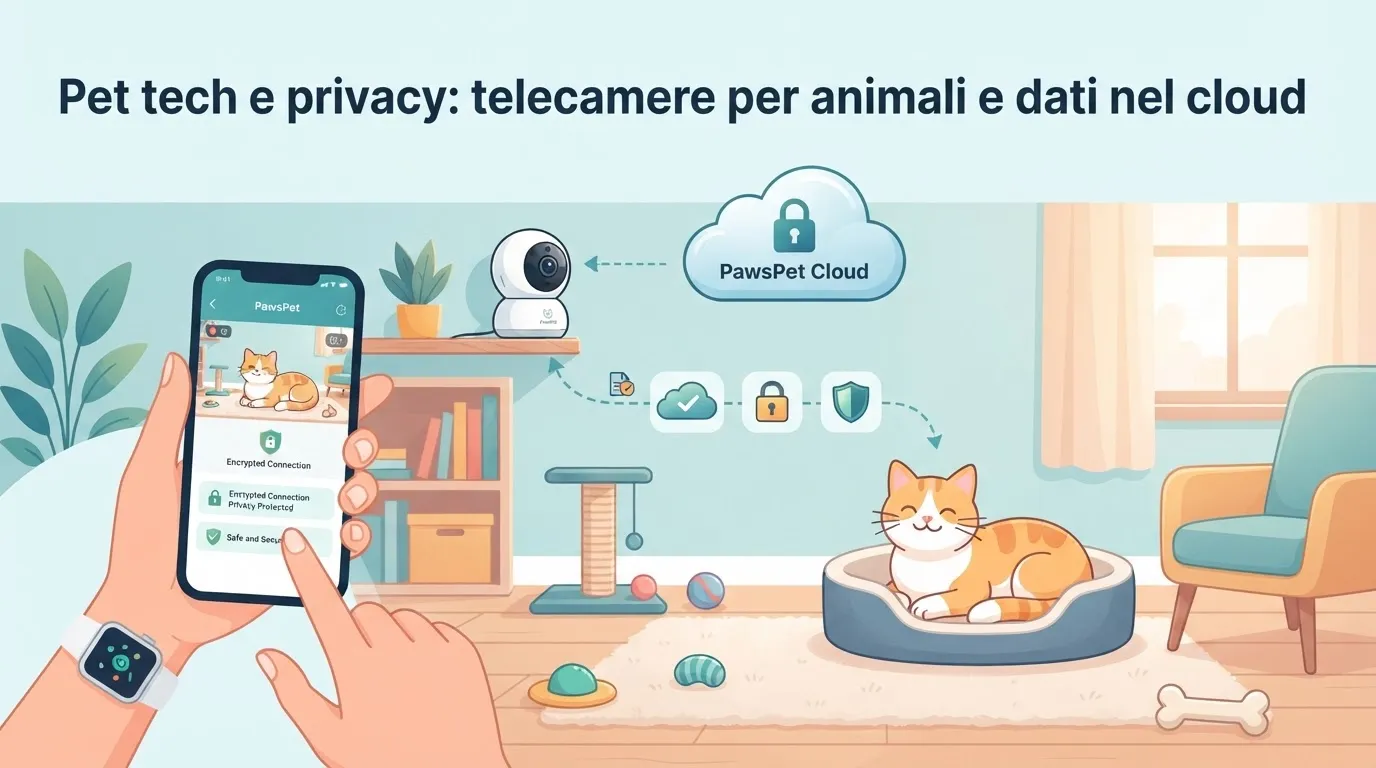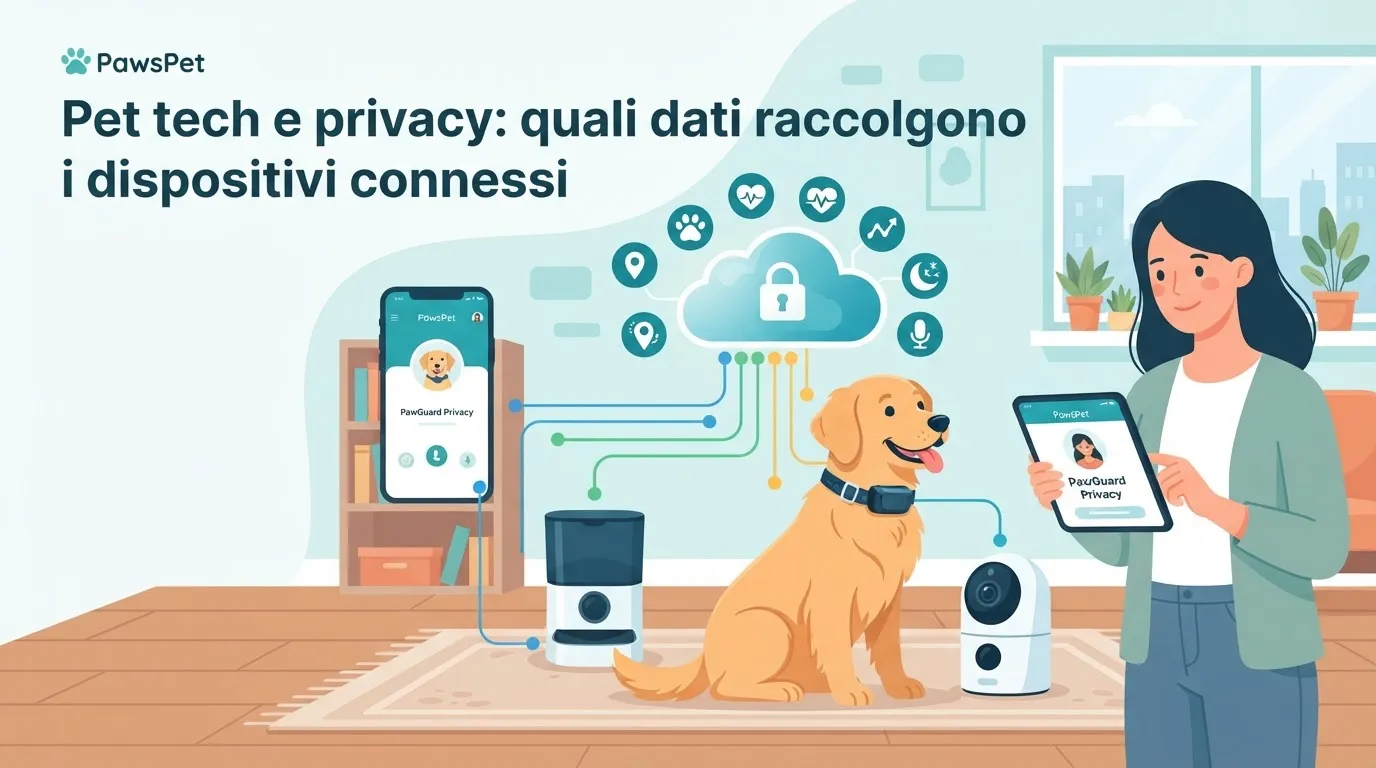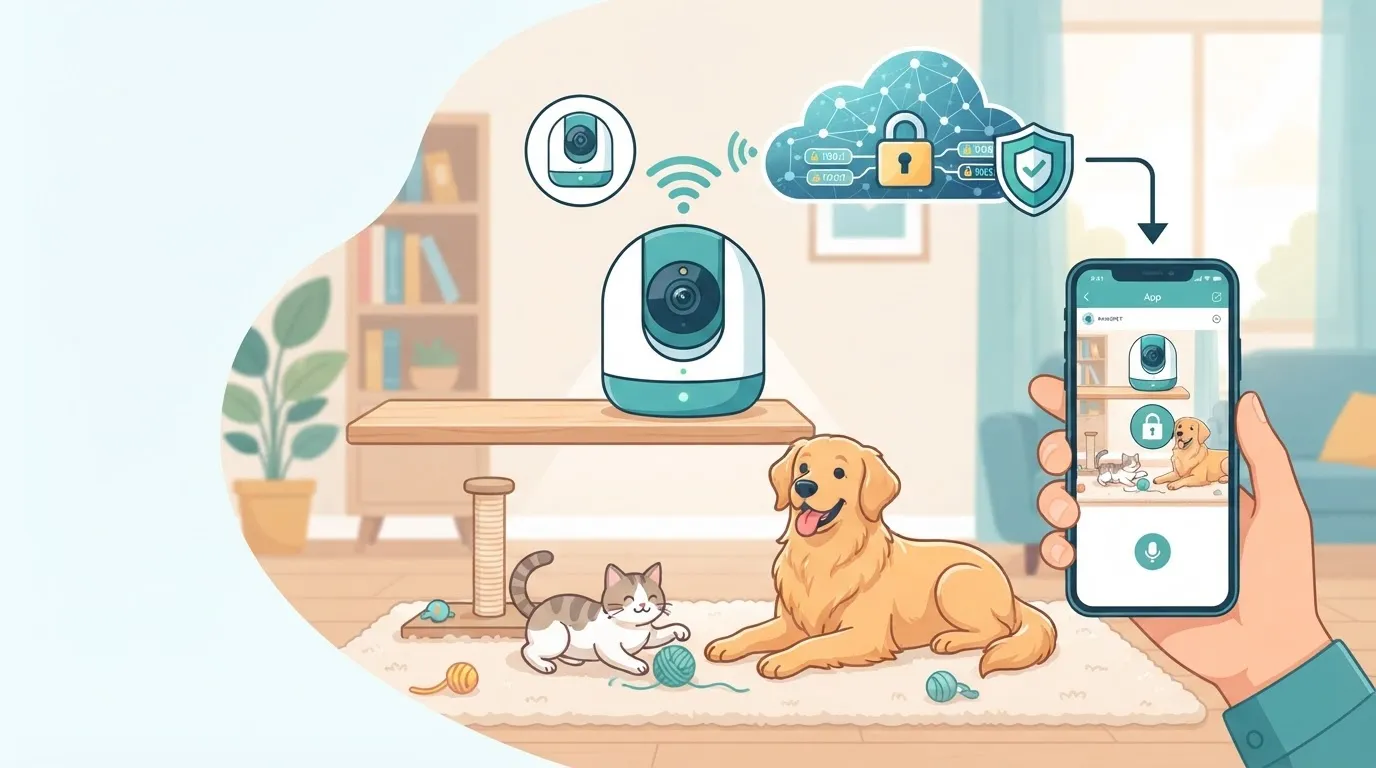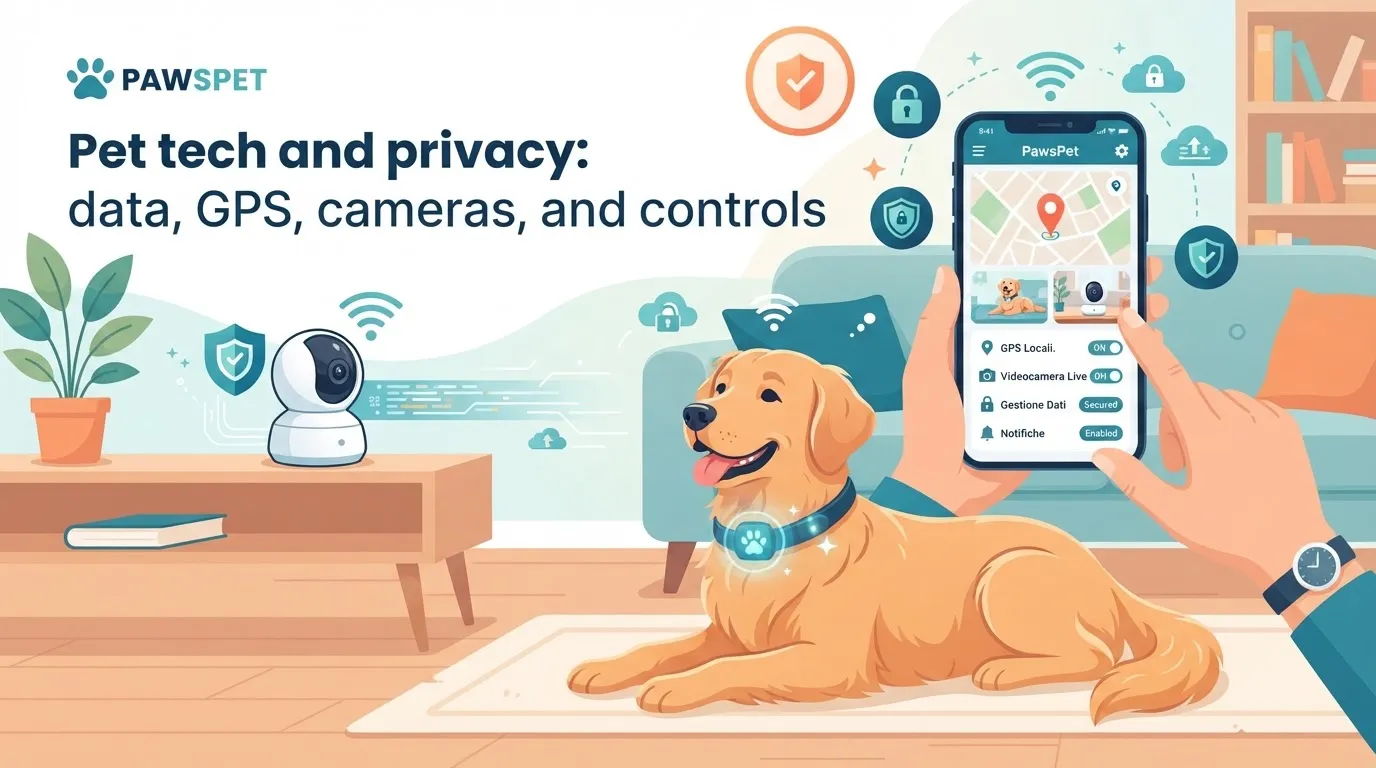
A GPS collar or home camera can help you keep track of your pet, organize walks, and check that they are safe while you are away. However, pet tech privacy deserves careful attention: these devices may collect data about location, household routines, and the rooms in your home.
Before buying or setting up a connected device, a few practical checks can help reduce unnecessary risks and support more informed use of technology.
What GPS trackers and pet cameras collect
A device designed for dogs or cats does not collect information only about the animal. A tracker may record routes, departure times, stops, and frequently visited places; a camera may show rooms, voices, and images of family members or visitors.
When considering GPS collar data protection, pay particular attention to:
- real-time location or movement history;
- your home address and regularly visited places;
- account details, such as email address, phone number, and payment method;
- pet information, including name, photos, age, or health-related notes;
- technical data from the phone and network being used.
A pet camera and privacy require the same level of attention. If the device includes a microphone, speaker, cloud storage, or movement and sound recognition, check which data is sent online, how long it is stored, and who may access it.
What to check before buying
The quality of the features should not be your only selection criterion. Before buying a GPS tracker, camera, or smart feeder, read the manufacturer’s privacy and security information.
Check the following:
-
Clear privacy policy
It should explain which data is collected, the purposes for processing it, where it is handled, and how to request access to or deletion of your data. -
Account management
Check whether you can delete the account yourself, download your data, and remove devices or authorized users. -
Image storage
Find out whether videos remain on local storage, are saved to the cloud, or both. Continuous recording may not be necessary for everyone. -
Software updates
Manufacturers should release updates to fix security issues. Avoid devices without clear information about support, updates, or assistance. -
App permissions
A GPS app may need access to your location, but it may not also need access to your contacts, microphone, or phone content. Grant only the permissions required for the chosen function.
How to set up devices more securely
The security of connected pet devices also depends on how they are installed. A rushed setup can make information accessible that should remain private.
To establish a safer baseline:
- replace default and simple passwords immediately;
- use a long, unique password for the device account and app;
- enable two-factor authentication, if available;
- update the app, camera firmware, and GPS software;
- avoid public Wi-Fi networks during the initial setup;
- disable features you do not use, such as public sharing, continuous recording, or unnecessary remote access;
- regularly review the users who can view the location or camera feed.
If you share access with a partner, pet sitter, or family member, agree in advance on which information is actually necessary. For example, a pet sitter may need the location during a walk, but not permanent access to the collar’s movement history.
Cameras at home: be mindful of guests and professionals
Pet cameras can be useful for observing behavior, checking that your pet has access to water and a place to rest, or receiving movement alerts. At the same time, they may also record people who are present in the home.
If pet sitters, cleaners, technicians, or guests enter your home, clearly inform them that cameras are present, especially if the devices record audio or send images remotely. Position cameras proportionately: common areas and spaces used by the pet may have a clear practical purpose; bathrooms, guest bedrooms, and private areas are not appropriate.
Before entrusting your pet to a professional, discuss the use of trackers and cameras openly as well. Transparency and clear agreements help build trust without turning monitoring into an invasion of privacy.
A simple routine to stay in control
Privacy is not a setting you configure just once. Every few months, take a few minutes for a practical review:
- check for available updates;
- remove users who no longer need access;
- review which data the app shares;
- delete videos and histories that are no longer useful;
- check for changes to the terms of service;
- consider whether the device still meets your needs.
PawsPet’s GPS features can be useful for recording walks and managing your pet’s activities: use them with a protected account, share access only when necessary, and set reminders to review your settings regularly.
FAQ
Can a dog’s GPS collar reveal where I live?
Yes. The device’s location data may reveal your home address, regular schedules, and frequently visited places. Protect the account with strong passwords, two-factor authentication, and limited sharing.
Do pet cameras need to record all the time?
Not necessarily. If you only need to check on your pet at specific times, you can choose live viewing, selective notifications, or limited recording. Collecting less data also means having less information to protect.
What should I do before selling or giving away a pet tech device?
Remove the device from your account, delete available histories and recordings, restore the factory settings, and revoke any permissions connected to the app.