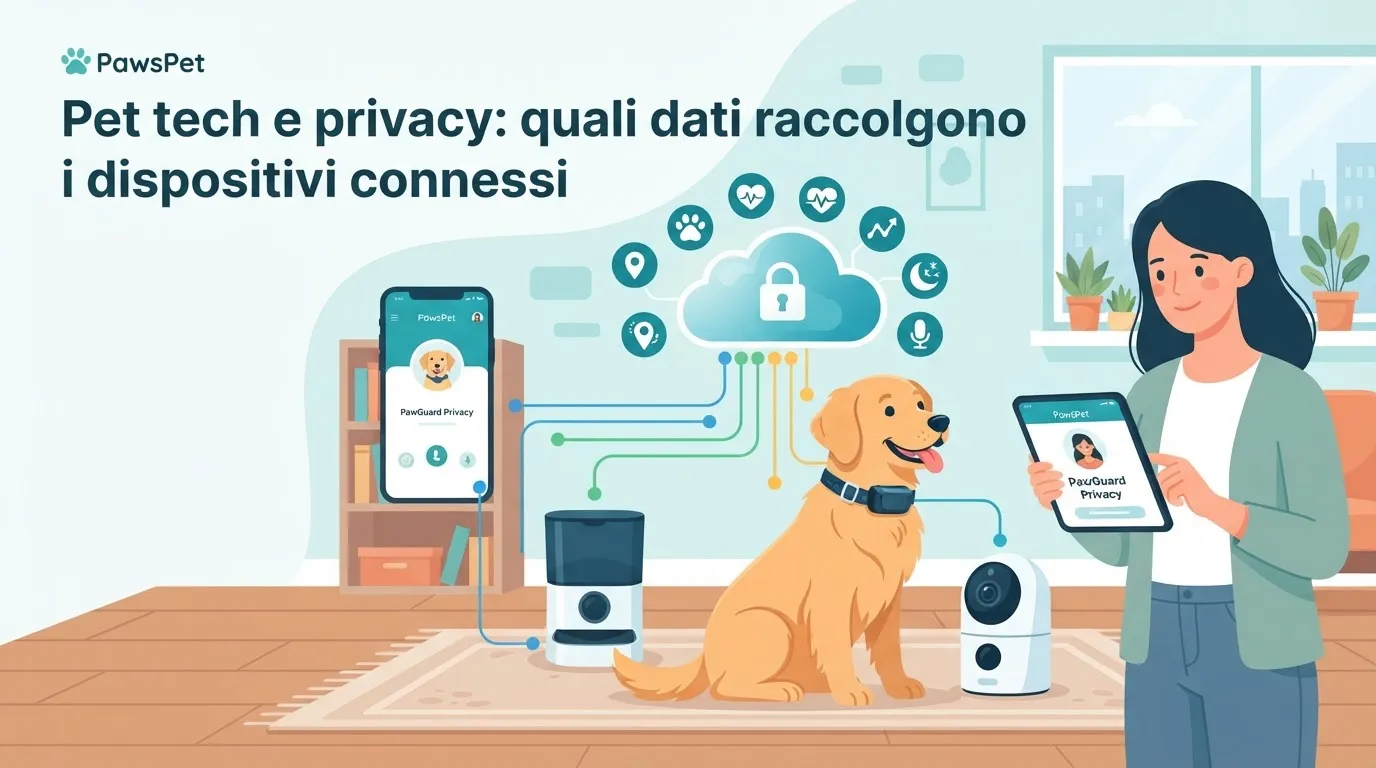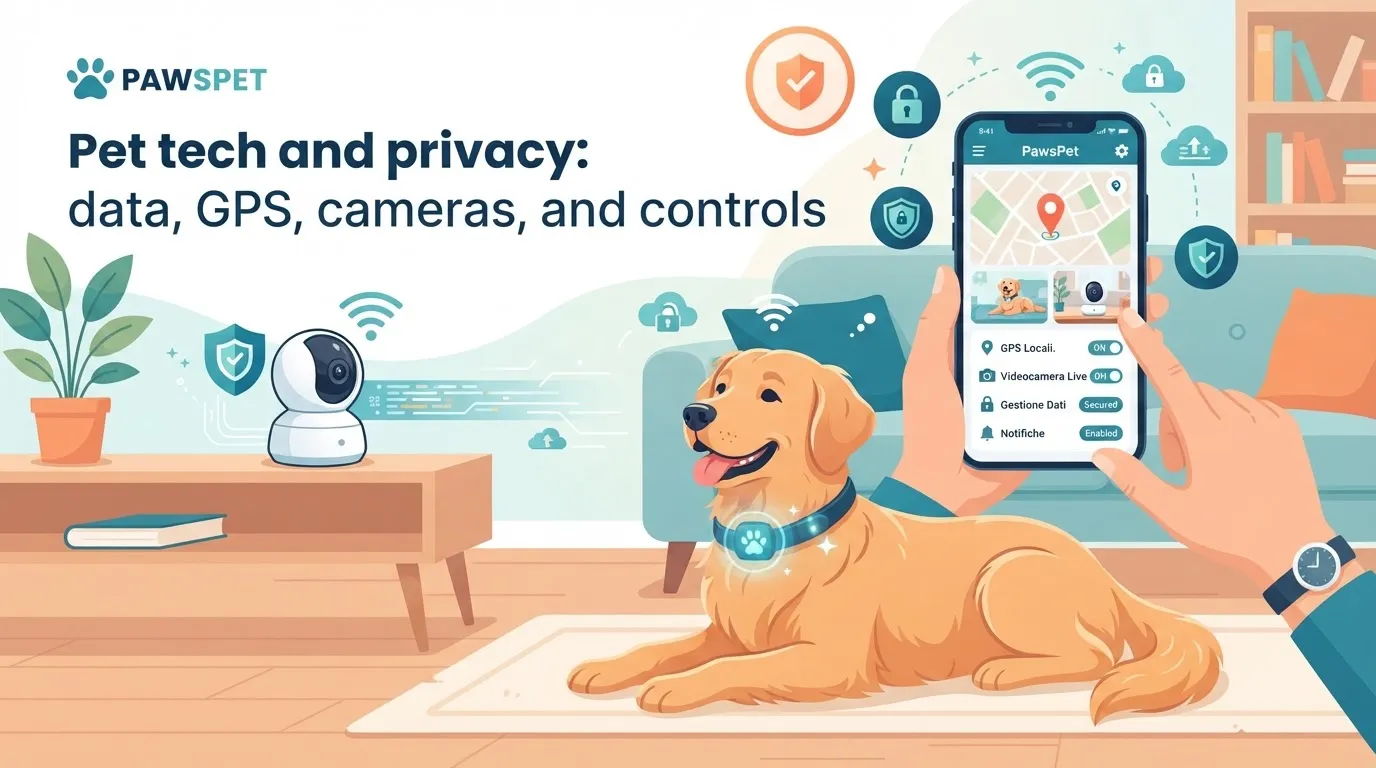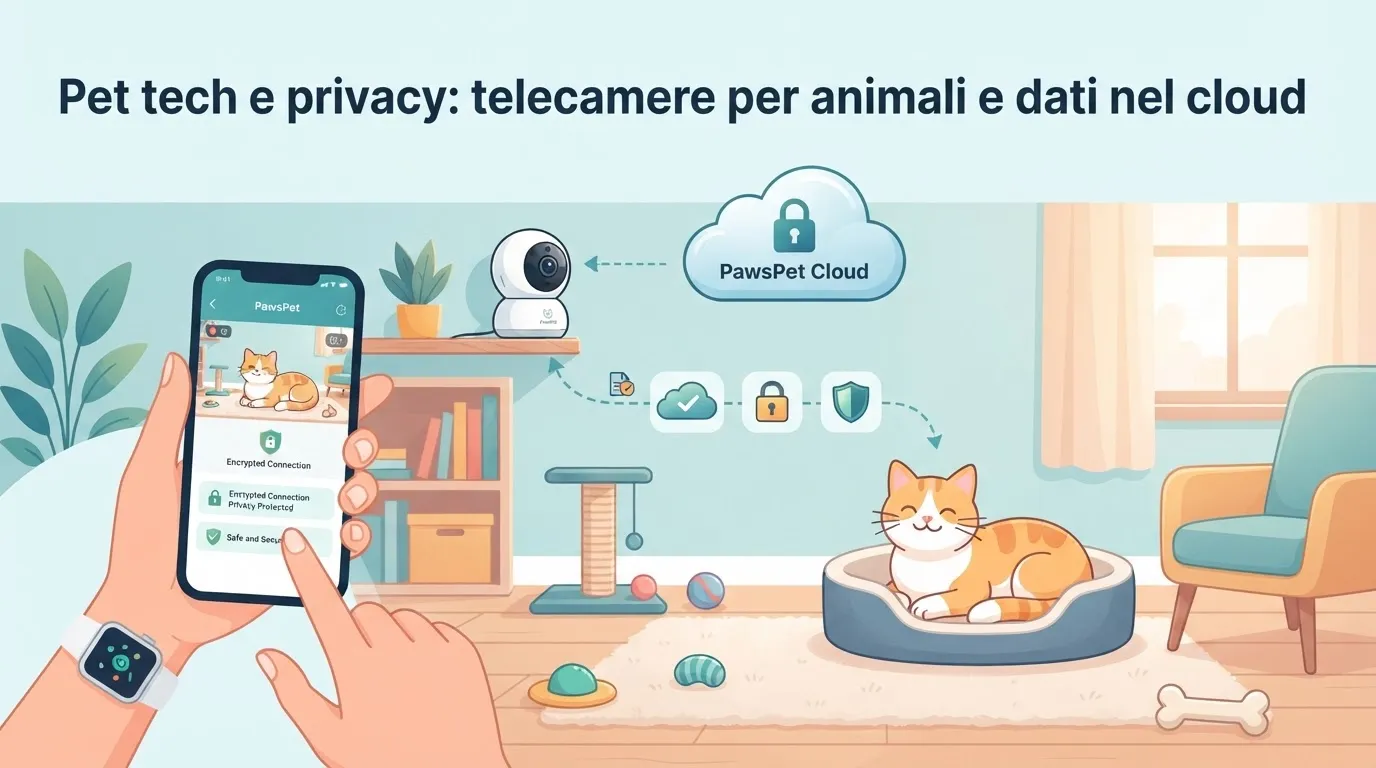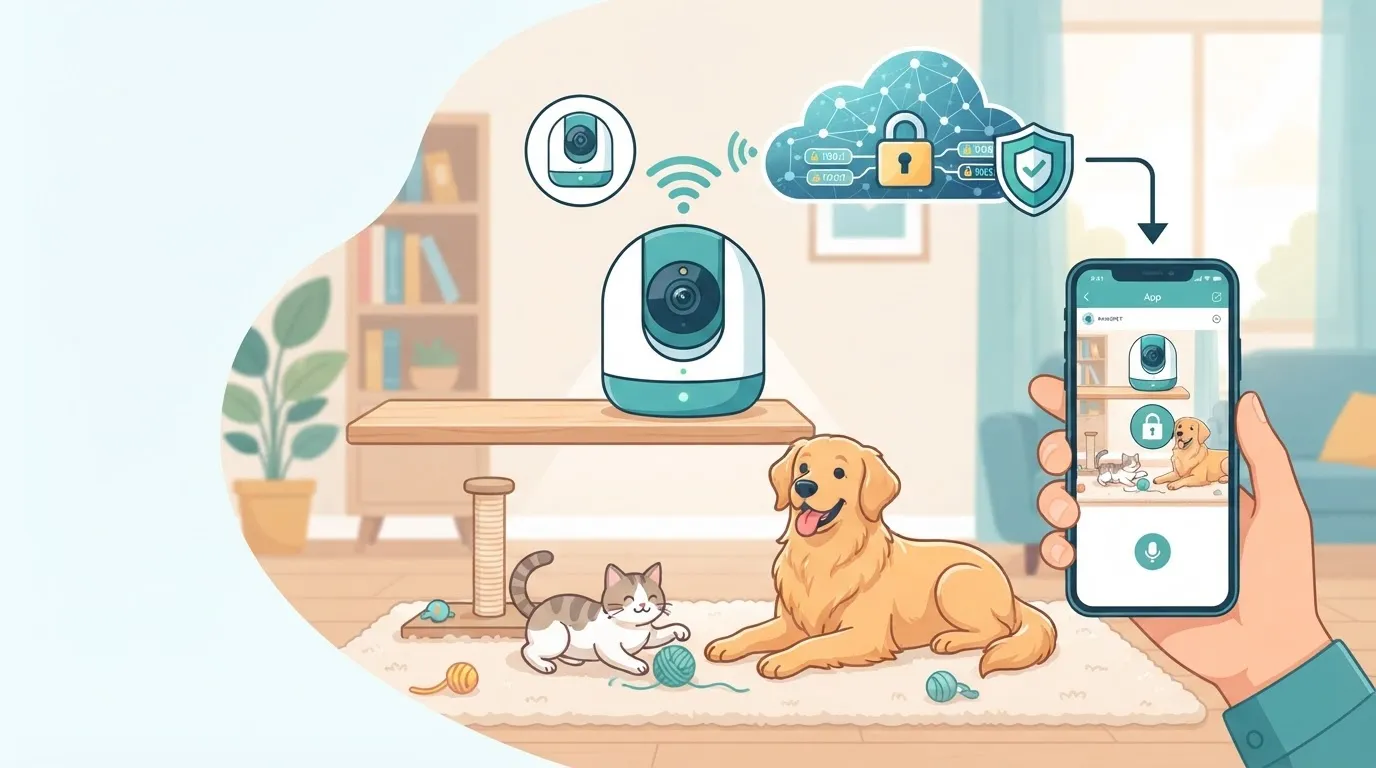
Connected pet cameras help you check on your dog or cat when they are home alone, confirm a delivery, or coordinate with a pet sitter. But a camera installed at home also collects images, voices, and information about people’s habits. That is why pet camera privacy and security should be considered before buying, not only after a problem occurs.
A thoughtful setup protects home life without giving up the benefits of pet tech. A few practical choices involving the device, account, cloud, and authorized users can make a meaningful difference.
Why pet camera privacy really matters
A camera designed for pets may capture private areas, conversations, and the movements of family members, guests, or professionals. If it is connected to the cloud, recordings may be stored on the provider’s servers. If it has a microphone and speaker, it may also transmit audio in real time.
The most common risks do not always involve sophisticated attacks. They often result from:
- weak or reused passwords;
- outdated apps;
- shared accounts without permission controls;
- unnecessary continuous recording;
- cameras pointed at particularly private areas of the home;
- devices purchased without clear information about security updates.
Pet camera security therefore concerns more than just the owner. It also affects everyone who lives in the home and anyone who enters it for work, such as pet sitters, dog walkers, cleaners, or technicians.
How to choose a safer pet camera
Before buying a connected camera, take a few minutes to check the manufacturer and the app. You do not need to be a technology expert: the goal is to understand whether the device offers basic control tools and manages data transparently.
Pay particular attention to:
- Two-factor authentication: this adds a verification step beyond the password and reduces the risk of unauthorized access.
- Software updates: check whether the manufacturer states that it releases updates and whether the app notifies you when they are available.
- User management: it is preferable to create personal invitations or temporary access rather than share the main account credentials.
- Local or cloud storage: find out where videos and images are stored, how long they are retained, and whether you can delete them easily.
- Recording settings: look for options to disable audio, schedule recording periods, or limit recording to motion detection.
- Clear privacy information: it should explain which data is processed and how to contact the provider if you have questions.
Do not base your choice only on price, video quality, or interactive features. A useful function, such as a treat dispenser or two-way audio, does not make up for unclear data protection.
Dog camera shared access: simple rules for pet sitters and family members
Managing a dog camera with shared access requires clarity. If a pet sitter enters your home, it is appropriate to inform them that a camera is present, which room it covers, and whether audio is recorded. The same applies to household workers, regular guests, and family members.
To organize access in a respectful and practical way:
- inform people in advance where the cameras are positioned;
- avoid installing them in bathrooms, guest bedrooms, or other spaces where a high level of privacy is expected;
- create a separate account for each authorized person, if the app allows it;
- limit permissions to the time and functions actually needed;
- revoke access as soon as the arrangement ends;
- do not use recordings to improperly monitor someone’s work without explaining how and why the camera is being used.
Applicable rules may vary depending on the situation and location. For professional arrangements or specific questions, it is sensible to check the relevant obligations with a qualified professional or official sources.
Protecting accounts, networks, and recorded data
Pet tech data protection continues after installation. Even a well-chosen camera remains vulnerable if the account or home network is not secured.
Start with these actions:
- use a long, unique password that differs from your email password;
- enable two-factor authentication;
- update the app, camera firmware, and router;
- protect your Wi-Fi with a strong password;
- disable features you do not use, such as audio or automatic recording;
- regularly review connected devices and authorized users;
- delete recordings you no longer need, using the available options.
If you notice unknown access, unusual notifications, or changes to the settings, change your password immediately, end active sessions, and contact the manufacturer’s support team. If the camera or your smartphone is stolen, change your credentials from a trusted device.
A useful digital routine for everyday pet care
Cameras can support, but not replace, good organization of your pet’s care. Use them to observe routines, check that the pet sitter has arrived, or receive motion alerts without turning monitoring into constant surveillance.
With PawsPet, you can keep your pet’s identification and health information organized, set useful reminders, and arrange services found in the marketplace. Combining these tools with well-managed privacy settings can make everyday care simpler and safer for everyone.
FAQ
Do pet cameras always record?
It depends on the model and its settings. Some only stream live video, while others record continuously or when they detect movement. Check the options in the app and activate only what you need.
Can I give my pet sitter access to the camera?
Yes, preferably through a personal, temporary invitation rather than by sharing your account password. Always inform the professional that a camera is present and whether audio or video is recorded.
Is the cloud less secure than local storage?
Not necessarily: security depends on the provider, updates, and account protection. Cloud storage requires careful attention to permissions, retention, and deletion of recordings. Local storage must also be protected against unauthorized physical access.