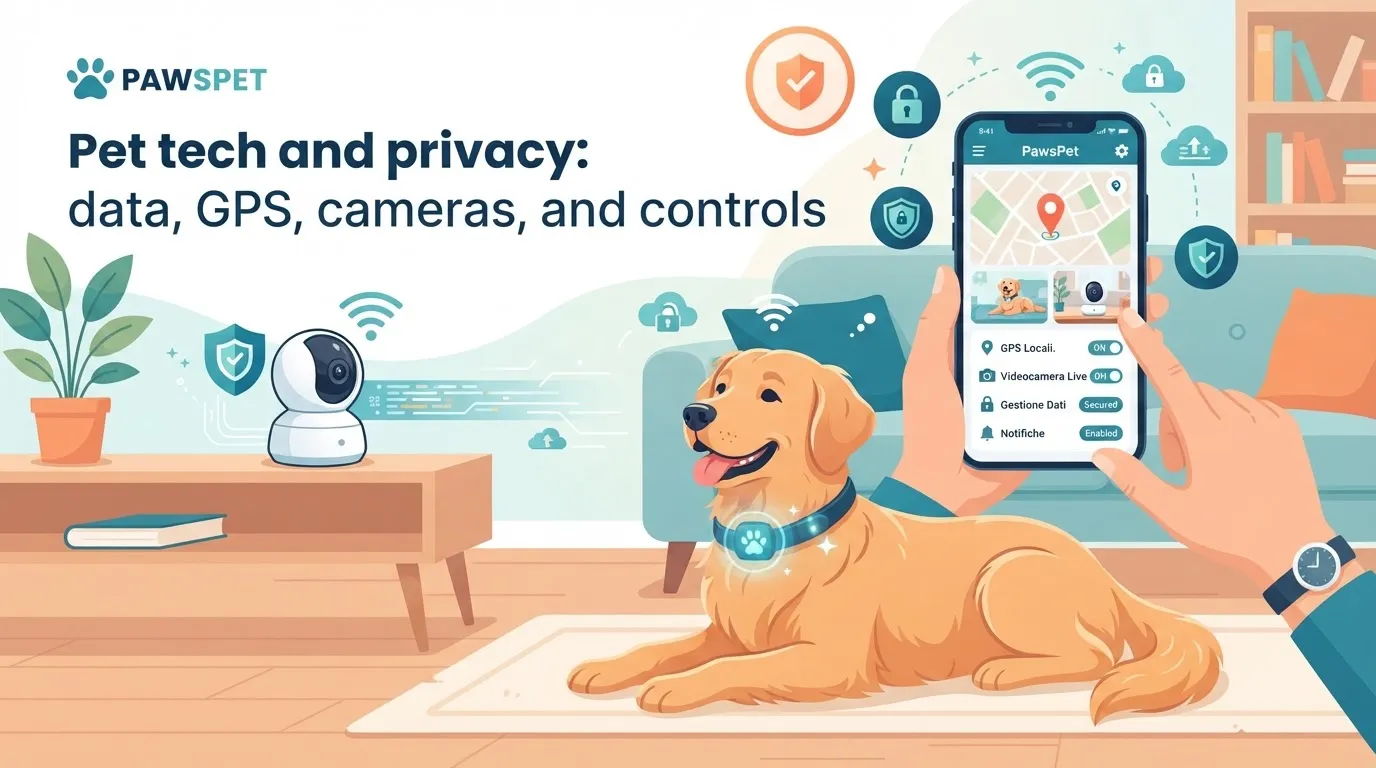
GPS collars, cameras, automatic feeders and smart bowls can make everyday life with a pet easier. However, every connected device may collect information about their location, household habits and, indirectly, your private life too. Understanding pet tech privacy helps you choose useful tools without overlooking security.
What data do connected pet devices collect?
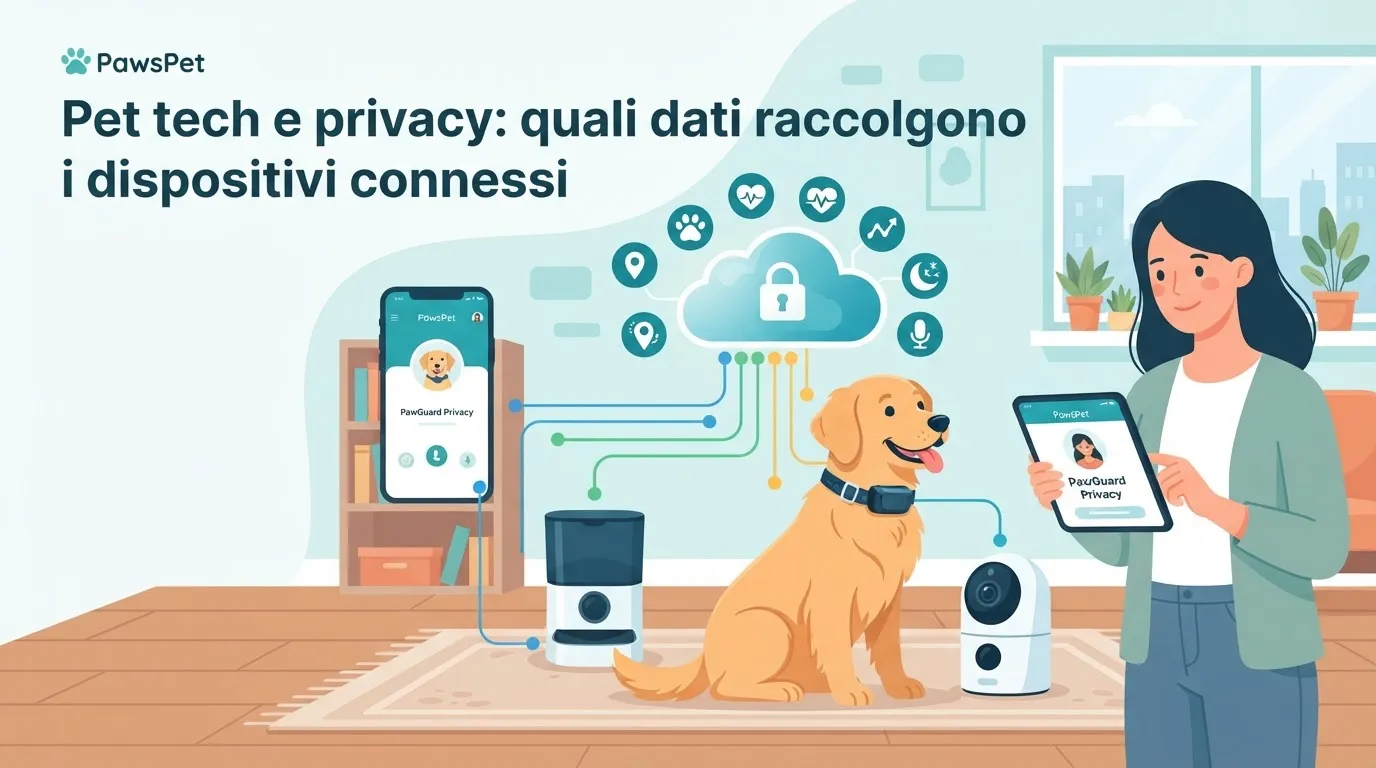
Not all connected pet devices collect the same data. The information depends on the product’s function, its associated app and the cloud services used by the manufacturer.
For example, a GPS collar may record:
- real-time location and movement history;
- walk times and duration;
- frequently visited areas and usual routes;
- pet profile data, such as name, species, age or weight;
- owner account information, including email and payment details if subscriptions are available.
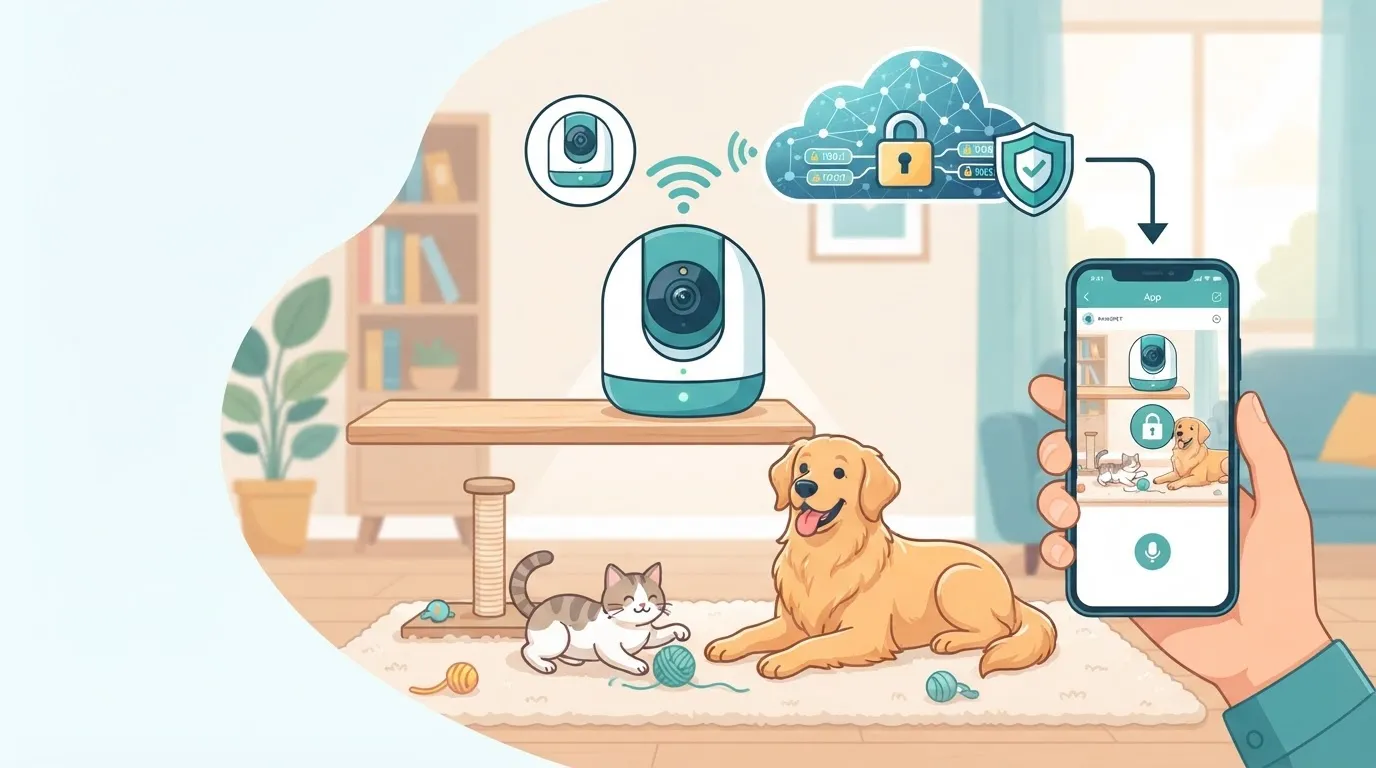
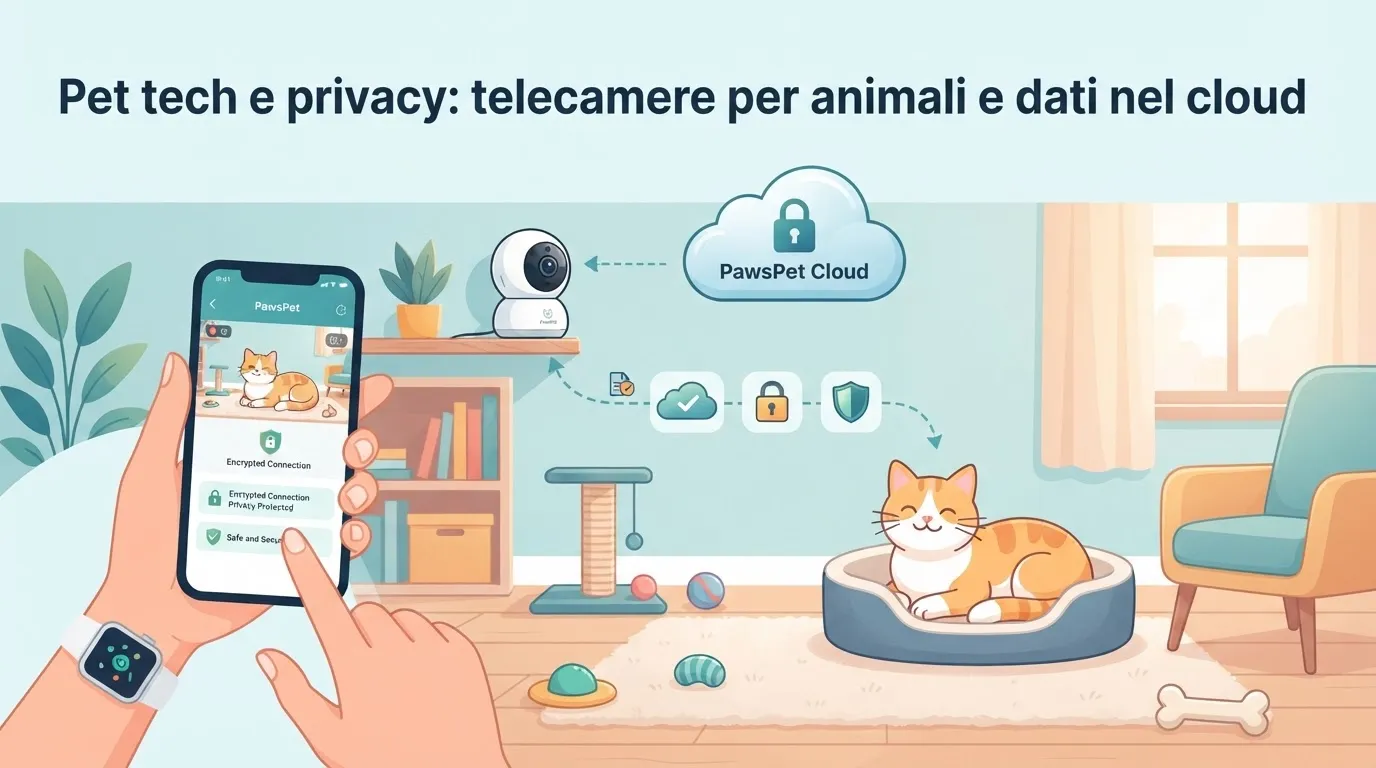
Connected pet cameras may process images, video, ambient audio and movement alerts. A smart bowl or automatic feeder may store meal times, dispensed quantities, feeding routines and information entered in the app.
This data is not necessarily problematic: it can help you monitor a potential escape, manage routines or share information with someone caring for your pet. The important thing is to know where the data goes, who can access it and how long it is retained.
Why GPS collar data and cameras require attention
GPS collar data can reveal much more than your pet’s location. If the device records repeated routes, it may indicate where you live, when you leave home and which places you visit. For this reason, avoid sharing location screenshots on social media or with people who have no genuine need to see them.
Pet camera security is just as important. A camera placed inside your home may capture family members, guests, household workers or pet sitters. Before activating it, consider both account protection and the privacy of people present in the space.
Pay particular attention to these warning signs:
- a default or overly simple password;
- no two-step verification;
- an app requesting permissions unrelated to the product’s function;
- public or unclear sharing settings;
- no understandable information about data retention and deletion.
If you use a camera while a professional is entering your home, it is appropriate to inform them in advance. Applicable rules may vary depending on the circumstances and location. If you have doubts, ask a qualified professional for advice or check current guidance from official institutions.
What to check before buying pet tech
An informed choice starts before you make the purchase. Do not rely only on the advertised features: take a few minutes to review the privacy policy, app reviews and available security options.
Use this checklist:
- Genuinely necessary function: Is a GPS needed for walks or a risk of your pet wandering away? Would a camera be useful during specific absences? Avoiding unnecessary purchases also reduces the data you share.
- Protected account: Check whether strong passwords, two-factor authentication and alerts for unusual logins are available.
- App permissions: Grant access to location, microphone, camera and contacts only when essential for the functions you use.
- Data management: Look for clear information about who processes the data, whether it is transferred to third parties and how to request its deletion.
- Software updates: Choose manufacturers that release updates and explain how to keep the device protected.
- Controllable sharing: Make sure you can easily add and remove family members, dog sitters or other authorized users.
Be cautious with apps that are rarely updated, vague instructions or products that request many permissions without clear explanations.
How to protect privacy and security in everyday use
After purchasing the device, a few simple habits can reduce risks. Change the initial credentials immediately and use a unique password for the device account. Whenever possible, enable two-step verification and keep the app and firmware up to date.
Review periodically who can access GPS data and cameras. If a pet sitter’s work has ended, remove their access instead of leaving shared credentials active. Also disable unnecessary features, such as continuous recording or automatic location sharing.
To organize the information that is genuinely useful, you may prefer tools that centralize essential pet data in an orderly way. On PawsPet, for example, profile and health management features and reminders help you keep track of routines without relying on multiple devices for every daily detail.
Pet tech privacy FAQ
Can a GPS collar be used without sharing the location with others?
In many cases, yes. Check the settings to see whether you can keep location data visible only to your account and invite other users only when necessary.
Do pet cameras always record?
It depends on the model and configuration. Some stream live video, others save motion-detected clips or record continuously. Check and customize these options.
Do I have to grant all the permissions requested by the app?
No. Grant only permissions that match the function you want to use, and review them again after app updates or changes in your needs.
Technology can provide practical support, especially for safety and organization, but it should be used carefully. Choose transparent devices, protect account access and review settings over time: these steps help you care for both your pet and your privacy.