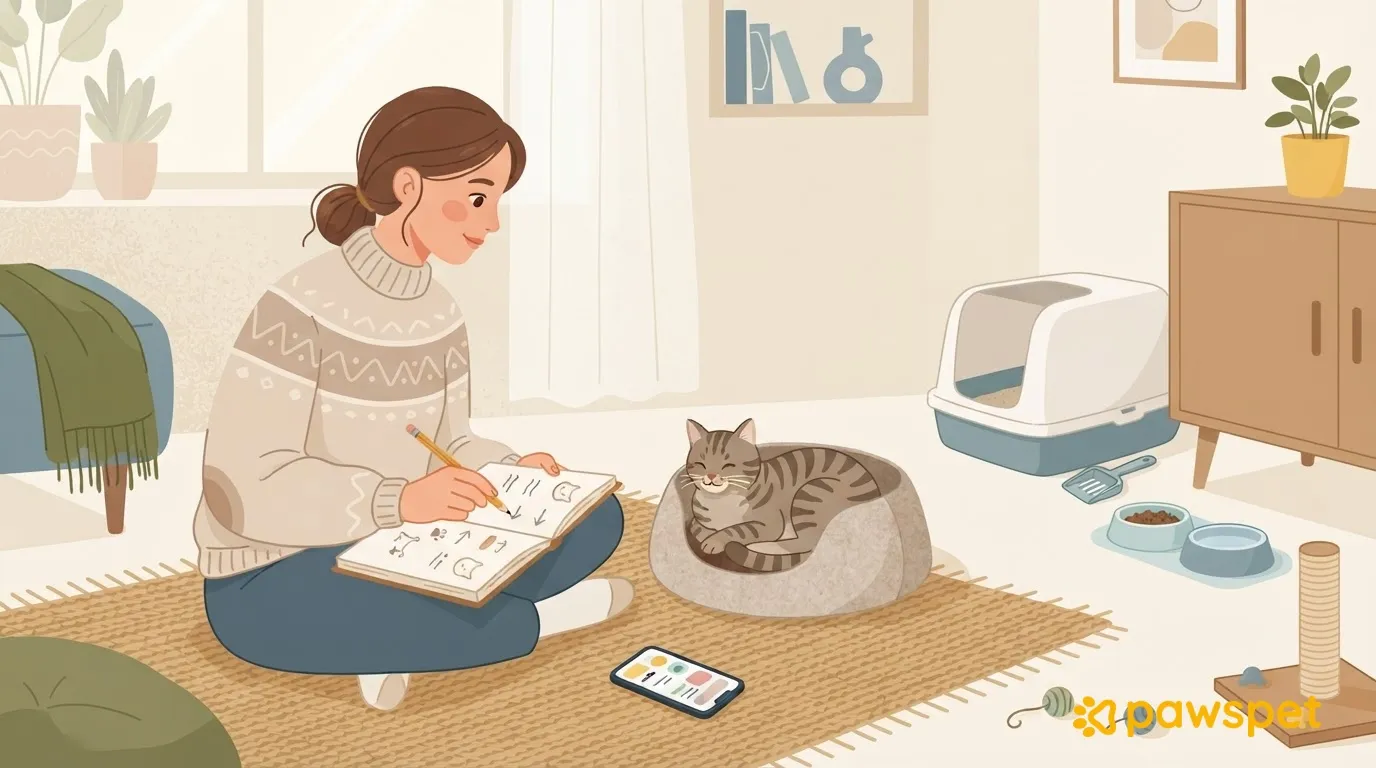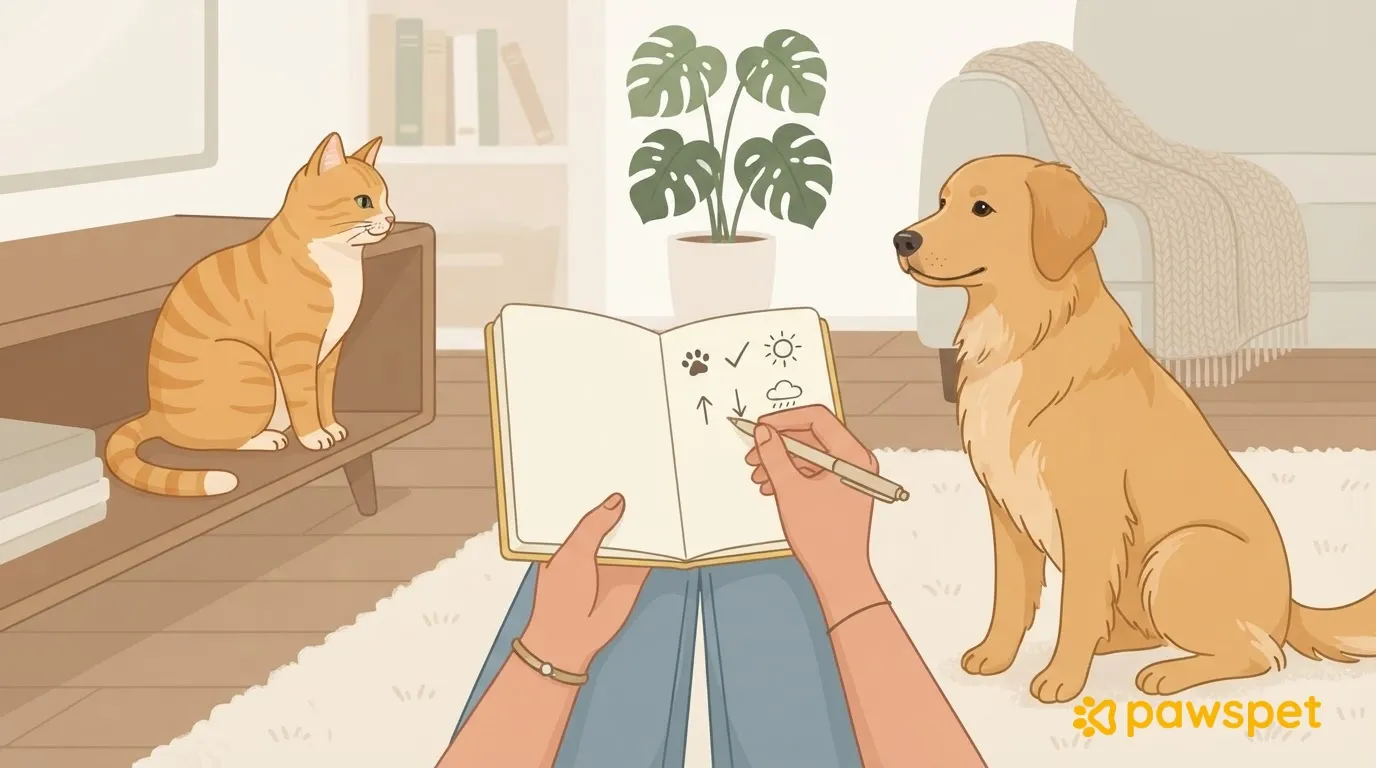
When a dog and cat start living together, or try again after a period of tension, the question is always the same: when should you open the gate, let them share a room, or leave the house without separating them? After each meeting, record a few of the same details and set a rule in advance: move forward one step only after a series of calm sessions, and step back after an episode of tension. That way, your next steps depend on what the dog and cat do, not on the calendar or impatience.
Why the calendar isn’t enough
Every pair has its own pace: a fixed deadline can’t tell you what really happened between the dog and cat. It’s easy to overestimate progress from memory or miss small signals, like a fixed stare lasting a few seconds. Regular notes, using the same details each time, show how things are going, help the whole family base decisions on the same facts, and make it easier to explain the situation to a professional.
What to record after each session
Fill out a log for each session and any significant unexpected incident; there’s no need to write anything on days without meetings. Always use these details:
| Detail | What to write | Example |
|---|---|---|
| Date and time | Day and start time | Saturday, 6:30 p.m. |
| Setting | Room, barrier or leash, who was present | Living room, dog on leash, two adults |
| Closest distance without tension | The closest point at which both stayed calm | Dog on mat, cat on the arm of the sofa |
| Duration | How long the session lasted | 6:30–6:42 p.m. |
| Who approached | Who took the first step and how | The cat, slowly and of its own accord |
| Dog’s signals | Fixed stare, stiff body, barking, pulling on the leash; or sniffing the floor, lying down, taking treats | Sniffed the floor and lay down |
| Cat’s signals | Ears and tail, hissing, fleeing or hiding; or slow movements, grooming, resting in view | Sat in view and groomed; no hissing |
| How it ended | You interrupted it, the cat walked away, or it ended calmly | Ended calmly, cat stayed on the sofa |
| Following hours | Whether the cat eats, uses the litter box, or leaves its hiding place | Ate dinner as usual, used the litter box |
Have everyone in the family use the same details, and write them down right after the session. Describe what you see, not what you think: “the dog stared at the cat for a few seconds” is more useful than “the dog was aggressive.”
When to move forward and when to step back
The steps are observation settings, not an introduction procedure:
- Seeing each other from a distance through a barrier.
- In the same room, with the dog on a leash or mat and the cat free to climb somewhere high.
- In the same room, with the dog off leash under supervision.
Before you begin, decide with your family how many calm sessions in a row are needed at the current step, and write the rule at the top of the journal: there is no number that works for everyone. A session is calm when the notes about both the dog and cat show relaxed behavior and the following hours are normal. Once you complete the series, review the logs and move forward one step.
If chasing, the dog staring fixedly, or the cat hiding for a long time after the session occurs, return to the previous step (if you’re on the first step, repeat it) and start the series over. The same applies to changes in appetite or litter box use: in that case, contact your veterinarian as well.
If the dog tries to grab the cat, keep them separated and ask a dog trainer or behavior consultant for help. Ask for help, too, if you don’t see progress after a period of consistent work or if either animal remains uncomfortable: bring the journal with you.
Keeping a journal in the PawsPet app
In the PawsPet app for pet owners, each session can be added as an activity:
- In the “Activities” tab, tap the yellow “+” button: “New Activity” will open.
- In “Name,” enter a title, such as “Dog and cat session.”
- Under “Select activity type,” which is required, expand “General” and choose “Behavior Tracking.”
- Under “Pets,” select both.
- Set the date and times.
- Enter the details from the table in “Notes” and tap “Save.”
To find your sessions, open ☰ and choose “List”; then use the “Category” filter (choose “Behavior Tracking” and confirm with “Done”) and the “Pet” filter. Open an activity to review the “Notes.”
To schedule short sessions, you can use “Repeat” and set a reminder with the bell: recurring sessions can be marked as done or skipped, while a one-time activity remains a simple record.
Anyone in the family who doesn’t use the app can fill out the same template on paper. To let a family member make notes in PawsPet, open the ⋮ menu on each pet’s profile, choose “Collaborators” and “Add collaborator,” then grant “Edit” access in the “Activities” section. The family member must have a PawsPet account; new collaborators start with “View” access to health information only, and you grant the rest. The pet will appear under “Pets,” in “Shared with me,” and the “Activities” tab will have a “+” button.
In this context, the app stores and organizes your notes; it doesn’t interpret behavior, which you must still assess using the rule you set.
Before leaving them alone together
Until sessions with the dog off leash under supervision are consistently calm, keep the dog and cat in separate areas whenever no one can keep an eye on them. The cat must be able to reach high places, and water, food, and the litter box must stay out of the dog’s reach. Decide when to try the first period without supervision using the same journal rule, and if in doubt, wait: keeping them apart is a precaution, not a step backward.
Prepare the template today, on paper or in the app, set the rule for moving forward, and fill out the first log after your next session.