To switch vets without losing your pet’s medical history, gather documents, vaccination records, test results, current treatment details, and allergies before you leave, and ask your current vet for a summary or copy of the records. In your new city, choose a vet and an emergency contact before you need one, schedule an initial visit soon, and find out how to update the contact details linked to your pet’s microchip. In the chaos of a move, follow-up appointments and treatments can easily be missed; with the records in order, the new vet won’t have to start from scratch.
What to gather before you move
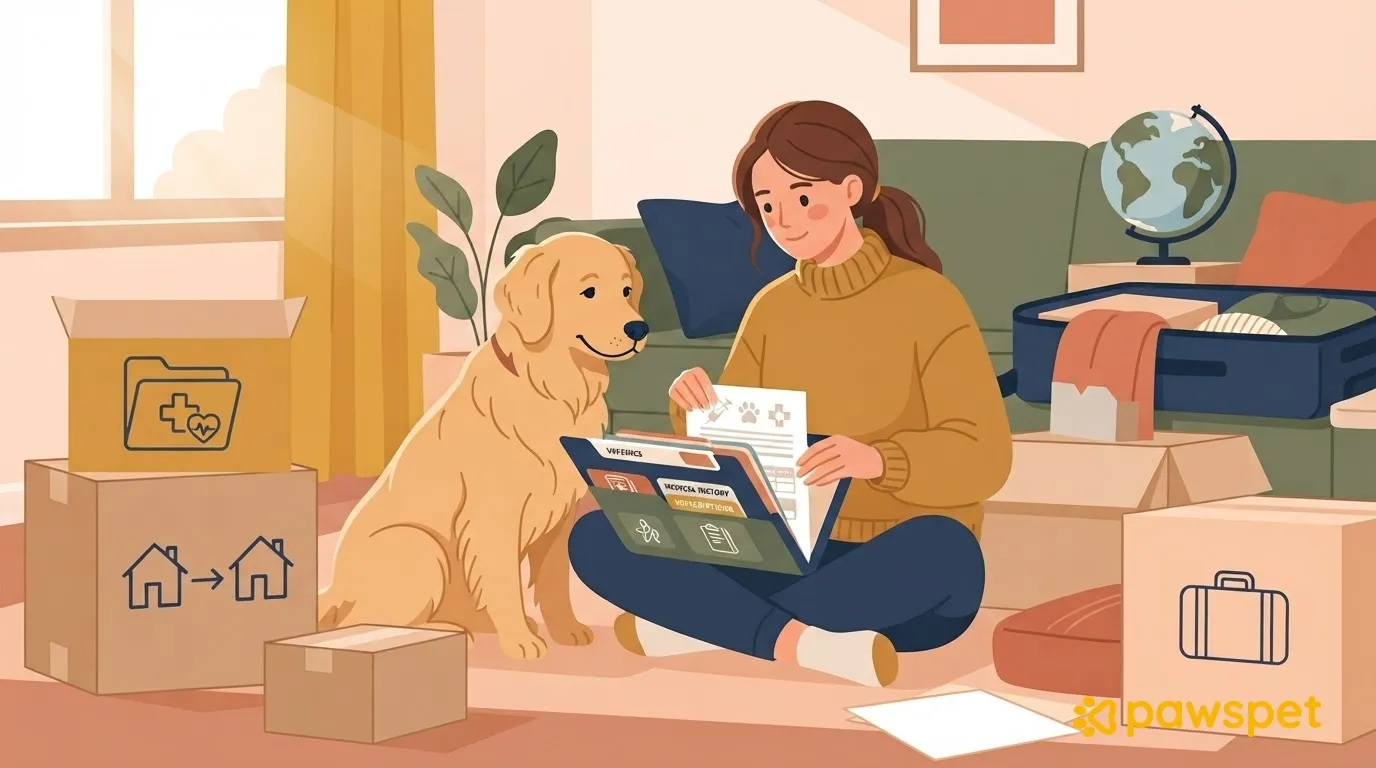
Prepare a paper or digital folder with:
- your pet’s documents: health record, passport if available, microchip number, and certificates;
- vaccinations, including dates and upcoming boosters;
- parasite treatments administered, with dates;
- current treatments, with prescriptions and written instructions;
- recent tests and results;
- chronic conditions, procedures, allergies, and intolerances;
- most recently recorded weight;
- practical notes: how your pet reacts during visits and what helps them feel calm.
Ask your current vet well in advance for a report or copy of the clinical records; don’t wait until the last few days before you leave. If your pet is receiving treatment, also ask how to ensure you have enough supplies and can continue treatment during the move: don’t stop or change it on your own. Keep the folder with you during the journey, not in the moving truck.
Keep the records accessible, even among the boxes
Paper files can end up in a box just when you need them; keeping an organized digital copy saves you from searching at the last minute. Even simply photographing each page and keeping the images in a dedicated folder is a good start.
In the PawsPet app for owners, record vaccinations, visits, treatments, tests, and allergies in your pet’s “Health” tab, and attach test results; add your pet’s weight in the “Measurements” tab. You can also set a reminder before a vaccination is due.
If AI features are enabled, “Analyze test result with AI” (from the “+” in the “Health” tab) reads a photo or PDF of a test result and suggests details to save to the medical history. The suggested entries are already checked: review them one by one before adding them, because the analysis does not replace a veterinarian’s advice. It requires an internet connection, uses your monthly AI credits, and sends your pet’s data to a third-party service; you can turn off the features from the “Profile” tab » “AI Features.”
For documents themselves, open the “Profile” tab and, in the “Documents” strip, add a passport, health record, certificates, and other documents by attaching PDFs or images. For documents with an expiration date, you can enter the date and set reminders, so they’re ready to show at your appointment.
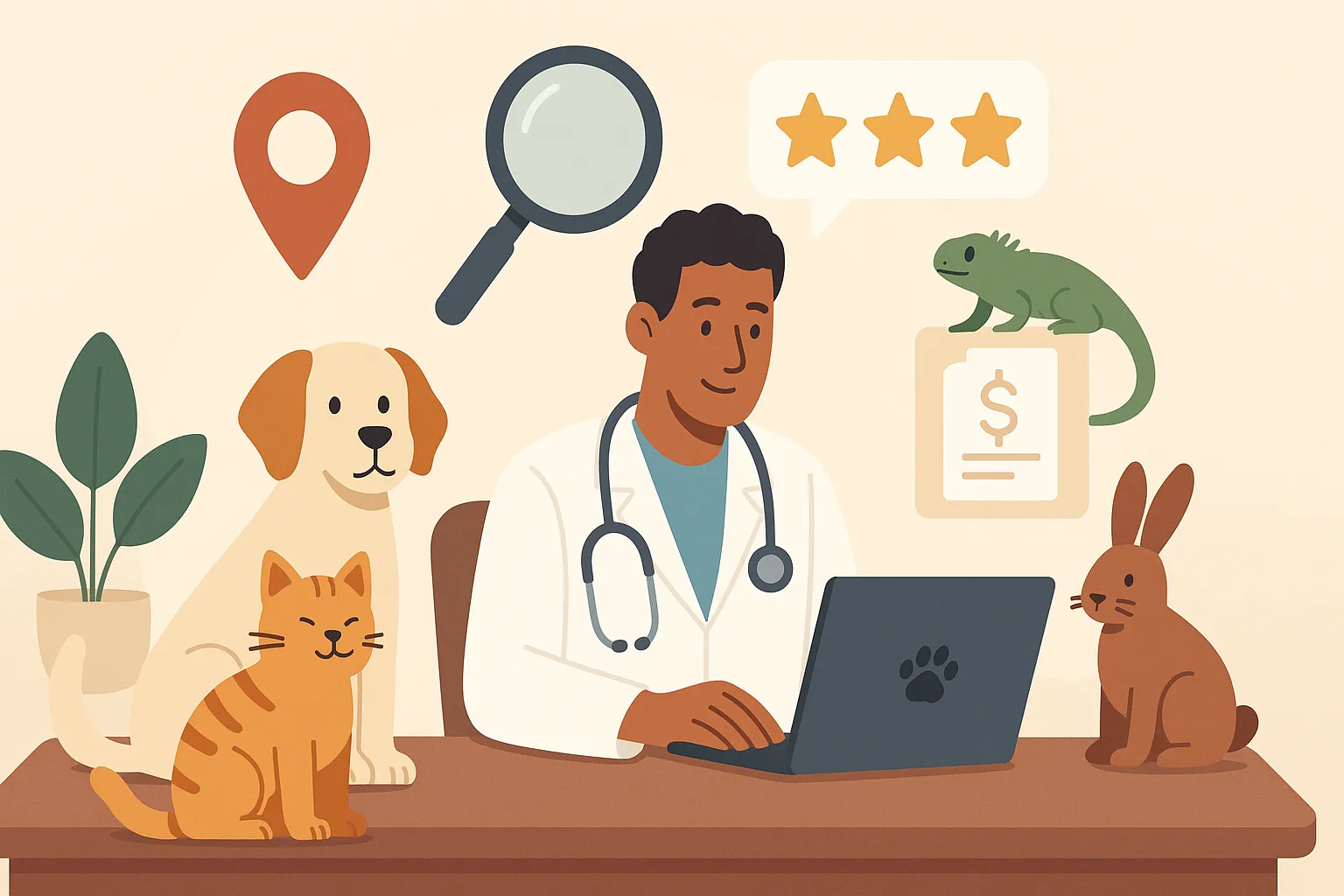
Choosing a new vet from a distance
Choose based on what will change after the move:
- distance and travel time from your new home;
- opening hours and availability;
- how the clinic handles emergencies or which facility it refers you to outside business hours;
- experience with your species, especially if you have an exotic pet or an equine;
- whether it is accepting new patients and can receive your pet’s records before the appointment.
Save the contact details of an emergency clinic within reach of your new home right away, so you’ll know whom to call if you need help.
In PawsPet, open the “Services” tab, choose the “Veterinarian” type, and set the “Search area” filter to your new home address and the “Distance” filter. On the provider’s profile, which you can open from their service, check the location (if listed), opening hours, and reviews. Results depend on which providers are on PawsPet in that area, and the search is for choosing in advance, not for emergencies. You can’t message a clinic through PawsPet before booking (chat becomes available only after an order), and the profile does not show a phone number or email address. For questions before booking, contact the clinic through its own channels.
Your first visit in the new city
Schedule the first visit soon, and in any case before the next booster or checkup is due. Bring your pet’s records, your notes on how they react during visits, current medications, their usual carrier, and any samples only if requested. Ask what schedule of boosters and checkups the vet recommends and whether there are any particular parasite prevention needs in your new area.
During the visit, you can open documents and health records directly from your pet’s profile. If the vet prefers a summary outside the app, use the ⋮ menu on your pet’s profile » “Sharing” to create a read-only link. It opens in any browser, without the app or an account, and shows your pet’s profile details and health summary, but not documents. Anyone with the link can see this information: share it only with people who need it, and deactivate it after the appointment.
To book the visit, if your chosen vet is on PawsPet, open their service, check the available times in the “Availability” tab, and book in the app.
Updating contact details and microchip information
Check that your pet’s ID tag has an up-to-date phone number and replace it if necessary. To update the contact details linked to the microchip, ask the veterinary service of the local ASL in your new area, or your vet, how to do it; procedures may vary from one area to another. If you have pet insurance, report your new address in accordance with your policy terms.
In the app, update your address from the “Profile” tab » “Manage account” » “Edit,” and your pet’s “Location” from the ⋮ menu on their profile » “Edit,” in the “Details” step. These are app details and do not replace updating the contact details linked to the microchip.
Before packing your documents, photograph them or upload them to the app, and write down any questions to ask your new vet.