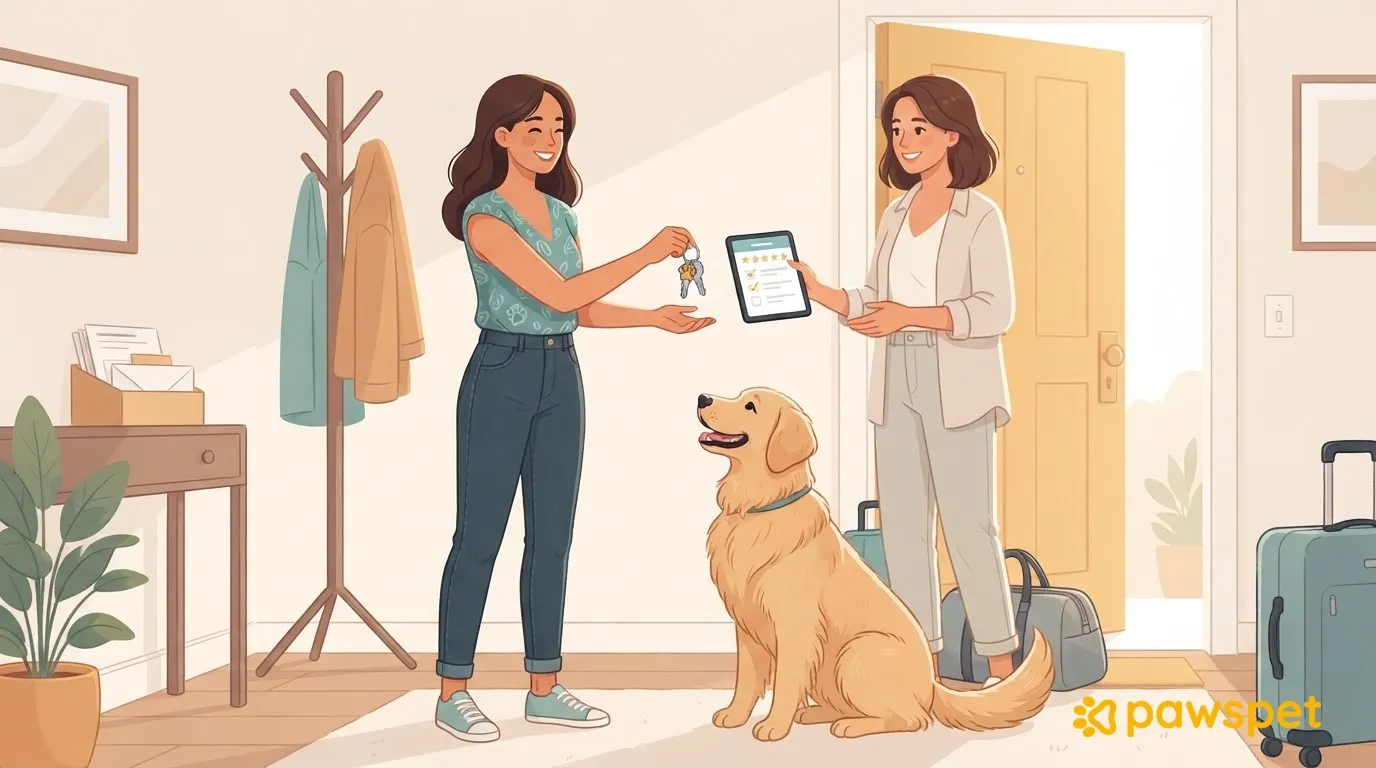
When you return, ask for a report with the care instructions in front of you, then keep an eye on your pet and home over the first few days. Collect the keys and remove any access you granted, wrap up the service with confirmation, payment, and a review, and record any incidents in your pet’s profile.
The end-of-service report: what to ask your pet sitter
Talk in person or by phone on the day you return, even if someone you trust helped you out. Use the care instructions as a guide and ask:
- How did meals and bathroom breaks go, and at what times?
- Was there any vomiting, diarrhea, refused meals, or minor injuries? When?
- Did you notice any changes in behavior?
- Were there any vet visits? Collect invoices and reports.
- Were there any expenses paid upfront? Ask for the receipts.
- Were there any breakdowns or damage in the home?
- How much of each supply is left?
- Were there any tasks you couldn’t complete?
Ask for facts and times, not interpretations: note what happened and when.
Check on your pet and home over the first few days
Over the first few days, compare your pet’s appetite, bathroom habits, energy, and behavior with what’s usual for them. If anything you were told or noticed concerns you, call your vet without waiting: you don’t need to finish your checks first.
At home, check the windows and doors, litter box, supplies, and any items that have been moved. Ask the pet sitter about anything unusual without jumping to conclusions about the cause.
Keys, codes, and access: close everything you opened
Collect all copies of the keys and count them against the number you handed over. Change any alarm or lock codes you shared, and revoke temporary access to home devices, such as cameras.
In the PawsPet owner app, a collaborator invited manually does not expire on its own. From the pet’s profile, open ⋮ » «Collaborators» and tap the remove icon on their row. If they’ll continue helping you, reduce their permissions instead using the toggle icon.
If you enabled the public read-only link, turn it off from ⋮ » «Sharing». If you turn it back on, the code stays the same: anyone with the link will be able to see the information again. Access granted to a professional through an order booked on PawsPet is time-limited, unlike a manual invitation.
Wrap up the service: confirmation, payment, and review
If you booked through PawsPet, open the order in the app from «Profile» » «Completed orders». Tap «Confirm delivery», when available, only after you’ve checked the service. Confirmation completes the order and, for payments handled by PawsPet, transfers the professional’s share of the held amount to them.
Without confirmation, the order is completed automatically 7 days after the professional marks it as delivered. If you chose to pay in person, settle directly with them.
If something doesn’t seem right, discuss it in the order chat before confirming. You can find PawsPet support contacts under «Profile» » «About us».
You have 7 days from completion to use «Leave a review». Give a rating of 1 to 5 stars and write a title of at least 5 characters; a comment is optional, but must be at least 30 characters if you add one. Base your review on verifiable facts: how promptly the sitter sent updates, whether they followed the care instructions, and how they handled unexpected situations.
If you don’t write a review in time, the system adds a positive review. Reviews from both parties remain hidden from each other until both have submitted one.
If the service was arranged outside PawsPet, pay as agreed, ask for a receipt, and settle any upfront expenses by checking them against the receipts.
Record what happened in your pet’s profile
If there was a vet visit, open «Pets» in the PawsPet app, choose your pet, and go to «Health» » «+» » «Medical visit». Fill in the visit type, date, and «Performed by», adding the cost and notes if useful. In the final «Photos» step, attach photos or PDFs of the report and invoice, then save.
If you’re starting with the report, you can use «Health» » «+» » «Analyze report with AI»: upload the file, then review and correct the information found before creating the record. This requires an internet connection, active AI features, and available AI credits; importing helps organize information but does not replace your vet.
For an incident that didn’t involve a vet visit, go to «Health» » «+» and choose «Other»: enter a descriptive name, date, and notes with facts and times, to show your vet if it happens again. Also update the care instructions with what you learned for the next time you’re away. By recording incidents in your PawsPet history, you’ll be able to find the details at your next visit without relying on memory.
Return checklist
- Report compared with the care instructions.
- Pet and home checked; concerns shared with the vet.
- Keys collected, codes changed, and unnecessary access revoked.
- Service checked, confirmation and payment handled.
- Review submitted within the required time.
- Incidents recorded and care instructions updated.