A pre-stay questionnaire gets useful answers when each question corresponds to a practical decision for staff: what to prepare, where to place the guest, and whom to call. That’s why precise questions about schedules, amounts, reactions, and contacts work best, along with just a few required fields, an open-ended section, and a review of critical points at check-in. Answers like “yes,” “no,” and “normal” come from questions that ask for an opinion instead of a fact.
From vague question to instruction: the method
Start with the decision, identify the fact that makes it possible, then write the question: that’s why the table should be read from right to left. This is an example to adapt; each item in the form should be its own field.
| Vague question | Useful question | Decision it supports |
|---|---|---|
| “Does the pet eat well?” | What time does the pet eat, how much (grams or scoop), what to do if the pet refuses a meal, and when to notify you | Meal preparation and the agreed time to notify you |
| “Does the pet get along with other dogs?” | How does the pet react to unfamiliar dogs, both on and off leash; any past incidents; situations to avoid | Placement and management of outings |
| “Is the pet afraid of anything?” | Which specific stimuli (noises, people, objects) upset the pet, and what helps | Managing noise and nighttime |
| “Does the pet take medication?” | Name, schedule, method, how the pet takes it; written instructions from the veterinarian attached | Administration and record-keeping |
| “How would you like to receive updates?” | Frequency, channel, time window | Organizing updates |
| “Who should I call?” | Two reachable contacts, the regular veterinarian, and what you authorize in an emergency | Emergency plan |
| “Is the cat calm?” | Usual litter box and litter, preferred hiding places, whether the cat allows people to touch and pick them up | Setting up the space |
The common thread: ask for observable facts (what the pet does, when, and how much), because “normal” means something to the person answering, not to the person organizing the shift. If an answer doesn’t change anything for staff, remove the question. These questions help organize the stay; admission rules are a separate matter.
Sections, required fields, and open-ended questions
Group questions into sections, in this order:
- Identification and documents required by the facility.
- Food, including food brought from home: how many days the supply will last and what you authorize if it runs out.
- Routine: times for outings, rest, and rituals.
- Health and treatments, with written instructions from the veterinarian.
- Behavior and interactions with other guests.
- Contacts, people authorized to pick up the guest, and emergencies.
- Update preferences and consents, such as permission to publish photos.
Make only the fields you need to work safely required: reachable contacts, emergency authorizations, people authorized to pick up the guest, food, and treatments (including “none”). If there are too many required fields, people who don’t know an answer will guess just to move on.
Where an answer may be unknown, offer “I don’t know” instead of leaving the field blank: a blank doesn’t distinguish forgetfulness from uncertainty, while “I don’t know” already tells you what to clarify at check-in. End with an open-ended question: “Is there anything else we should know?”
Write short sentences, with only one request per question and no jargon: “What time does the pet eat, and how much?” is two questions, so use two fields.
When to send it and how to get complete answers
Send the form when the booking is confirmed, with a deadline before arrival and a reminder: fill in the gaps with a targeted call, not at the desk on arrival day. Make it easy to complete on a phone: short sections and multiple-choice answers wherever possible. At the top, explain what the answers are for: this helps people respond accurately.
For returning guests, use a shorter version that asks only what has changed since the last stay: food, treatments, contacts, and behavior.
If you receive bookings through PawsPet, the order details in PawsPet Business show any “Additional customer note” written when the order was placed: it’s optional, so it doesn’t replace the questionnaire. If the order has a linked conversation, you can message the customer in the “Chat” tab and send them the form link. You can save answers for reuse in the “Customers” tab, including for customers who aren’t registered: in the “Notes” field on the customer profile (private; the customer can’t see it), in the animal’s notes that you add to the profile, or as a “Note” entry. Saving them doesn’t replace reviewing them at check-in. To find them when the guest returns, you can manage customers and orders in the same app, PawsPet Business.
At check-in: review the critical points
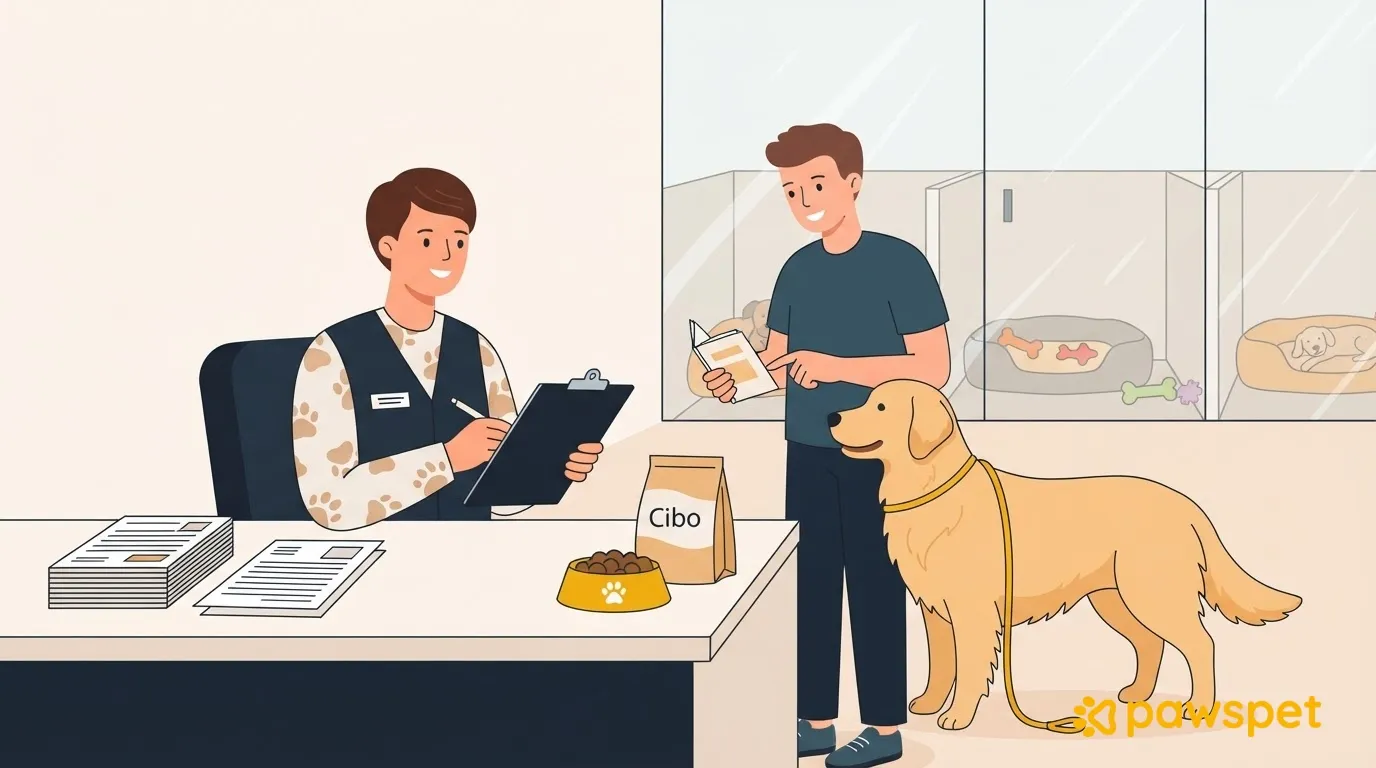
At the desk, with the owner in front of you, spend five minutes reviewing these points, in order:
- Food and food brought from home: schedules, amounts, what to do if the guest refuses a meal, and how many days the supply will last.
- Medication: name, schedule, method, and written instructions from the veterinarian.
- Emergency plan and contacts: reachable numbers, regular veterinarian, and authorizations.
- Behavior notes: reactions, fears, and situations to avoid.
- People authorized to pick up the guest: names and contact details.
Then immediately correct any answers that have changed, mark the date of the last update, and label food and medication with the guest’s name and instructions.
What to avoid
- Unnecessary information: every additional field is another answer to read and another piece of data to protect.
- Promises you can’t keep: a question like “Would you prefer a kennel away from the other dogs?” sounds like a guarantee you may not be able to offer. Ask how the pet reacts and decide where to place them.
- Decisions about emergencies made only once an emergency is underway: collect authorizations in advance, in writing.
- Health interpretations instead of facts: ask what the veterinarian prescribed and what the owner has observed, not what they think might be happening.
- Forms accessible to everyone: limit access to staff who need it, keep only what’s necessary, and check your obligations with your advisor.
Next step
Rewrite the three questions that have generated the most phone calls, test the form with three customers, and revise it before the next busy period. Notice where people stop or answer “normal”: that’s where the question needs rewriting.