Do you wonder whether your dog is moving enough, whether the pace is right, whether the daily walk tires them out or bores them? With PawsPet GPS you can track every outing, see distance, duration, pace, and maps, and analyze the route to adapt your routine. In this practical guide, you’ll discover how to get started, how to read the data, and how to turn it into concrete actions for your dog’s well-being. Whether you’re an owner, a dog sitter, or a dog trainer, you’ll find checklists, tips, and best practices to make the most of the app.
Why track walks with GPS
Measuring doesn’t mean “competing”: it means understanding what works for your dog and what doesn’t. Here are the main benefits of GPS tracking with PawsPet:
- Objectivity: distance, duration, average pace, route map. No more guesswork.
- Variety and stimulation: by reviewing maps, you avoid repetitive loops and introduce novelty safely.
- Controlled progression: gradually increase intensity and length, reducing the risk of overloading.
- Family organization: if multiple people walk the dog, PawsPet lets everyone see what has been done.
- Documentation for professionals: clear reports for clients or colleagues, with evidence of the route taken.
Important note: every dog is unique. If you have concerns about health, weight, breathing, or gait, speak with your veterinarian or a qualified trainer.
How GPS tracking works in PawsPet
The PawsPet app includes a GPS walk feature designed to be simple to use and useful for analysis. Here’s how to get started.
Preparation: settings and permissions
To track the route properly:
- Turn on Location services on your smartphone and allow PawsPet access to your location. Choose “Always” or “While using the app,” depending on your preferences and system settings.
- Enable “Precise location” if available: it improves map accuracy.
- Disable overly aggressive battery-saving settings for PawsPet (on some Android devices) to avoid GPS interruptions when the screen is off.
- Charge your phone before going out; GPS consumes power, especially on long routes.
- Grant notification permissions if you want reminders to start/stop the session or receive prompts.
Practical tips
- Wait a few seconds outdoors before pressing “Start” to get a stable GPS fix.
- In areas with tall buildings or dense woods, accuracy may drop: keep a small margin of error in mind.
Quick start: your first walk
- Open PawsPet and select the dog profile.
- Go to Walks > Start GPS.
- Select the dog (if you manage more than one) and, if you want, add a goal (e.g. 30 minutes).
- Press “Start”. During the walk you can:
- Pause (e.g. for a long chat or a stop).
- Add notes or tags (e.g. “socialization,” “sniffing,” “training”).
- Mark points of interest (e.g. dog park, water fountain).
When you’re done, press “Stop” and save. You’ll find the summary with map, distance, duration, average pace, and other useful information.
What PawsPet records during the walk
- Distance covered: in km or meters.
- Total duration: overall time from start to stop.
- Average pace: minutes per kilometer; useful for understanding intensity and consistency.
- Route map: a clear visual of the path taken.
- Any pauses: to distinguish actual moving time.
- Notes and tags: to qualify the type of activity (sniffing, jogging, leash training).
This data feeds the timeline and charts, so you can analyze your dog’s route and routine over time.
Analyzing the data: from a single walk to the weekly routine
Recording is the first step; interpreting is what makes the difference. Here’s how to read the data in PawsPet to make better decisions.
The summary of a single session
In the walk card you’ll see:
- Map and route: check for any deviations, accuracy, or stopping points.
- Distance and duration: compare them with the goal you set.
- Average pace: if it varies a lot, there may have been lots of exploring/sniffing (great mentally) or some difficulty (e.g. heat).
- Notes/tags: they remind you of the context (traffic, other dogs, weather).
How to use it right away:
- If your dog comes home worked up, look for problematic stretches on the route (noisy streets) and rebalance future walks.
- If you want more cardio, aim for more linear routes and slightly faster pacing.
- If you want to support cognitive well-being, keep the pace low with plenty of sniffing and safe exploration time.
Weekly and monthly trends
In the PawsPet activity section, you can check:
- Total distance and time per week/month.
- Number of outings completed.
- Changes in average pace.
Practical interpretation:
- Gradual increases: +10–15% per week in duration/distance is a cautious rule for many adult dogs.
- Balance active/rest days: alternate more activity-rich days with lighter ones.
- Route variety: switch between city streets, parks, and dirt paths when possible for different stimulation and better muscle conditioning.
Comparing routes and conditions
Use maps and notes to assess:
- Which routes are more “fluid” (more stable pace).
- Where your dog explores more (more pauses and lower pace).
- How they react to different temperatures or times of day (morning vs evening).
Practical tips
- Create 3 “standard routes”: short cooldown (15–20 min), standard (30–45 min), long weekend walk (60+ min). Rotate them through your schedule.
- Tag outings as “training” when you work on leash manners or recall: you’ll be able to track progress over time.
Improving your dog’s activity safely
Health comes first. Here are operational guidelines to adjust activity and intensity.
Best practices for GPS walks
- Gradual progression: increase length and pace carefully, especially if the dog is sedentary, senior, or brachycephalic.
- Surfaces: alternate soft ground (grass, dirt) with asphalt to reduce joint stress.
- Temperature: on hot days, choose cooler times; always bring water.
- “Brain breaks”: sniffing is mentally tiring and rewarding. Don’t focus only on distance.
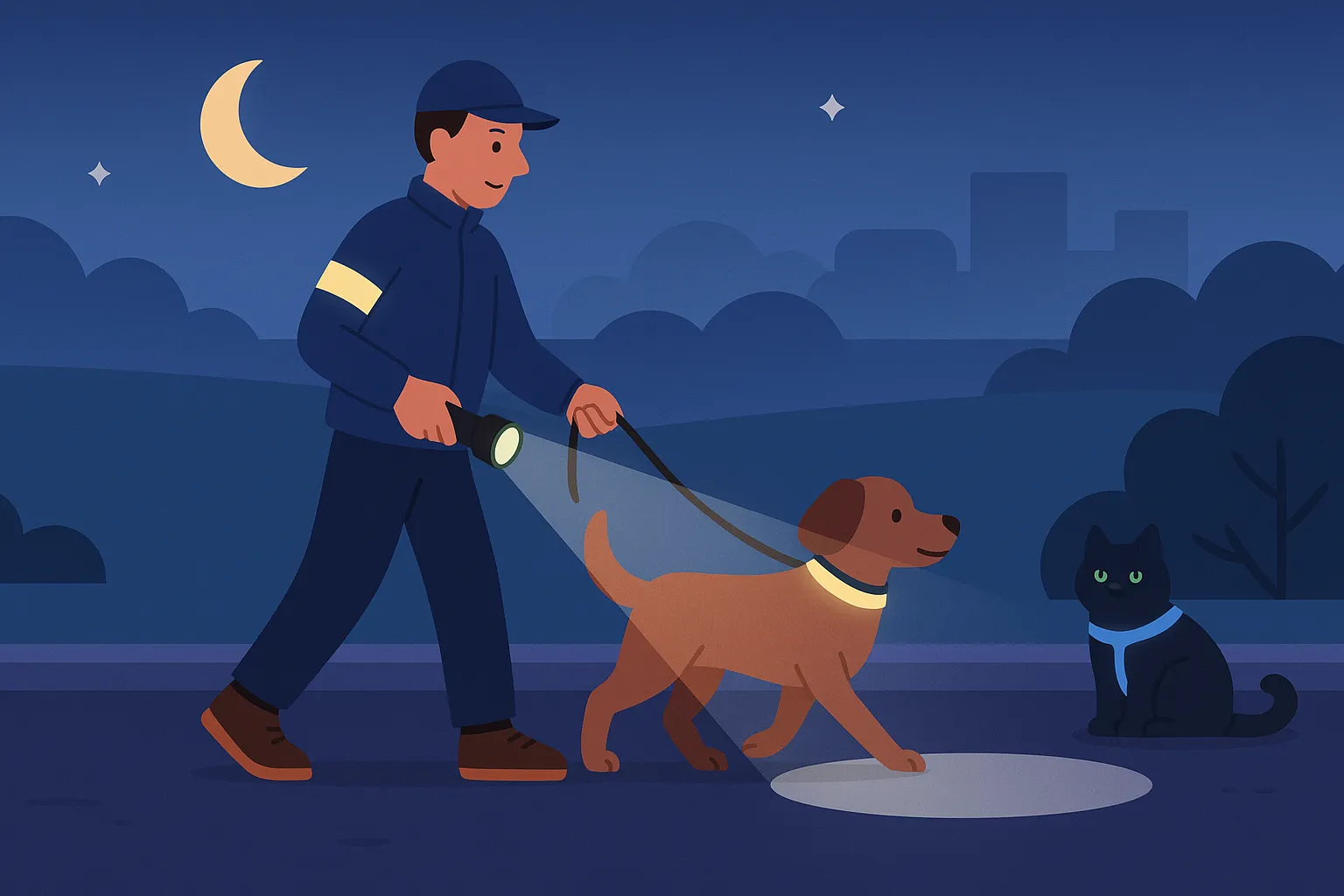
- Gear: comfortable harness, suitable leash, reflective collar/lights in the dark.
- Recovery: plan moderate activity days after long walks.
Warnings
- Puppies and dogs with conditions or suspected limping need personalized plans. Ask your vet for advice.
- Avoid prolonged running on hard surfaces without gradual preparation.
Pre-walk checklist
- Charged phone and PawsPet location enabled.
- Water and collapsible bowl, waste bags.
- Address or emergency contact on the collar.
- Route chosen based on weather (shade/sun) and the dog’s condition.
- Light snack if the outing will be long.
Routine, goals, and reminders with PawsPet
Beyond GPS tracking, PawsPet helps organize your activity routine.
- Goals: set weekly time/distance targets. The app shows progress and suggests when to recover.
- Reminders: schedule typical walk times and get an alert if you’re skipping a walk.
- Profile and health: connect notes about any discomfort (e.g. sensitive paws, coughing) to the activity log so you can spot patterns.
- Seasonality: review the average active minutes month over month to adjust timing as heat or cold arrives.
Practical tips
- Use the tags “sniffing,” “cardio,” “social” to balance mental and physical stimulation week by week.
- If you live in a city, plan a “green outing” on weekends: a longer route with a gentler pace and plenty of exploration.
Practical examples: how to read three typical profiles
-
Curious puppy (5–8 months)
- Focus: guided exploration and short training sessions.
- Ideal data: short but frequent durations; low average pace with many pauses.
- Actions: more new and safe routes, a “active minutes” goal without forcing distance.
-
Energetic but restless adult
- Focus: consistency and decompression.
- Ideal data: steady pace, if possible one long weekend walk, intermediate days with lots of sniffing.
- Actions: alternate linear routes for physical release with scent-rich paths; use tags to monitor outing quality.
-
Fit senior
- Focus: maintenance and joint comfort.
- Ideal data: consistent durations, soft surfaces, moderate pace.
- Actions: plan cool times, more stops, and flat routes. If you notice sharp drops in pace, reduce intensity and consult your vet.
PawsPet for professionals: clear reports and perceived value
If you’re a dog sitter, dog walker, or trainer:
- Track every outing: show clients the map, distance, duration, and relevant notes (e.g. encounters, training).
- Consistency: use personalized goals for each dog and share weekly progress.
- Communication: send the summary or a screenshot after each walk; clients appreciate transparency and care.
- Collaboration: link your gait observations to the health section of the profile so the owner can keep track of them.
Practical tips
- Agree in advance with the client on the sniffing/cardio mix.
- Standard tags: create a shared legend (e.g. “social,” “training,” “decompression”) so everyone reads the data the same way.
Handling unexpected issues and GPS limitations
GPS is powerful, but not perfect. Here’s how to minimize errors and frustration.
- Accuracy: in narrow streets, urban canyons, or woods, the track may “bounce around.” Use route logic and notes to interpret duration and pace correctly.
- Pause/no pause: if you stop for a long time, pause the session to avoid flattening the average pace.
- Battery: disable unnecessary background apps during the outing; if you’re walking for a long time, bring a small power bank.
- Offline: in areas with little or no signal, GPS still works. Maps will load as soon as you’re back online.
Privacy, safety, and responsible sharing
Tracking walks is useful, but privacy comes first.
- Share selectively: send summaries only to people you trust. Avoid routinely posting routes that include your home.
- Blur addresses: when showing maps, crop or obscure the starting/ending segment if needed.
- Smartphone settings: periodically review location permissions and notifications.
- Collaborate with the community: report critical points (traffic, crowded areas) in the notes; they’ll be useful for future route choices.
Integrating GPS with other PawsPet features
The strength of PawsPet lies in the full picture of your dog’s well-being.
- Health diary: note small signs (limping, unusual tiredness) when you see them on walks; if they repeat, bring the data to your vet.
- Routine reminders: hydration, paw grooming after dirt or cobblestones, antiparasitic treatments during risk periods.
- Marketplace: explore pet-friendly services in the areas you walk most often (dog parks, grooming salons, shops), so you can optimize routes and add useful stops.
Common mistakes to avoid
- “If it’s not long, it doesn’t count”: false. A short walk rich in sniffing can be more rewarding than an hour of monotonous marching.
- Increasing too fast: risk of fatigue and refusal. Follow gradual increases.
- Ignoring the weather: heat and humidity change pace and safety. Move the walk earlier or postpone it if needed.
- Not reviewing the data: weekly charts help you improve. It only takes 2 minutes after getting home.
Use case: building a typical week with PawsPet
- Monday: 30 min gentle pace, new park, tag “sniffing”.
- Tuesday: 40 min linear route, steady average pace, 10 min leash training.
- Wednesday: 20 min cooldown, soft surfaces.
- Thursday: 35 min mixed route, 15 min social time in a quiet dog area.
- Friday: 30 min standard walk, add 3 short attention exercises.
- Saturday: 60–70 min in nature, lots of exploration.
- Sunday: 25 min relaxed, focus on recovery.
With PawsPet GPS you’ll see the distance, duration, and pace for each day, plus the weekly total. If you go over your target, plan more “easy days” for the following week.
Conclusion: data that improves everyday life
Tracking and analyzing walks with PawsPet’s dog GPS app helps you provide tailored activity, more safety, and more peace of mind. In just a few taps, you get a map, distance, pace, and a truly useful history, without the hassle.
Try the PawsPet app and turn outings into a mindful, rewarding routine for you and your dog. If you work in the pet sector, log your activity on PawsPet to give clients transparency and added value with every walk.
FAQ
Q: How accurate is PawsPet’s GPS track?
A: Accuracy depends on the device and environment. In open areas it is generally very good; among tall buildings or in dense woods, the track may vary. To improve it: enable “precise location,” wait a few seconds outdoors before starting, and limit background apps during the outing.
Q: Does tracking use a lot of battery?
A: GPS does affect battery use, especially on long walks. Keep your phone charged, lower screen brightness, close unnecessary apps, and on Android exclude PawsPet from overly aggressive battery optimization that could interrupt tracking.
Q: Can I track a walk without a data connection?
A: Yes. GPS works offline too; if the map doesn’t load right away, it will appear once you’re back online. The session is saved and synced as soon as you have network access.
Q: How can I tell if my dog is getting the right amount of activity?
A: Use weekly trends (time and distance) and observe behavior and recovery. If you notice fatigue, drops in pace, or signs of discomfort, reduce intensity and speak with your vet for personalized advice.